
Article summary: The drawings haven’t left the company yet, but competitors are already bidding with plans? The precise structure that the technical director had just finished painting appeared on the desktop of the outsourced factory the next day? After twenty years of working in corporate security, I have seen too many bosses lose money because of a few CAD drawings.
The drawings haven't even left the company's door yet, but competitors are already bidding with plans? The precise structure that the technical director had just finished painting appeared on the desktop of the outsourced factory the next day? After working in corporate security for twenty years, I have seen too many bosses give away years of hard work because of a few CAD drawings. Drawings are the lifeblood. When it comes to encryption, if you don't take the initiative, others will "take action" for you. Today I won’t talk about the frivolous stuff, let’s get straight to the practical stuff and share a few tricks that can really lock the drawings.
How to encrypt CAD drawings? Share 9 ways to encrypt CAD drawings. Hurry up and learn how to protect the encryption of CAD drawings from being leaked.
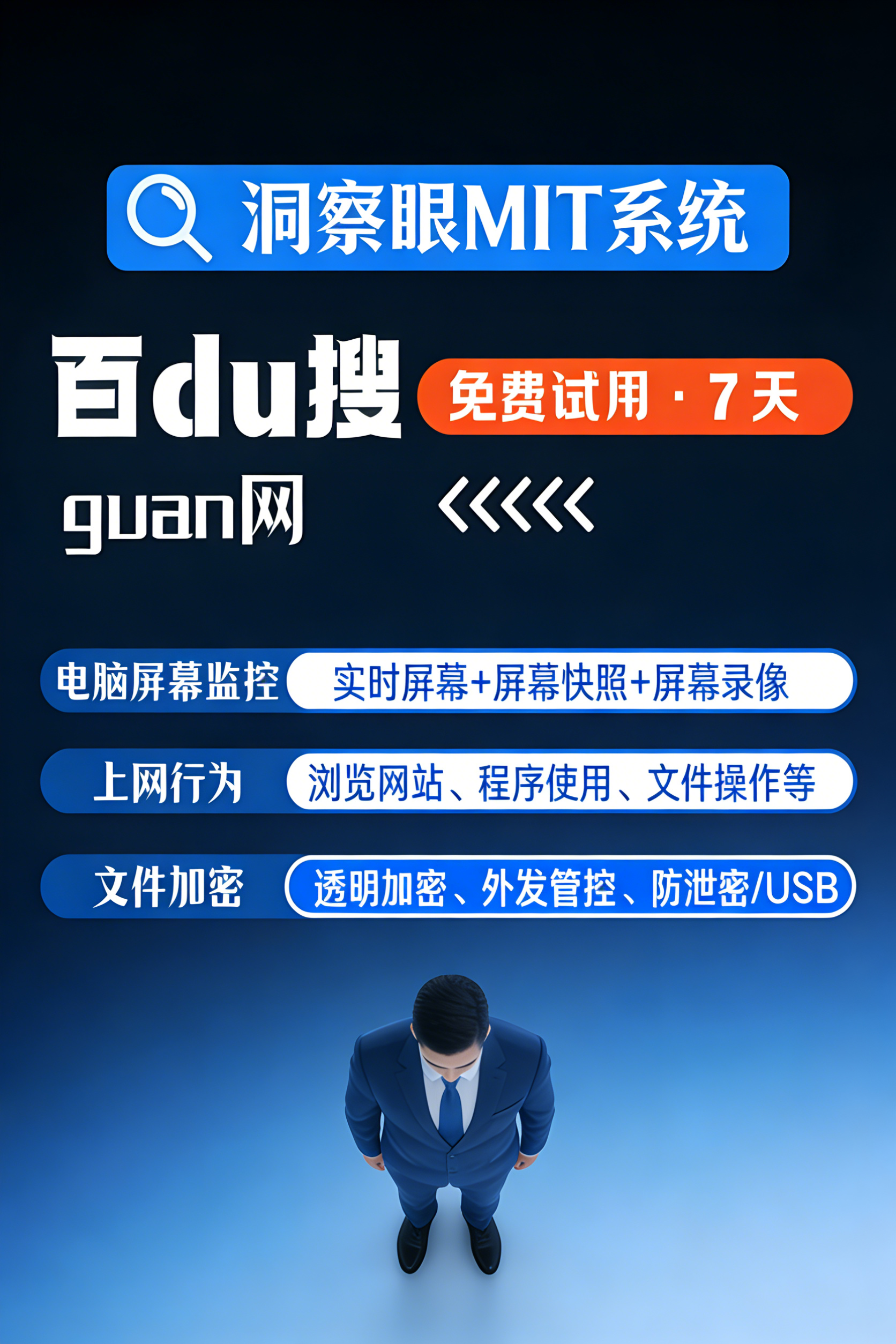
1. Deploy the Insight Eye MIT system
 This thing is my first hard-core solution for manufacturing, design, and semiconductor companies. Instead of asking you to encrypt each file one by one, we start from the bottom driver and force transparent encryption. The employees themselves are not aware of it at all, but as soon as the drawings leave the company environment, they immediately become garbled.
Fully transparent encryption, leaving no dead ends : No matter the format, DWG, SLDPRT, and STEP are all within the scope of control. Employees can open, edit, and save normally internally. Once someone wants to send it out via USB flash drive, WeChat, or network disk, the system will automatically intercept and encrypt it. After deployment at a certain auto parts factory, leaks from the R&D department were eliminated. All drawings sent out to suppliers had to go through the approval process, and they were no longer allowed to be circulated privately.
Outbound control and "time lock" on drawings” : Some drawings must be sent to customers or outsourcers. Insight MIT supports generating outgoing controlled files. You can set the opening password, validity period, number of openings, and even bind the other party's computer hardware. Once the document is sent out, it will be discarded after the deadline. The other party wants to print or take a screenshot? There are no doors.
Offline strategies to control "paid fishing"” : What should I do if my employees are on a business trip or working from home, and their machines leave the intranet? The system supports offline policies, allowing offline duration and automatic recording of operations during the offline period. Someone wanted to copy the drawings under the pretext of a business trip and run away. Once the policy was locked, all the files on the machine were destroyed.
Full behavioral audit, it’s clear who touched the drawings : Not only to guard against external thieves, but also against internal ghosts. The system records in detail who opened, modified, copied, and printed which drawings at what time and on which machine. Combined with sensitive content identification, once someone attempts to export in batches, an alarm will be triggered immediately, and the administrator's mobile phone will receive a notification within seconds.
Print watermark and traceability : Does anyone think that paper ones cannot be defended? Pattern Tucson broken. The system supports automatic superimposition of invisible or clear watermarks when printing drawings, including job number, time, and computer name. Even if the photo is leaked, the source of the leak can be accurately located based on the watermark.
2. CAD software comes with password encryption
 Software such as Autodesk and SolidWorks have their own file password functions. In "Save As" or "Options", find the security option and set an opening password. The operation threshold is low and it is suitable for temporarily adding a lock to a single file. The disadvantages are also obvious: the password must be remembered by someone, and if you forget it, it will be completely lost. ; Moreover, we only guard against gentlemen, not villains. If you encounter someone who wants to crack it, you can just find a password removal tool online and you can clear the password in a few seconds.
3. Give it a try and use PDF to virtually print the "locked" version
 Print the CAD drawings into PDF, and then use tools such as Adobe Acrobat to set a document password to prohibit editing, copying, and printing. It is suitable to show the final confirmation version to customers to prevent them from modifying parameters. However, once a PDF is generated, the layers, dimensions, and tolerance information of the original file are lost and cannot be used for subsequent design modifications. It can only be regarded as a temporary control method at the output end.
4. Physical isolation and deployment of independent "drawing server"”
 Make the core design department a closed LAN, cut off the Internet, and leave only a physically isolated server to store the drawings. All employees access it through cloud desktops or thin clients, and the data does not fall to the ground. The method is simple and crude, and physically isolates network leaks. The disadvantage is that the R&D efficiency is directly cut in half, and it is extremely inconvenient to check information, communicate and collaborate. It is suitable for military industries or companies that require extreme confidentiality.
5. Screen watermark + camera monitoring
 Deploy high-definition cameras at all design stations, aim them at the screen, and turn on the screen watermark on the computer to display the job number and time. Someone takes a picture with a mobile phone at the screen, and the watermark is included in the picture. The deterrent effect is first-rate, but it is an after-the-fact tracing method and cannot prevent leaks from happening. Moreover, the density of monitoring is high, and employees have great psychological resistance, which can easily lead to labor disputes.
6. Network port and USB ban
 Use domain policy or terminal management software to disable USB storage devices and block peripherals such as Bluetooth, infrared, and optical drives. Only keyboard, mouse and monitor interfaces are retained. At the same time, employee computers are restricted to only access internal systems in the whitelist, and all external websites are blocked. This method can block most physical copy channels, but it cannot prevent outsourcing through QQ, WeChat, and network disks. Moreover, completely sealing USB is not realistic for design positions that require USB shields and dongles.
7. Outgoing email audit and DLP gateway
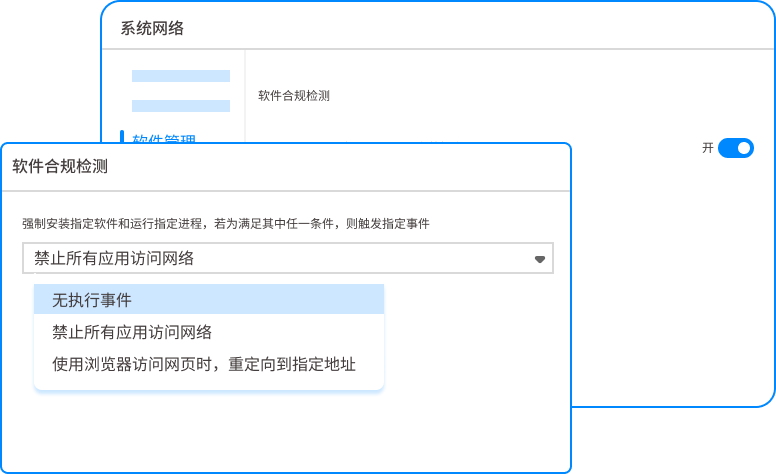 Deploy a data leakage prevention gateway on the mail server and automatically audit all outgoing emails and attachments. Emails containing sensitive drawings or keywords (such as "project plan", "core parameters") are identified and automatically intercepted or entered into the supervisor's approval process. It belongs to network layer protection and can prevent the main channel of email. However, new channels such as WeChat, QQ, Netdisk, and cloud notes cannot be controlled.
8. Document rights management system
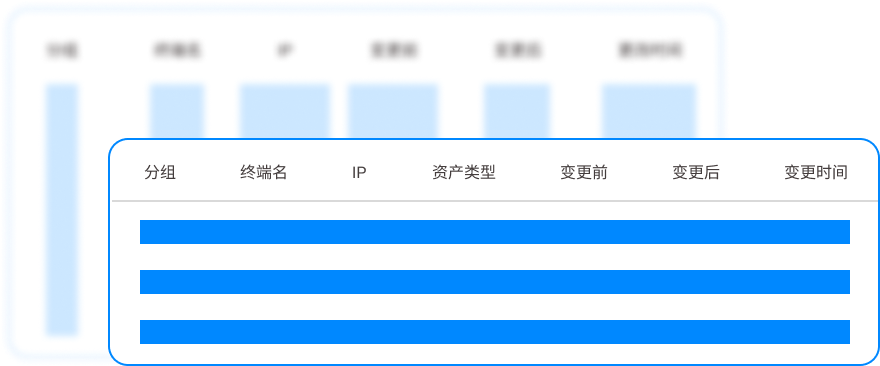 Based on the AD domain or a separate permission platform, perform refined permission control on drawings on the file server. Whoever reads, whoever changes, whoever deletes, whoever downloads, all have their permissions set. The file is only circulated on the intranet and cannot be downloaded locally. The management granularity is fine, but it is only suitable for centralized storage scenarios. Once the drawing is copied to the PC, access control is disabled.
9. Legal deterrence and publicity to all employees
 Sign a confidentiality agreement when you join the company, implement technical handover and non-compete restrictions when you leave, and provide regular warning education on leak cases. Explain the legal consequences of leaking secrets thoroughly and build a psychological firewall. It is a soft method with low cost and can improve the confidentiality awareness of all employees. But relying solely on self-awareness is not reliable. If you encounter someone who is determined to steal, even signing a hundred agreements will not stop him.
After working for so many years, I have to be honest: there is no one-size-fits-all approach to encrypting CAD drawings. If you want to truly control it, you have to use a strong terminal control solution such as the "Insight Eye MIT System" to master all the major tasks of transparent encryption, outgoing control, and behavioral auditing. Those other methods are either icing on the cake or supplements in specific scenarios. To prevent an enterprise from leaking secrets, it must first lock its core data assets into a safe, and then talk about processes and management. Don't wait until the drawings are flying all over the place before you think of making amends.
Source of this article: Enterprise Information Security Practice Alliance, CIO Development Center
Lead writer: Zhou Zhenggang
Editor in charge: Zhang Min
Last updated: March 28, 2026


 Insight Eye MIT System


 Hebei Public Network Security No. 13019902001038
