
Article summary: Dear bosses and technical directors, let’s talk about something heartbreaking today. Are the core codes and design drawings that your team has worked on day and night with you just like the banknotes spread out on your desk? Employees can give them to you with a USB flash drive or an email? these few years
Dear bosses and technical directors, let’s talk about something heartbreaking today. Are the core codes and design drawings that your team has worked on day and night with you just like the banknotes spread out on your desk? Employees can give them to you with a USB flash drive or an email? In the past few years, I have seen too many companies where competitors’ products suddenly come online with exactly the same functions as my own. After checking, I found out that they were all “good things” done by former employees. If the drawings are not encrypted, it is like hanging the key to the safe on the door. Today, I, an old fellow, will give you a list of 10 truly effective methods for encrypting drawings on the market. Don’t believe those fancy gimmicks, let’s just talk about the practical stuff.
Top secret! How to encrypt drawings? 10 hard-core tricks to prevent core code from being leaked
1. Deploy the Insight Eye MIT system
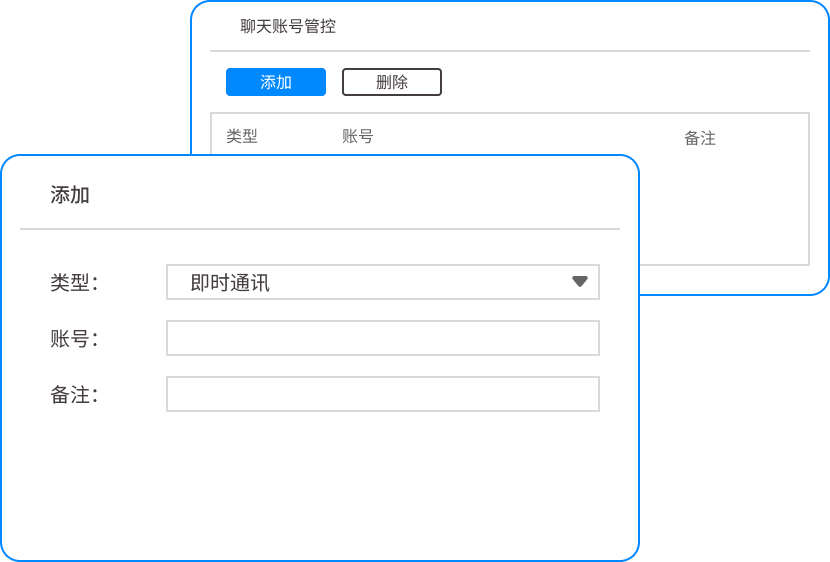
After twenty years in this industry, if there is any way to help the boss sleep at night, it is this system. It is not a simple encryption software, but a combination of "behavior control + transparent encryption" that targets the pain points of corporate management. Common encryption software on the market will either affect the running speed or be shut down as soon as employees complain. This system is different. It adopts a "no-sensory approach". Employees cannot sense the encryption process at all, but the data cannot be taken away.
Core Transparent Encryption: This is the foundation. All confidential drawings and source codes are automatically encrypted at the bottom layer at the moment they are created and saved. Employees can use their computers normally and open files without any impact. ; Once the file is copied to a USB flash drive, sent out via WeChat, or copied to other computers, it immediately becomes garbled and cannot be opened even by gods. The effect is that the drawings can only be circulated on the company's intranet, completely preventing "physical copies" from leaking secrets.
Audit and control of outgoing documents: There are always some drawings that need to be sent to customers and suppliers. This system allows you to set up "outbound approvals". If employees want to send files externally, they must go through the approval process. Administrators can set "open password", "validity period", "printing prohibited" or even "screenshot prohibited" for outgoing files. The implementation effect is: you can still control when the drawings are sent out and who is looking at them, completely eliminating the risk of "the partner turning around and selling the drawings to others."
Screen watermark and leak tracing: Many bosses ask, what should I do if people take photos with their mobile phones without taking away the drawings? The screen watermark function of the Insight Eye MIT system will display a translucent watermark with job number, IP address, and time on the employee's computer desktop. Don’t underestimate this. Once someone takes a photo with a mobile phone on the screen and the photo is leaked, you can locate who took it and when it was taken at a glance through the watermark. The landing effect is: a sword of Damocles hangs over the head of the person who wants to leak the secret, which is extremely intimidating.
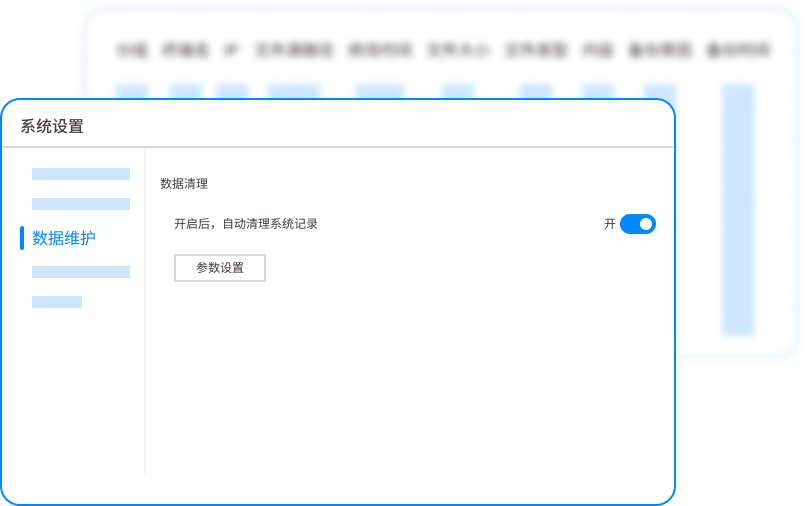
U disk and peripheral device management and control: This is the original leak channel. The system can force all U disks in the company to become "internal encrypted disks". Unauthorized U disks inserted into the computer will either not be recognized or can only be read but not written. The effect is to completely block all paths for copying data through USB flash drives, mobile hard drives, Bluetooth, and even mobile phone charging cables.
Operational behavior audit: Do you think encryption alone is enough? Employees frequently access core servers, export codes in batches, and rename files in an attempt to get away with it. These signs of "premeditated leaks" will be recorded by the system in real time and trigger alarms. Management can clearly see who is still copying the core database at three in the morning. The practical effect is: it not only prevents leaks, but also uncovers signs of potential "internal ghosts" inside.
2. Physical isolation and network blocking

An old method used by many military industries and manufacturing plants. They sealed all the USB ports of the confidential computer with glue, unplugged the network cable, and even locked the host computer in a metal cabinet, leaving only the monitor outside. This method is simple, crude and low cost. But the shortcomings are also obvious. Office efficiency is extremely low, employees have a hard time accessing the intranet, and they cannot prevent themselves from taking pictures with their mobile phones. It is suitable for extreme confidentiality scenarios in a few core positions.
3. Bury “digital watermarks” and “hidden stakes” in the drawings”
Use professional drawing management software to embed invisible digital watermarks in DWG and PDF files. Once the drawing is leaked to the Internet, you can find out who downloaded the watermark through the backend, and even which printer it was printed from. There is also a wild trick, which is to deliberately bury a few design errors that are difficult to detect with the naked eye in the drawings. Once these errors are found in the drawings obtained by competitors, they can reversely locate the source of leaks. This method is suitable for tracing the source of leaks, but it cannot actively prevent leaks.
4. Force the use of enterprise cloud desktop

All employees are not assigned a local host, only a thin client. All code writing and drawing design are completed on the cloud server. The local terminal is only used as a display and input device. U disks and network disks are not accessible. The data has not been released at all, and there is no way to leak the secrets. This method has the highest security level, but requires extremely high network bandwidth and high server investment costs. Generally, small and medium-sized enterprises cannot afford this expense.
5. Hierarchical management of document permissions

Use Windows domain control or a professional document system to set strict access permissions for each folder and file. For example, ordinary developers can only view the code and cannot download it. ; The core architect has the right to download but not the right to publish ; Only the boss has the final right to decrypt. Strictly follow the "principle of least privilege" so that 90% of employees have no access to core drawings. This method focuses on the management process, but it cannot be prevented when employees with legal authority deliberately leak secrets.
6. Software black and white list strategy
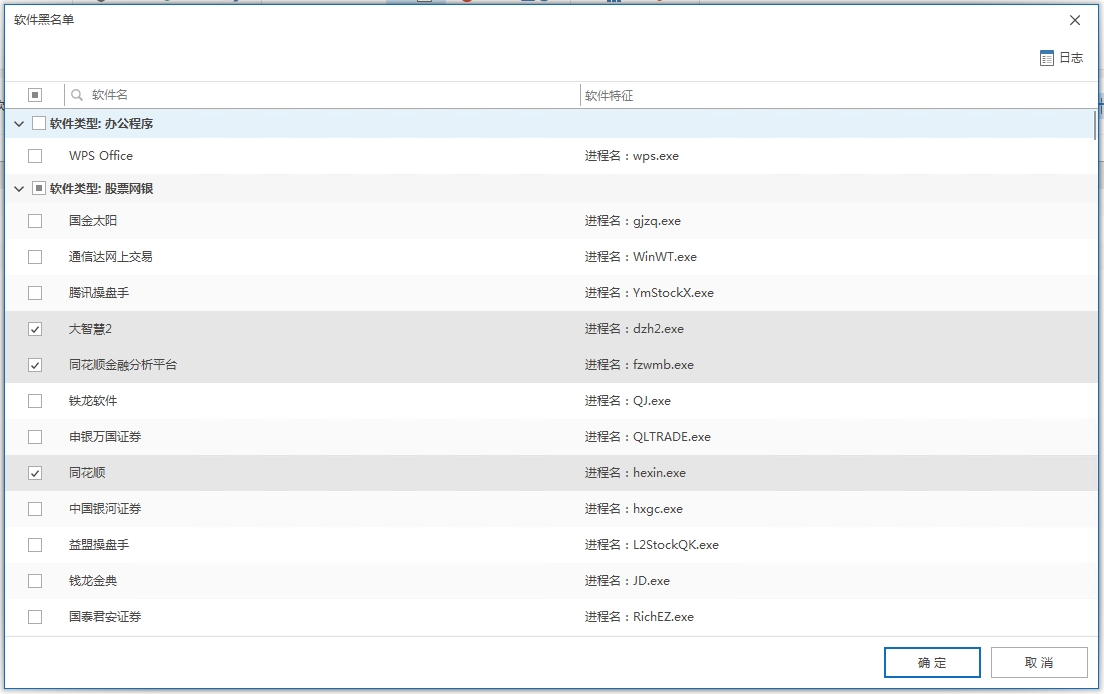
On employee computers, it is prohibited to install WeChat, QQ, and Netdisk clients through group policy or third-party tools. Only DingTalk or Enterprise WeChat is allowed to be used, and all file sending records are left. Seal all "pipes" that may transmit data out. This method can block most "grabbing" leaks, but when it comes to technically savvy programmers, they will use code to upload to GitHub, or use proxy software to bypass the blockade, which needs to be used in conjunction with other means.
7. One-way synchronization of core data

Build a core file server and set it to "only in but no out". Employees can call drawing work from the server, but any modified or newly created files can only be saved locally and cannot be transferred back to the server or sent out. This method is often used to protect the core knowledge base from contamination and leakage, but it is relatively rigid and not suitable for R&D teams that require frequent collaborative updates.
8. Resignation handover audit and non-compete agreement
All computers of resigned employees must undergo a complete hard disk image and file audit by the IT department. If illegal copying is discovered, a non-compete agreement will be initiated directly to pursue liability. This method is a kind of "settling accounts after the fall", which allows employees to weigh the risks before resigning, and has great deterrence. But the disadvantage is that the cost of pursuing liability afterwards is high, and if the data has flowed to the opponent, the loss has already been caused.
9. In-depth inspection of network egress data packets

Deploy hardware firewalls or behavior management devices at the company's network egress to perform content identification on all outgoing data packets. For example, if it is detected that someone uploads a large file via HTTP, or if the email attachment contains sensitive words such as "source code" or "design plan", the system will directly block the connection and alarm. This method is to guard the last door for data outflow, but for encrypted compressed packages or HTTPS encrypted traffic, the identification ability will be greatly reduced.
10. Confidentiality training and reporting mechanism for all employees
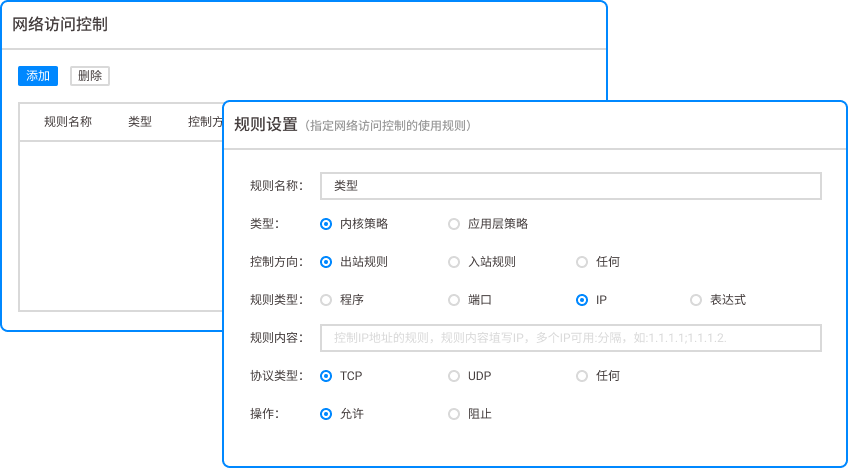
Don't underestimate this "soft method". We conduct regular reviews of leak cases, allowing employees to see with their own eyes the video of court trials in which former colleagues were sentenced for copying drawings. Establish a high internal reporting reward mechanism, so that people who want to leak secrets are always in a tense state of "the colleagues around them may be supervisors." This is the lowest cost and widest coverage method, but it cannot be used as the only line of defense. It must be combined with technical means to be effective.
Source of this article: Enterprise Information Security Alliance, China Data Leakage Prevention Technology Seminar
Lead writer: Chen Guodong
Editor in charge: Liu Min
Last updated: March 25, 2026


 Insight Eye MIT System


 Hebei Public Network Security No. 13019902001038
