
Article summary: Our daily use of U disks is like carrying a small bag full of treasures, including work information and personal photos. But if this USB flash drive is lost, or is obtained by someone with evil intentions, the data inside will be exposed as if it were naked. Thinking about it is disturbing.
When we use U disks every day, it is like carrying a small bag full of treasures, including work information and personal photos. But if this USB flash drive is lost, or is obtained by someone with evil intentions, the data inside will be exposed as if it were naked, which makes people panic just thinking about it!
The consequences of a data leak are too serious and may cause us big trouble. Therefore, encrypting a USB flash drive is like adding a solid protective cover to your baby, it is essential!
Today I will share with you 7 common U disk encryption software. Each of them has its own capabilities and can protect your U disk security in an all-round way. Come and take a look!

1. Insightful MIT system: the “patron saint of enterprise data””
U disk encryption: Using high-strength encryption algorithms such as AES-256, it is like putting a layer of indestructible "armor" on the U disk data, which can effectively resist attacks such as brute force cracking and ensure the confidentiality of data during transmission and storage.
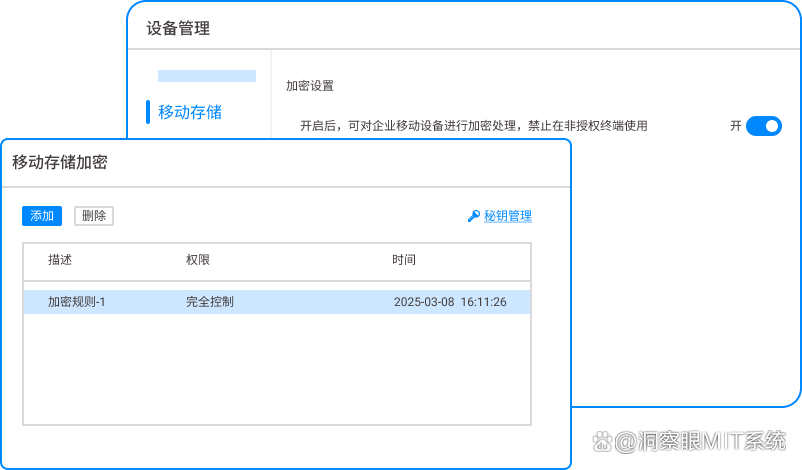
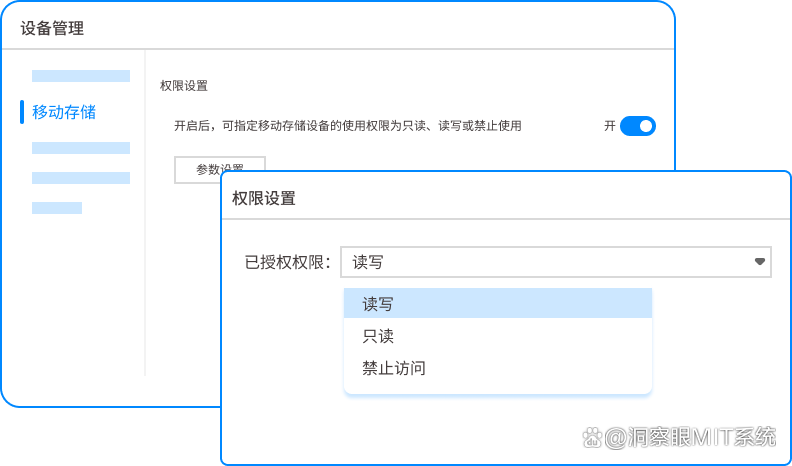
Permission management: Enterprises can accurately set the access permissions of USB flash drives according to employees’ positions and responsibilities. For example, for the USB flash drive of the financial department, only the financial director and relevant authorized personnel can modify and delete files, and ordinary employees can only read specific non-sensitive files.
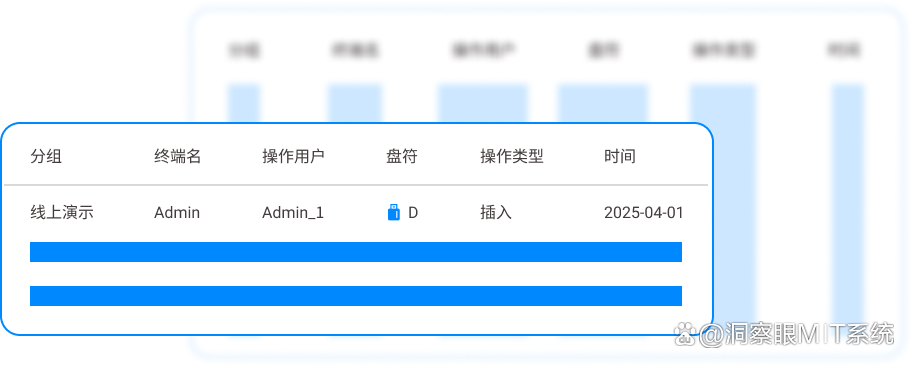
Audit trail: It can record every operation of the USB flash drive in detail, including who accessed which files when, providing a strong traceability basis for the company's data security management, greatly reducing the risk of internal data leakage, and is especially suitable for companies with extremely high data security requirements to protect the company's core data.
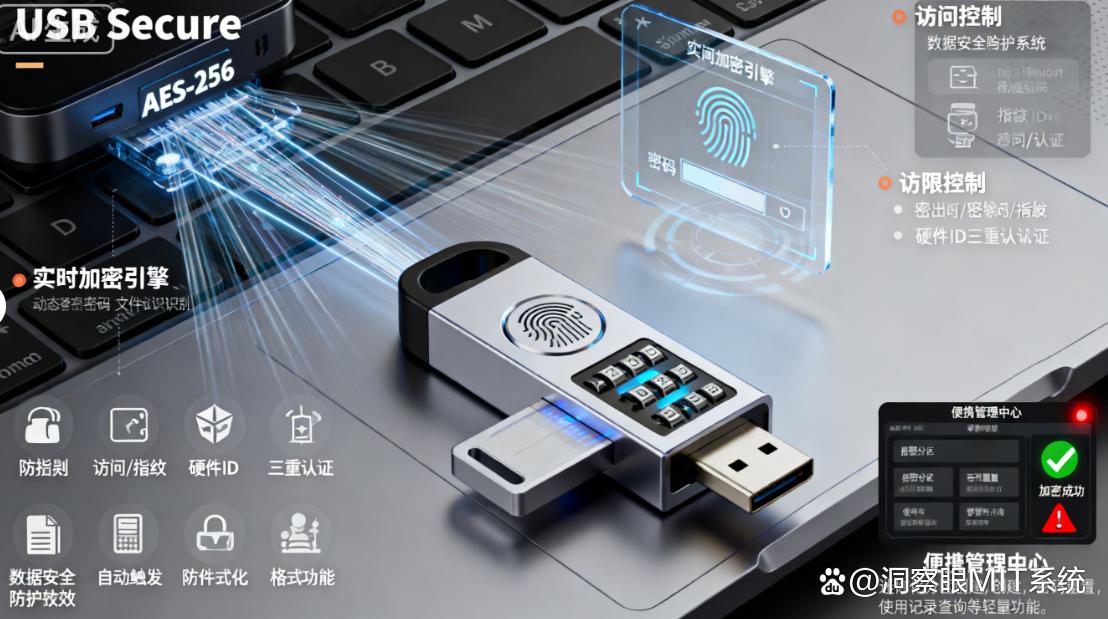
2.USB Secure: Portable encryption “little guard””
This is a software that focuses on encryption of portable devices and is very easy to operate. It uses advanced encryption technology to quickly encrypt the entire USB flash drive.
During the encryption process, it will obfuscate all the data in the USB flash drive, making it impossible to read the contents without the correct password even if the USB flash drive is connected to other devices.
When the encrypted USB flash drive is used on other computers, there is no need to install software. You only need to enter the correct password to access the files inside, just like carrying a "security key" with you.
Its advantage is that it has strong compatibility and supports multiple operating systems. Whether it is Windows, Mac or Linux system, it can easily implement encryption and decryption operations.
Moreover, its encryption process is stable and reliable, and there will be no data corruption caused by encryption failure. In addition, it also provides a password strength detection function, which can prompt you to set a more secure password to further ensure the security of U disk data, allowing you to use the encrypted U disk with peace of mind anytime and anywhere.
3.Cryptainer LE: Free encryption “good helper””
This is a free encryption software. It is an excellent choice for users with limited budget but who need to ensure the security of USB flash drive data. It can create a virtual encrypted disk in a USB flash drive. This virtual disk is like an independent "safe space" isolated from the outside world.
You can store files that need to be kept confidential in this virtual disk, and it will use powerful encryption algorithms, such as Blowfish, to encrypt the data in the virtual disk. Its operation interface is simple and easy to understand, so even computer novices can get started quickly.
When you create a virtual disk, you can customize the disk's size and encryption method. Moreover, it will not have a significant impact on the performance of the USB flash drive, and the read and write speed of the encrypted USB flash drive remains good.
At the same time, it also supports backup and recovery operations for virtual disks. If the virtual disk is damaged, you can quickly restore data through backup files, allowing you to enjoy free encryption services without sacrificing user experience.
4. Rohos Mini Drive: Virtual Partition “Magician””
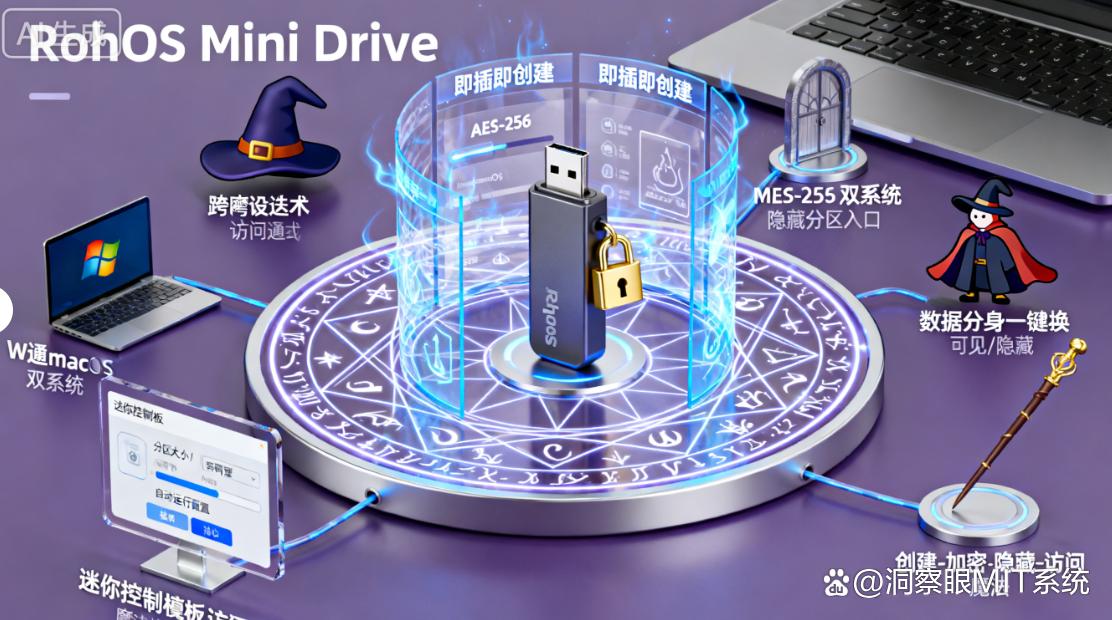
It is like a "magician" of virtual partitions, it can create a hidden encrypted partition on the USB flash drive. This encrypted partition is like a mysterious "hidden compartment" that can only be opened by entering the correct password. During the creation process, it will use the remaining space of the USB flash drive to divide the encrypted partition, and use advanced encryption technology to protect the data in the partition.
You can store important files and private data in this encrypted partition, while the ordinary partition can store some public files. Its advantage is that it is highly concealed. Even if the USB flash drive is obtained by others, it will be difficult to find the hidden encrypted partition without the password.
Moreover, its setup process is relatively simple, and you can adjust the size of the encrypted partition according to your needs. In addition, it also supports password protection policy settings for encrypted partitions. For example, you can set a limit on the number of password attempts. When the limit is exceeded, the USB flash drive will be locked, further enhancing data security.
5.AxCrypt: File-level encryption "precision hand"”
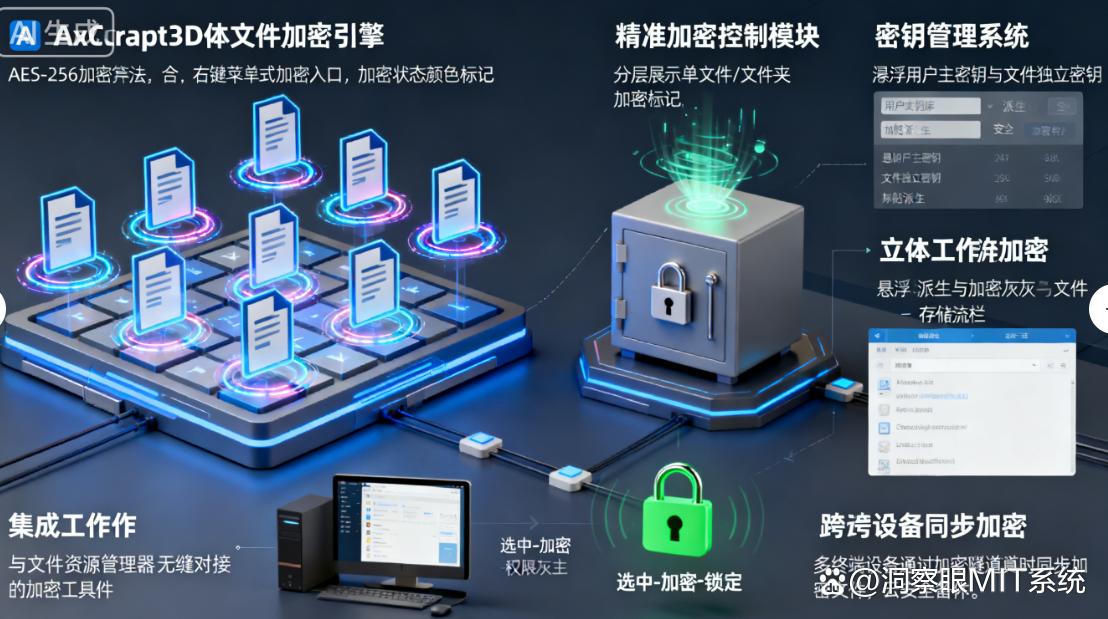
This software focuses on file-level encryption, like a precise "scalpel" that can encrypt individual files or folders in a USB flash drive. This is especially suitable if you have many different types of files in your USB flash drive, some of which need to be kept strictly confidential, while others can be shared publicly. The encrypted file extension will change and can only be viewed and used normally after being decrypted using the software.
Its operation interface is simple and clear, and the encryption and decryption speed is also very fast. It supports encryption of multiple file formats, whether it is documents, pictures or videos, you can easily achieve encryption protection. During the encryption process, it will use encryption algorithms such as AES to encrypt files.
Moreover, it also provides a file sharing encryption function. When you need to share encrypted files with others, you can set a temporary decryption password. The other party can use this password to decrypt the file, but cannot obtain the original encryption key. This not only facilitates file sharing, but also ensures data security.
6.SafeHouse Explorer: Disk Encryption “Expert””
This is a professional disk encryption software, suitable for comprehensive and in-depth encryption protection of USB flash drives. It can encrypt the entire USB flash drive and turn the USB flash drive into a safe "safe".
It uses advanced encryption technology, such as Twofish, etc., to effectively prevent data from being cracked. Its advantage lies in its powerful functions. In addition to basic encryption and decryption functions, it also provides practical functions such as password recovery and encrypted logging.
The password recovery function can use preset questions and answers to retrieve your password when you forget it, preventing data from being inaccessible due to password loss. The encryption logging function can record all encryption and decryption operations, including operation time, operator and other information, to facilitate your audit and management.
In addition, it supports format checking of encrypted disks to ensure that encrypted data is not accidentally damaged during formatting operations.
7.Gilisoft USB Encryption: simple and easy to use “intimate treasure””
This is a simple and easy-to-use U disk encryption software, just like a considerate "little baby".
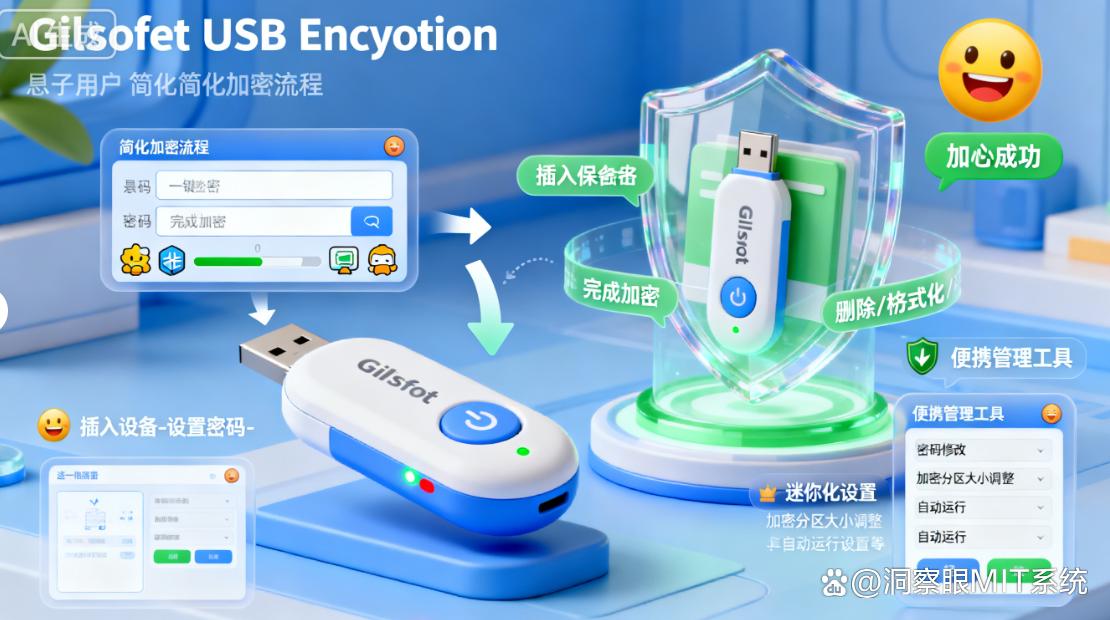
Its operation interface is very intuitive, even if you have never used encryption software, you can get started quickly. You only need to select the USB flash drive to be encrypted, set the password, and click the encryption button to complete the USB flash drive encryption. When the encrypted USB flash drive is used, you will be prompted to enter the password. Only after entering the correct password can the files inside be accessed normally.
Its encryption is fast and won't keep you waiting too long. Moreover, it also supports partition encryption for U disks. You can divide the U disk into different areas and set different passwords respectively to achieve more flexible encryption management. For example, you can store work files and life photos in different encrypted partitions, and set independent passwords for each partition, further improving data security and management convenience.
The above are 7 common U disk encryption software! Each software has its own characteristics, and you can choose according to your own needs and usage habits. Encrypting a USB flash drive is like installing a security door on a house, which can make your data more secure. Hurry up and install encryption software on your USB flash drive to keep the risk of data leakage away from you!


 Insight Eye MIT System


 Hebei Public Network Security No. 13019902001038
