
Article summary: Darlings, have you ever had this crazy moment: you were full of joy and took a USB flash drive full of important data out, but accidentally lost it, and instantly felt like the sky was falling, and you were afraid that the data inside would be leaked! Don't panic, I'm here to give you a "savior" today!
Dear friends, have you ever had this crazy moment: you were so happy to go out with a USB flash drive full of important data, but accidentally lost it, and instantly you felt like the sky was falling, and you were afraid that the data inside would be leaked!
Don't panic, I'm here to give you a "savior" today! U disk encryption is very important. Choosing the right encryption software is equivalent to putting an ultra-strong "security lock" on the data.
Next, I will give you an inventory of six super easy-to-use U disk encryption software. Each of them has its own strengths and can meet different needs. Hurry up and check this treasure list to make your U disk safe and worry-free.~
1. Insight Eye MIT System
Function
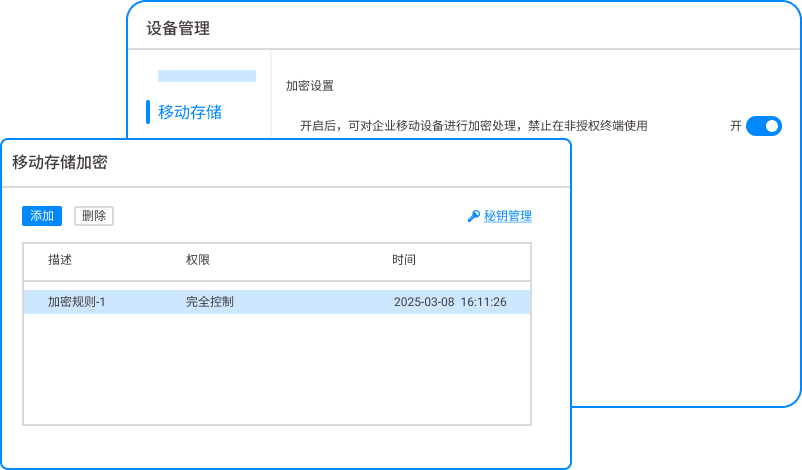
Mobile storage encryption: It uses the advanced AES-256 encryption algorithm, which is currently one of the widely recognized and extremely secure standards in the encryption field. It is like wrapping the U disk data with an indestructible "armor", which can effectively resist various brute force cracking and malicious attacks, ensuring the absolute security of data during storage and transmission.
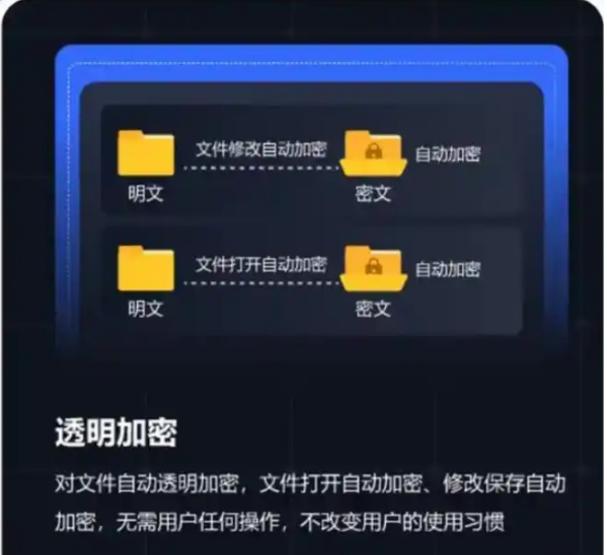
Transparent encryption: When data is written to the USB flash drive, the system will automatically encrypt the data in the background, and the entire process does not require manual intervention by the user.; When the user needs to read the data, the system will automatically decrypt it, allowing the user to access the file as smoothly as using an unencrypted USB flash drive without affecting work efficiency at all.
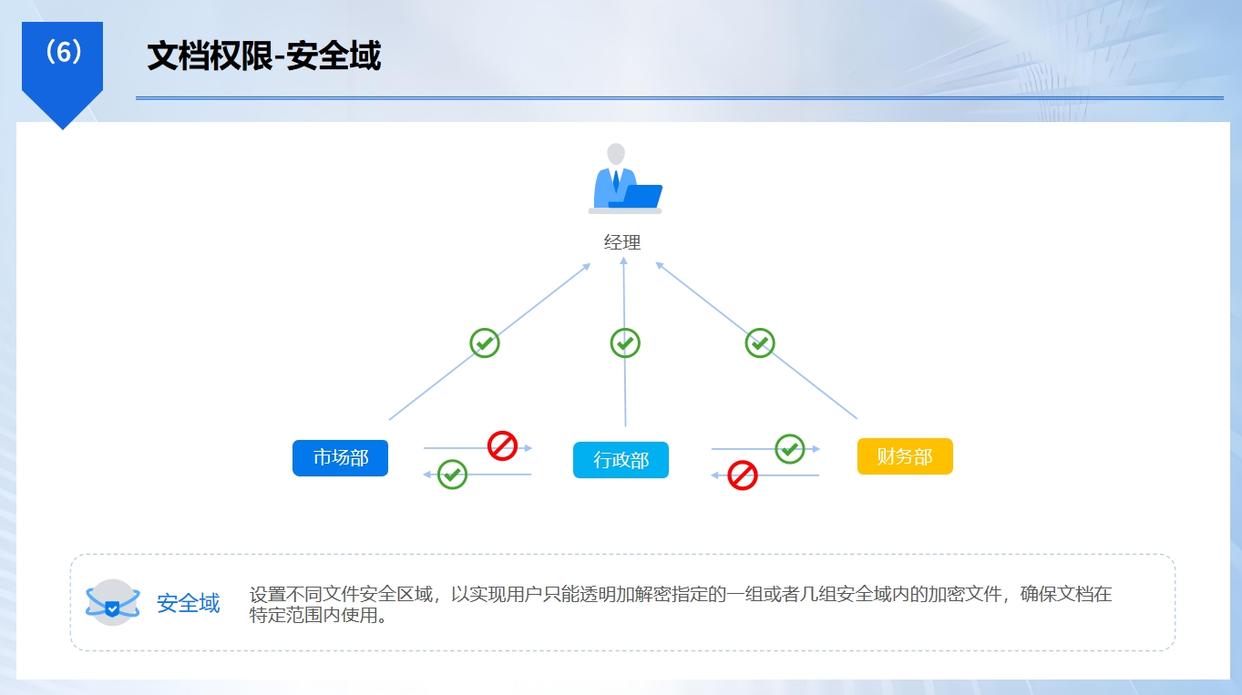
Fine permission management: Administrators can set different U disk usage permissions according to employees in different departments and different positions. For example, some employees can only read files in the U disk, some employees can perform write operations, and some employees are completely prohibited from using the U disk to prevent data leakage from the source.
Behavior audit: It will record in detail each user's operation behavior of the USB flash drive, including insertion and removal time, file reading, writing, deletion and other operations, as well as computer information used for the operation, etc. Once a data leak occurs, administrators can quickly locate the source of the problem through these detailed audit logs and take corresponding measures to provide comprehensive protection for the company's data security.

Application scenarios
It is suitable for enterprise environments, especially industries with extremely high data security requirements, such as finance, scientific research, medical care, etc. Corporate employees often need to carry USB flash drives containing sensitive information when going out to work. After using this system to encrypt, even if the USB flash drive is lost, the data will not be leaked, effectively protecting the company's core secrets and business interests.
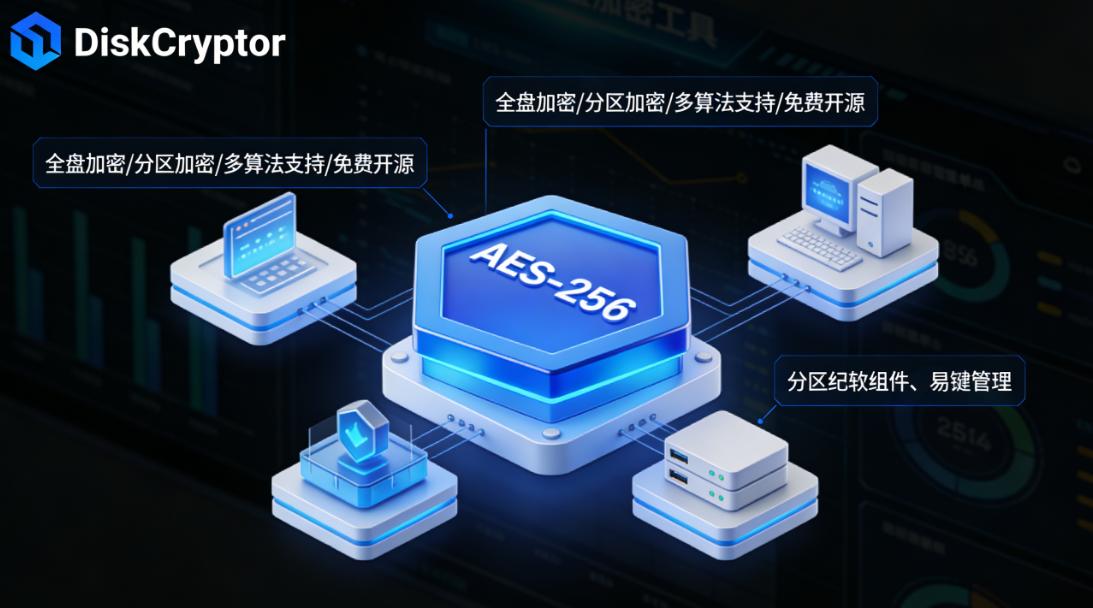
2. DiskCryptor
Function
It is a free and open source full disk encryption software that supports full disk encryption of removable storage devices such as USB flash drives. It supports a variety of powerful encryption algorithms, such as AES, Twofish, Serpent and their combination encryption methods. The powerful security of the AES algorithm has been introduced before ; The Twofish algorithm is a symmetric key block cipher with a high degree of security and flexibility ; The Serpent algorithm is famous for its high degree of security and resistance to attacks. Users can freely choose a single encryption algorithm or use a combination of multiple algorithms based on their own security needs and performance requirements to provide multiple protections for data.
Users can freely choose to encrypt the entire USB flash drive or only part of the partition. If you choose to encrypt the entire USB flash drive, the entire storage device will be encrypted and any unauthorized access will not be able to obtain the data in it. ; If only part of the partition is encrypted, users can store sensitive data in the encrypted partition and store some unimportant files in the unencrypted partition, which not only ensures the security of important data, but also facilitates daily use.
At the same time, it also supports hot-swappable encryption, and U disks can be safely plugged and unplugged in the encrypted state without affecting normal use. When the user inserts the encrypted USB flash drive into the computer, the system will automatically recognize it and prompt for a password to decrypt it. After the decryption is successful, it can be used normally. ; When the USB flash drive is pulled out, the data will be automatically re-encrypted to ensure that the data is always safe.
Application scenarios
Suitable for individual users and small businesses that have certain requirements for data security. For example, students often use USB flash drives to store learning materials and homework. After using software encryption, even if the USB flash drive is lost, it can prevent others from viewing their learning results and personal information. When financial personnel of small enterprises use USB flash drives to carry financial data, they can also use it to ensure data security and avoid financial information leakage causing losses to the enterprise.
3. Gpg4win
Function
It is a Windows encryption tool suite based on GNU Privacy Guard (GPG). It can not only encrypt files, but also encrypt and protect USB flash drives. It uses a public key encryption system, and users can generate their own public and private key pairs. The public key can be shared publicly with others and used to encrypt files sent to yourself. ; The private key must be kept strictly confidential. Only users with the corresponding private key can decrypt files encrypted with the public key. This encryption method is extremely secure because even if the public key is obtained by others, the file cannot be decrypted without the private key.
In addition to basic encryption functions, the software also supports digital signatures. Digital signatures can verify the integrity and authenticity of a document's origin. When a user digitally signs a file, the recipient can verify the signature to determine whether the file was tampered with during transmission and that the file was indeed sent by the signer. This is very useful for some important business documents, legal documents, etc. to ensure the authenticity and reliability of the documents.
In addition, it also provides rich key management functions, allowing users to easily generate, import, export, backup and restore keys, making it easy to use and manage their own encryption keys between different devices.
Application scenarios
Suitable for scenarios that require highly secure communication and data exchange, such as journalists, lawyers, business people, etc. Reporters use USB flash drives to store sensitive information during interviews. After encrypted using this software, the information can be prevented from being illegally obtained and tampered with, ensuring the authenticity and confidentiality of the interview content. When lawyers handle client cases, they use USB flash drives to carry important documents. Encrypting them can protect the privacy and security of client information and avoid legal disputes caused by the leakage of client information. Business people use USB flash drives to exchange important contracts and business plans when negotiating with partners. Using USB flash drives to encrypt and digitally sign documents can ensure the security and authenticity of files and promote the smooth progress of business cooperation.
4. Cryptainer LE
Function
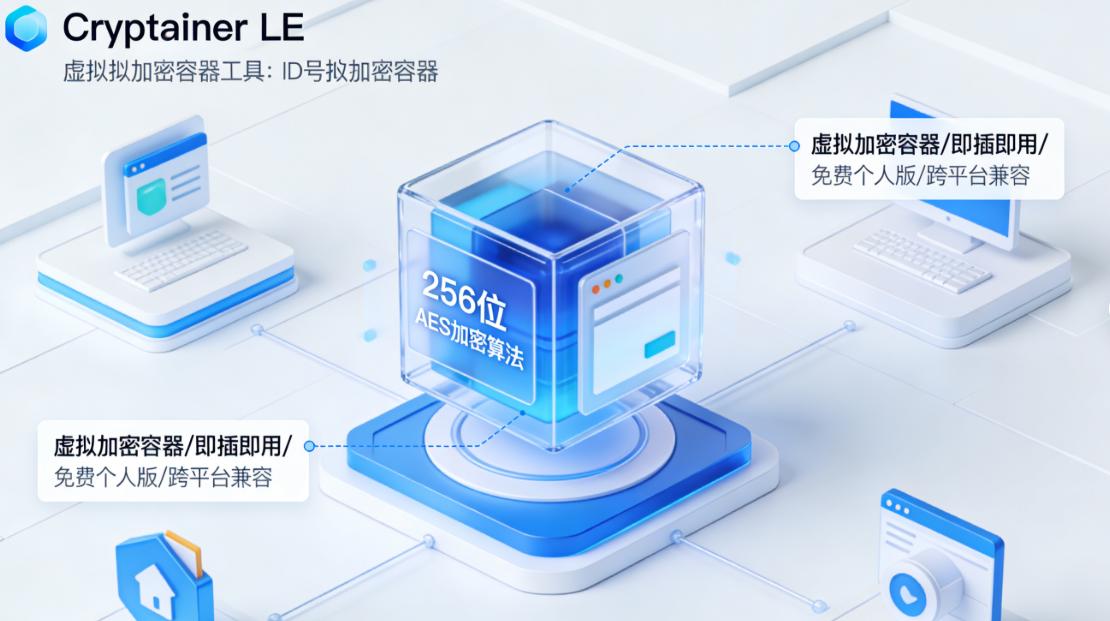
This is a simple and easy-to-use U disk encryption software. It can create a virtual encrypted disk on the U disk. Users can move the files that need to be encrypted to this virtual disk, which is equivalent to storing the files in a safe safe. It uses the AES-256 encryption algorithm, which has high encryption strength and can effectively protect files from illegal access.
This virtual encrypted disk can perform file operations like a normal disk, such as copy, paste, delete, etc. Users can hardly feel the difference from ordinary disks during use, and it is very convenient to use.
Moreover, the software supports the creation of multiple virtual encrypted disks. Users can store data in different virtual disks according to different data types and security requirements, and set different passwords for each virtual disk, further improving data security.
In addition, it also provides password protection function. Users can set a master password to protect the use of the entire software and prevent others from using the software to encrypt or decrypt the USB flash drive without authorization.
Application scenarios
Suitable for daily use by ordinary individual users. For example, office workers use USB flash drives to store work documents and personal photos. After using it to encrypt, there is no need to worry about data leakage even if the USB flash drive is lost in the company or a public place. Students use USB flash drives to save learning materials and entertainment files, and they can also use it to protect their privacy and prevent others from viewing their learning progress and entertainment preferences.
5. SafeHouse Explorer
Function
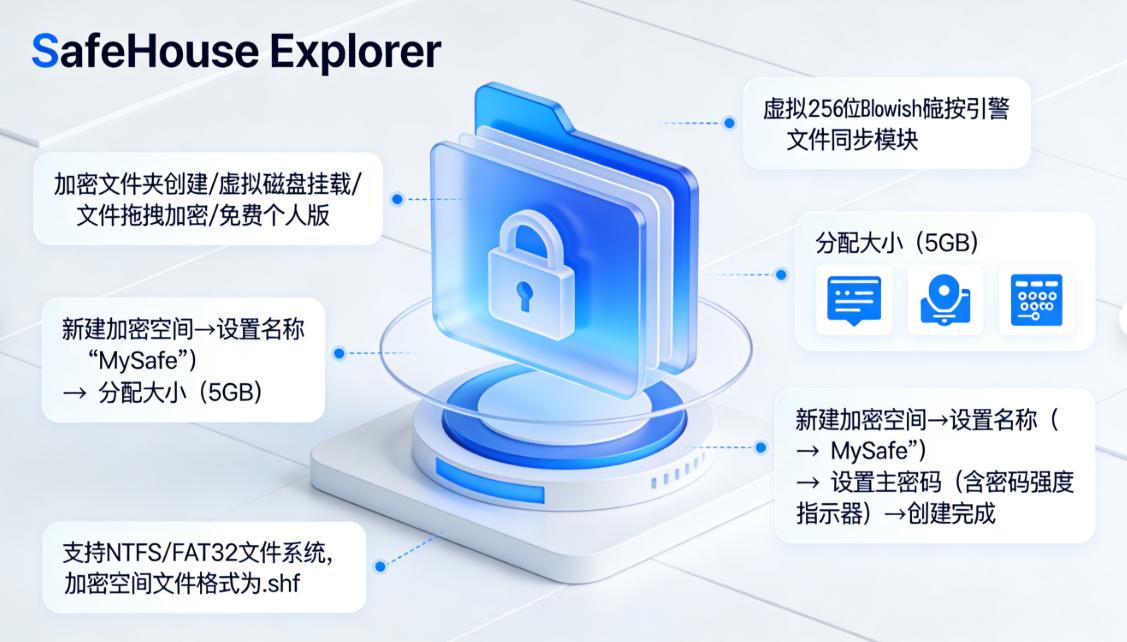
This is a powerful USB disk encryption software that supports the creation of multiple encryption containers, and each container can be set with different passwords and encryption algorithms. Users can store data in different encrypted containers based on different data types and security requirements. For example, important business contracts can be stored in a container encrypted using the AES-256 algorithm, and personal private photos can be stored in a container encrypted using the Twofish algorithm, which can provide different levels of protection based on the importance and sensitivity of the data.
It also supports portable mode. Users can copy the software and encrypted container to a USB flash drive and use it on any Windows computer. No installation is required, just plug and play. This is very convenient for users who often need to use USB flash drives on different computers. Whether in the office, home or traveling, they can safely access their encrypted data anytime and anywhere.
In addition, the software also provides a data shredding function. When the user determines that certain encrypted data is no longer needed, the data shredding function can be used to completely delete the data to ensure that the data cannot be recovered, further protecting the user's privacy.
Application scenarios
It is suitable for users who often need to use USB flash drives on different computers, such as business travelers, auditors, etc. Business travelers can safely access their data on computers in different hotels when traveling with encrypted USB flash drives, making it easier to handle work matters. When auditing different enterprises, auditors use USB flash drives to carry encrypted audit materials. They can quickly and safely obtain the required information at different audit sites, improving the efficiency and quality of audit work.
6. Rohos Disk Encryption
Function
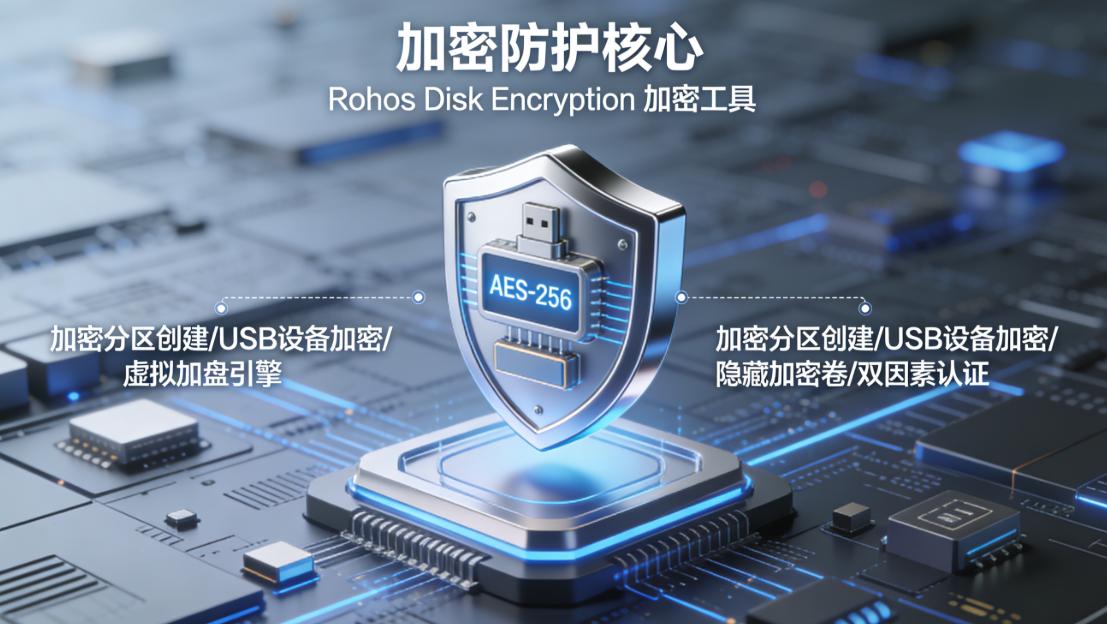
It can create a hidden encrypted partition on the USB flash drive. This partition will not be displayed in Windows Explorer and can only be accessed through a specific method. It uses the AES-256 encryption algorithm, which has high encryption strength and can effectively protect the data in the hidden partition from being discovered and stolen.
Users can set a hotkey to quickly open hidden partitions, which is convenient and fast. For example, users can set a hotkey to an uncommon key combination. When they need to access a hidden partition, they only need to press this key combination and enter the correct password to open the hidden partition to view and operate the files in it.
At the same time, it also supports backing up encrypted partitions to cloud storage or other local locations to prevent data loss. If the USB flash drive is lost or damaged, users can restore the data in the encrypted partition through backup to ensure data security and integrity.
In addition, the software also provides an automatic locking function. When the user does not operate the hidden partition within a certain period of time, the system will automatically lock the hidden partition and require a new password to access again, further improving data security.
Application scenarios
Suitable for users who have extremely high requirements for data security and need to hide important data. For example, corporate executives use a USB flash drive to store the company's core strategic information. After using it to create a hidden encrypted partition, even if the USB flash drive is obtained by others, it will be difficult to discover the important data hidden inside, effectively protecting the company's commercial secrets. Scientific researchers use USB flash drives to carry undisclosed research results. By hiding the encrypted partition, they can prevent the research results from being leaked and ensure the smooth progress of scientific research work.
Okay, the above is the six super easy-to-use U disk encryption software that I have listed for you. Each software has its own unique functions and applicable scenarios. You can choose the software that suits you according to your needs and usage habits. Code these software quickly and add a solid "security lock" to your USB flash drive!


 Insight Eye MIT System


 Hebei Public Network Security No. 13019902001038
