
Article summary: Dear friends, in this era of rapid information flow, USB flash drives are like our mobile data housekeepers, containing various important contents such as work materials, study notes, and precious memories. But if the U disk is accidentally lost or stolen, the data inside will be lost as if it were taken off.
Dear friends, in this era of rapid information flow, USB flash drives are like our mobile data housekeepers, containing various important contents such as work materials, study notes, and precious memories.
But if the USB flash drive is accidentally lost or stolen, the data inside will be leaked like a wild horse, and the consequences will be unimaginable!
Therefore, encrypting a USB flash drive is like putting on a body armor for a little housekeeper, it is very important! Today I will share with you the latest collection of six super practical U disk encryption software in 2025. With them, we can easily protect U disk data and keep our data safe and secure!

1. Insight MIT system: a solid fortress for enterprise data security
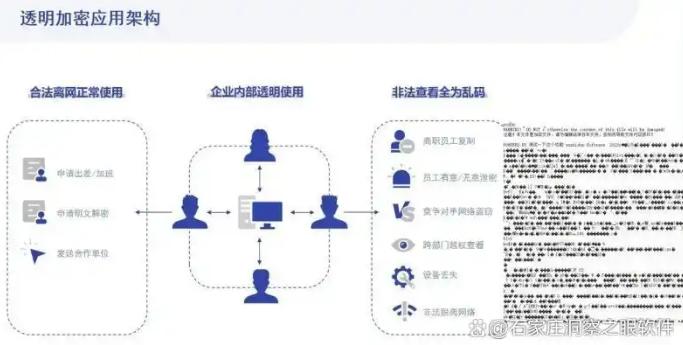
Transparent encryption: It uses the advanced AES-256 encryption algorithm to encrypt the USB flash drive. The encryption process uses transparent encryption technology. Files are automatically encrypted when written to the USB flash drive and decrypted when read. Employees are unaware of the operation and do not affect the normal office rhythm. Moreover, encrypted files are bound to the authorization environment. When opening the file on a computer that is outside the corporate intranet or does not have a client installed, garbled characters will be displayed.
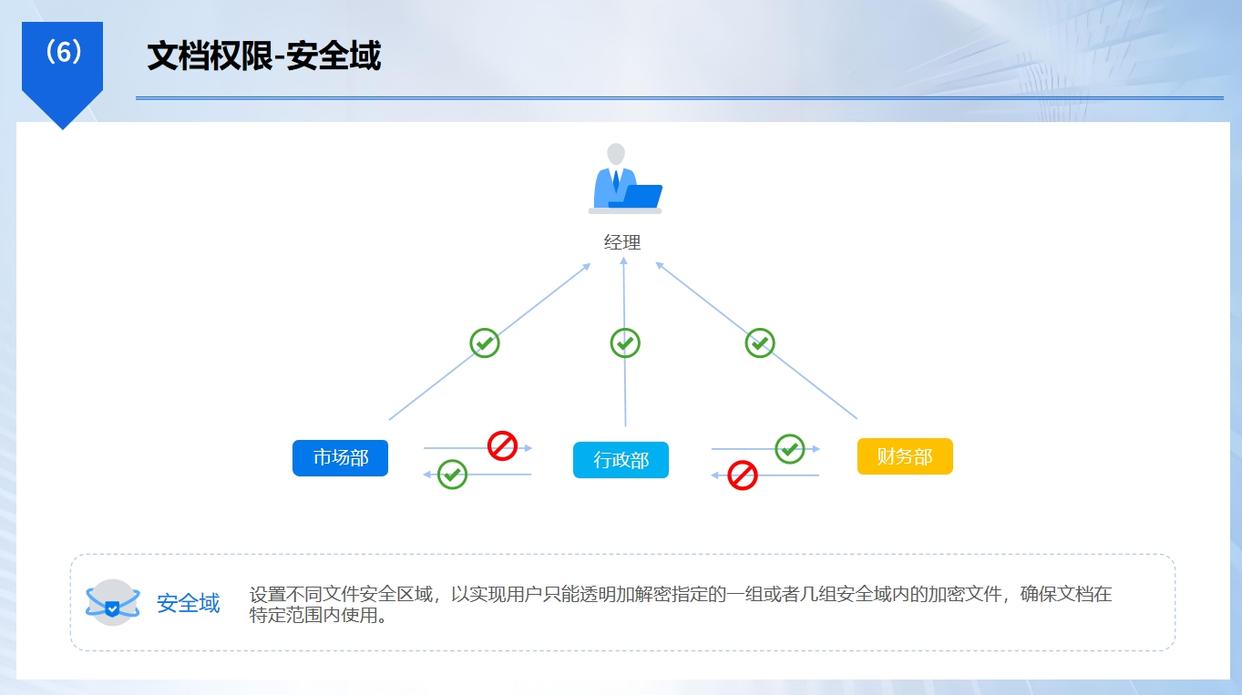
Refined access: Enterprises can allocate differentiated U disk usage rights to different employees based on their positions, responsibilities, and permissions. For example, employees in the finance department can only access encrypted files related to finance, and they can only view but not modify them. ; Employees in the R&D department can read and write specific project files, but are prohibited from sending them out. This refined permission management can effectively prevent unauthorized access to data.
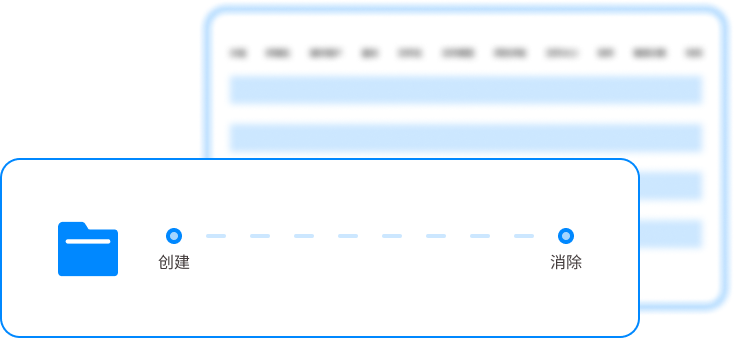
Real-time behavior audit: From the moment the USB flash drive is inserted into the computer to the moment it is unplugged, all operations during the entire process will be recorded in detail, including the insertion and removal time, device information used, file contents operated, etc. Once abnormal operations are discovered, the system will immediately issue an alert, allowing administrators to take timely measures to prevent data leakage.
This software is particularly suitable for use in scenarios such as medium and large enterprises, financial institutions, and scientific research institutions. In these scenarios, it is crucial to protect sensitive information such as business secrets, customer data, and R&D results. The Insight MIT system can provide enterprises with comprehensive data security protection.
2.DiskCryptor: an all-rounder in open source encryption
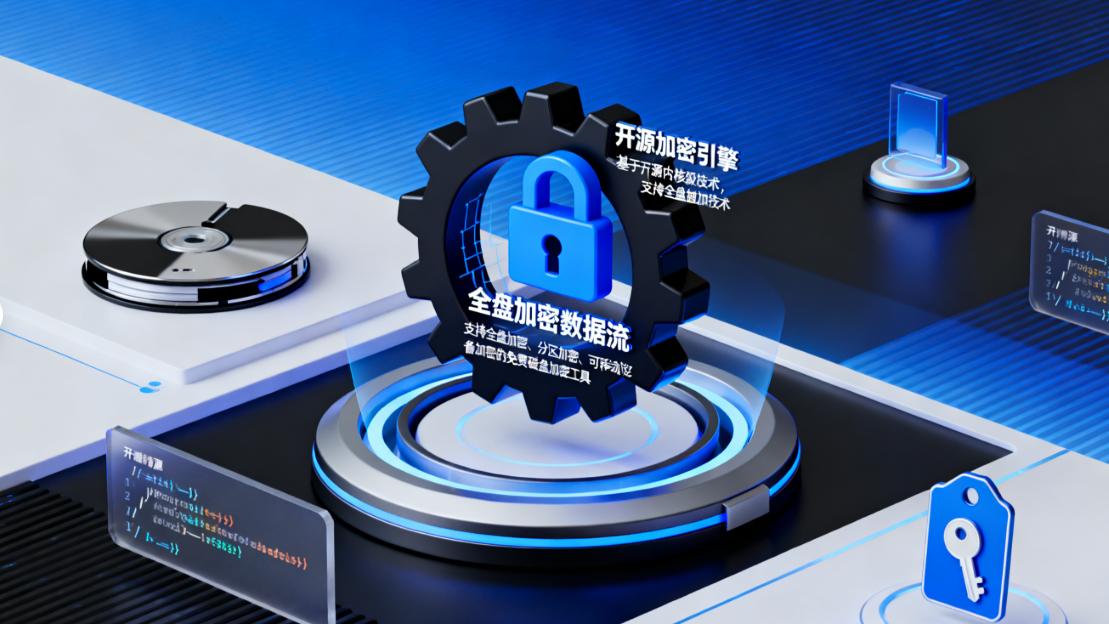
It is an open source disk encryption software. It is like an all-rounder and performs well in the field of USB disk encryption. It supports Windows systems and can encrypt the entire USB disk partition to provide comprehensive protection for your data.
It uses a variety of powerful encryption algorithms, such as AES, Twofish and Serpent, etc. Users can choose the appropriate algorithm for encryption according to their own needs. Moreover, it also supports encrypting multiple partitions. You can divide the USB flash drive into different partitions and set different encryption methods and passwords respectively, which increases data security and flexibility.
The operation of the software is relatively simple, even users who are not familiar with computers can easily get started. When the encrypted USB flash drive is inserted into the computer, you need to enter the correct password to access the data inside, otherwise the USB flash drive will not be recognized, just like a locked mysterious box.
It is suitable for users who have high requirements for data security and like open source software, such as freelancers, small studios, etc.
3.SafeHouse Explorer: A caring partner for portable encryption
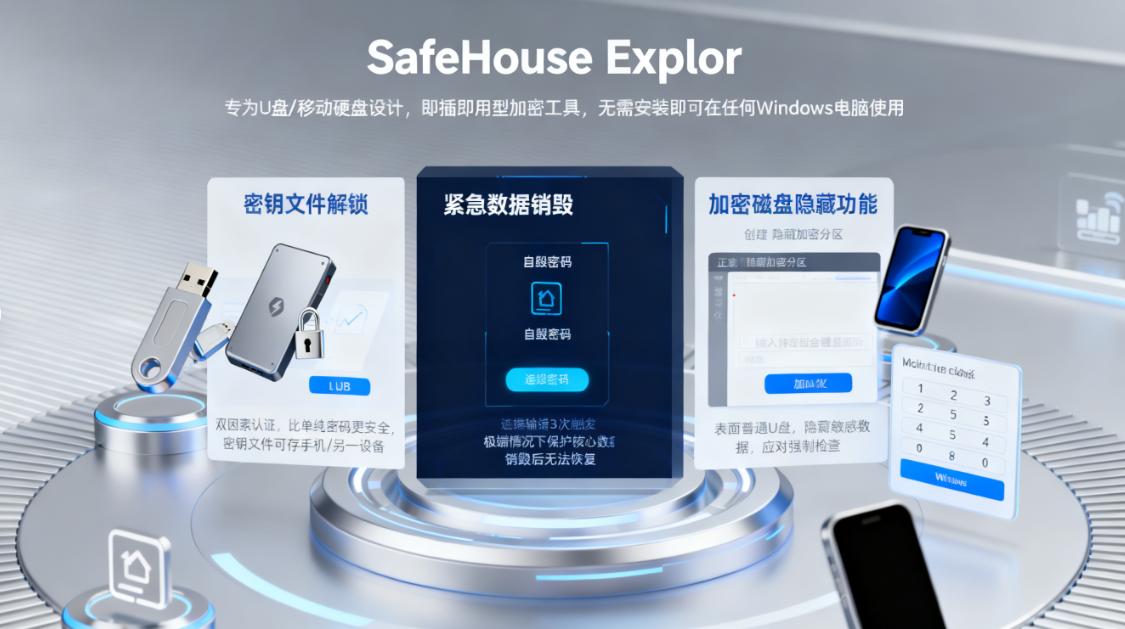
This is a portable U disk encryption software. It is like a caring partner, accompanying you to protect U disk data anytime and anywhere. It does not need to be installed on the computer and runs directly on the USB flash drive. You can use it on any computer to encrypt and decrypt USB flash drive data, which is very convenient.
It uses AES-256 encryption algorithm to provide strong protection for USB disk data. Users can create an encrypted virtual disk in a USB flash drive and store sensitive files in this virtual disk. Only by entering the correct password can you access this virtual disk, which is like opening up an exclusive secret space in a USB flash drive.
Its interface is simple and clear, and the operation is simple and easy to understand. It also supports password protection to prevent unauthorized use of the software for encryption and decryption operations.
This software is a good choice for users who often need to use USB flash drives on different computers and are worried about data security, such as sales staff, training instructors, etc.
4.GiliSoft USB Encryption: the convenient choice for one-click encryption
It is an easy-to-operate U disk encryption software. It is like a one-click encryption magic wand, allowing you to easily encrypt U disk. It supports Windows systems and can quickly encrypt the entire USB flash drive or partial files.
It uses AES-256 encryption algorithm, which has fast encryption speed and high security. Users only need to insert the USB flash drive into the computer, run the software, select the USB flash drive or file to be encrypted, set the password, and click the "Encrypt" button to complete the encryption process in a short time. Decrypting is just as easy, just enter the correct password.
The software also supports password retrieval function. If you accidentally forget your password, you can retrieve it through the preset password prompt questions or email, avoiding the embarrassing situation of being unable to access the USB disk data due to forgotten password. It is suitable for users who pursue convenient operation and need to protect U disk data, such as ordinary office workers, students, etc.
5. Cryptainer LE: The Affordable Choice for Free Encryption
This is a free USB flash drive encryption software. It is like an affordable little gift that provides you with basic USB flash drive encryption functions. It supports Windows and macOS systems and can meet the needs of users of different operating systems.
It uses the Blowfish encryption algorithm. Although it is not as powerful as the AES-256 algorithm, it can also provide certain protection for U disk data. Users can create an encrypted container in a USB flash drive and store files in this container. Only by entering the correct password can this container be opened to view and edit files.
Its operation is simple and easy to understand, and the interface is friendly. It also supports the creation of multiple encrypted containers. You can create different containers according to different needs to store different types of files. Cryptainer LE is a good choice for users with limited budgets and the need to protect USB disk data, such as individual users and small entrepreneurs.
6. EncryptStick: The all-rounder for cross-platform encryption
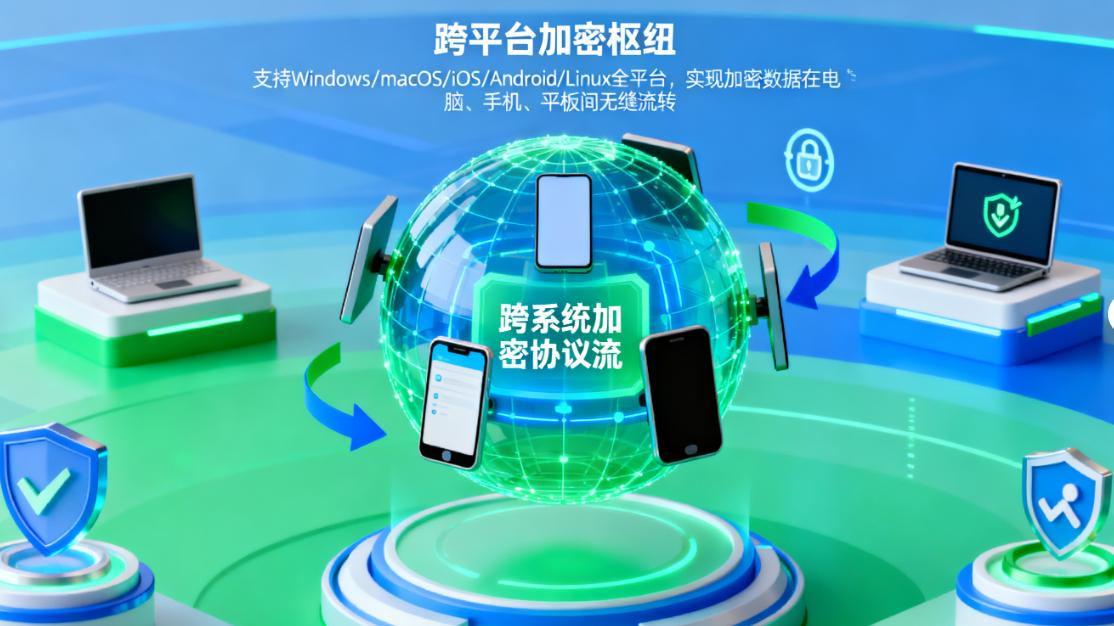
This is a cross-platform U disk encryption software. It is like an all-rounder and can be used on multiple operating systems such as Windows, macOS, and Linux. It supports the creation of encrypted virtual disks to provide secure storage space for U disk data.
It uses AES-256 encryption algorithm with high encryption strength. Users can store various types of files in encrypted virtual disks, including documents, pictures, videos, etc. Moreover, it also supports file synchronization function. You can synchronize encrypted files to other devices for easy sharing and use between different devices.
Its operation is relatively simple, and it provides an intuitive user interface that makes it easy for users to get started. It also supports password protection and automatic locking functions. When the USB flash drive is idle for a period of time, it will automatically lock to prevent unauthorized access by others.
It is a good choice for users who need to frequently switch between different operating systems and devices to use USB flash drives, such as employees of multinational companies, international travelers, etc.
The above are the six latest and most practical U disk encryption software in 2025. Each software has its unique advantages and applicable scenarios. You can choose the appropriate software to protect your USB flash drive data according to your actual needs. I hope everyone can pay attention to the security of U disk data and learn to use these encryption software to better protect our data security!


 Insight Eye MIT System


 Hebei Public Network Security No. 13019902001038
