
Article summary: Before the drawings leave the factory, competitors’ quotes have already been placed on the boss’s desk. I have been doing data security for more than 20 years and have seen too much. CAD drawings are the lifeblood of manufacturing companies. From auto parts to non-standard automation, once the drawings are leaked
The drawings haven’t even left the factory yet, but the competitors’ quotations have already been placed on the boss’s desk. I have been doing data security for more than 20 years and have seen too much. CAD drawings are the lifeblood of manufacturing companies. From auto parts to non-standard automation, once the drawings are leaked, at least orders will be lost, and at worst, the core technology will be stolen directly. In today's article, I will talk to the management about how to encrypt CAD drawings.
Core secrets and running around naked? These 3 CAD drawing encryption methods are a must-read for bosses!
1. Deploy the Insight Eye MIT system
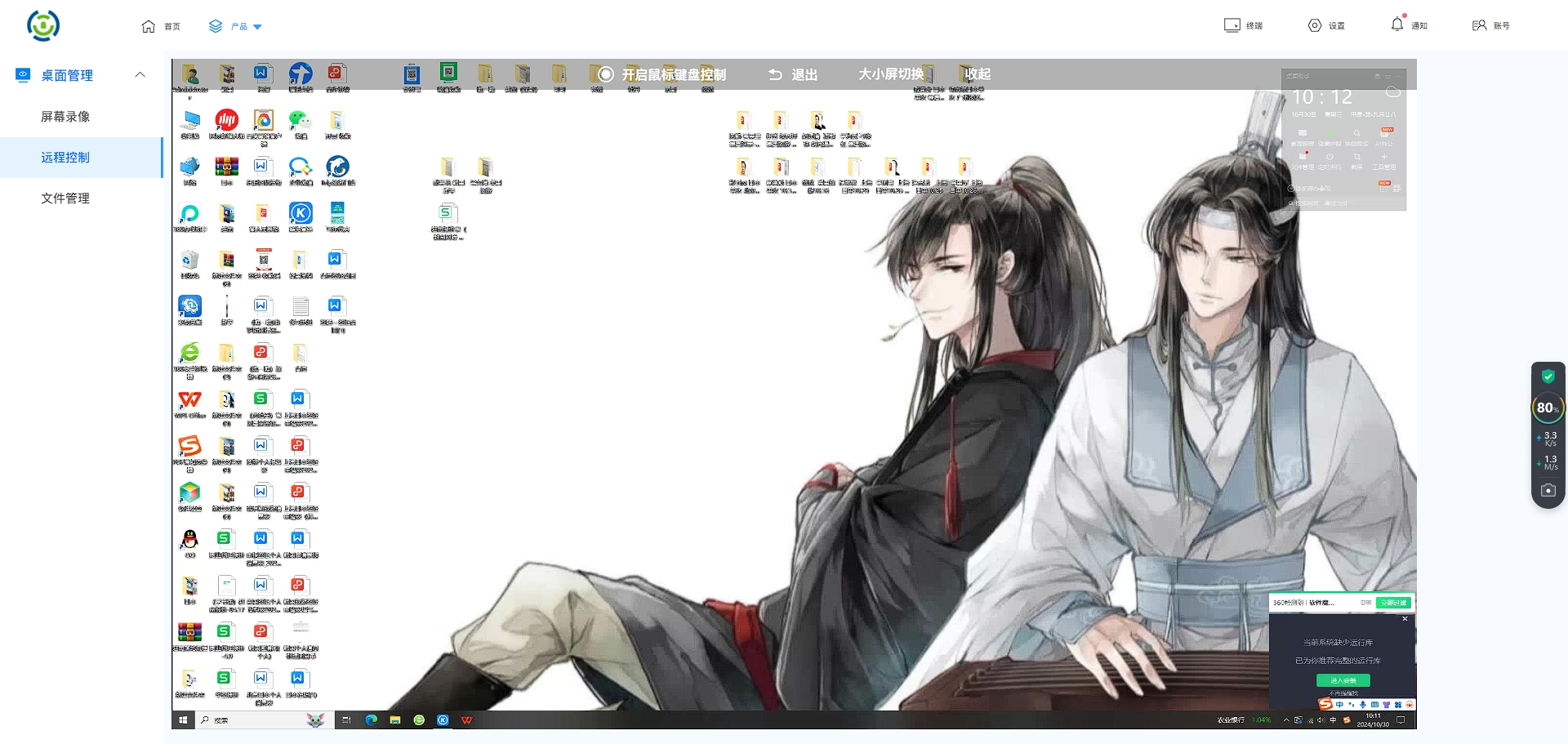
Don't talk to me about those nonsense. Encrypting drawings requires hard work. I have used the Insight Eye MIT system for many companies, not because it is flashy, but because it can really block those hands that should not be stretched out.
On-the-ground encryption, mandatory protection : This system does not require your employees to manually click the "encrypt" button, which is unrealistic. It works directly on the bottom layer of the operating system. As long as you dare to create, modify, and save CAD drawings on your computer, the files will be automatically encrypted the moment they are landed. I have a client, and the vice president himself doesn’t know how many old drawings are stored on his computer. When he checked, he found that they were all protected by encryption. This is truly safe.
Outbound control, cipher text locked : What are you most afraid of? What I'm afraid of is that in order to save trouble, the salesman sent the drawings directly to the customer via QQ and WeChat, but the customer changed hands to the other party. With the outgoing function of MIT, you can control how many times the drawing can be viewed, whether it can be printed, and whether it will be automatically destroyed after tonight. It's something that can really be retrieved, not something that will just disappear if you send it out. One company relied on this to snatch a multi-million order from a competitor, because the internal employees of the other party could not re-forward the drawings they sent out.
Detailed permissions, don’t play “one size fits all”” : Many bosses slap their heads and say “the whole company is encrypted”. The operator in the production department has a hard time opening the drawings. Why do you encrypt them for him? This system can divide permissions very finely. For people in the design department, drawings can only be edited on their own department computers. ; People in the workshop can only view it, but cannot modify it or export it. ; Suppliers log in to a specific account and can only access their own folders. By taking back the authority, the risk of leakage will naturally be reduced.
Screen tracking, well documented : The technical director called in the middle of the night and said, "The drawings must have been copied, but I have no evidence." Insight Eye MIT’s screen watermark function can directly watermark employees’ computer screens with “name + time + IP”. Even if he takes a photo, his name is all in the photo, who dares to take the photo? In addition, there is an operational behavior audit. Who opened what drawings and when, and what screenshots were saved, it is clear in the background. Once, an employee wanted to leave his job and took away the drawings. The audit records caught him and the matter was dealt with on the same day. This is a deterrent.
2. Combination of physical isolation and dedicated encryption software
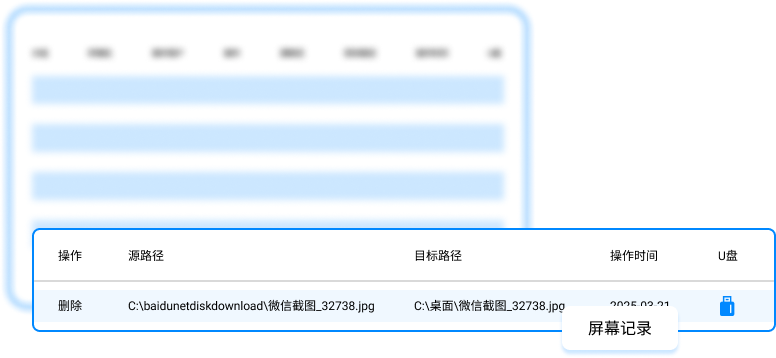
Don’t look down on traditional methods, but local methods must be matched with new methods. Some R&D-oriented companies directly physically isolate their core design departments. Office computers cannot be plugged into USB flash drives or connected to the Internet, and all drawings are transferred via internally encrypted mobile hard drives. The effect is indeed there, and the probability of leaks plummets. But the problem also arises, the efficiency is too poor. To compare drawings with clients, you have to go to a special conference room and use the public transfer machine to export them. This method is suitable for very small core teams that are not sensitive to efficiency. If your R&D department has more than ten people, the management costs will drag you down, the flow of drawings will be slow, and product iterations will not be able to keep up.
3. File transparent encryption gateway

There is also a type of boss who likes to build firewalls and install a set of file encryption gateways on internal servers. The idea is also right, all drawings saved on the server are automatically encrypted. Employees download drawings from the server to the local computer, and the gateway automatically decrypts them. This logic looks beautiful, but it has a fatal flaw - it cannot control the "intermediate links". For example, after an employee opens a drawing from the server and saves it to the desktop, the file may already be in clear text. Or he opens the drawing from the server and uses a screenshot tool to take a screenshot. Can you guard against it? Many companies used this system and thought everything was fine, but in the end the drawings still leaked out of the hands of terminal employees. It can only manage "storage" but not "use".
Source of this article: Enterprise Data Security Alliance, Intelligent Manufacturing Internal Reference
Leading expert: Liu Zhenguo
Editor in charge: Chen Min
Last updated: March 25, 2026


 Insight Eye MIT System


 Hebei Public Network Security No. 13019902001038
