
Article summary: I have worked in corporate data security for more than ten years, and I have seen too many tragic cases where bosses were taken away and sent out because of core drawings, and returned to before liberation overnight. The technical drawings we produce are the lifeblood of the enterprise. If we are not careful, our competitors may acquire them.
I have worked in corporate data security for more than ten years, and I have seen too many tragic cases where bosses were taken away and sent out because of core drawings, and returned to before liberation overnight. The technical drawings we produce are the lifeblood of the company. If they are accidentally obtained by competitors or taken away by resigned employees, the loss cannot be measured in terms of money.
Today, let’s not talk nonsense, let’s talk about how to encrypt CAD drawings. Let’s get straight to the practical stuff and take stock of 6 practical methods for management. Especially the first one is the most practical and efficient solution for enterprise-level leak prevention at the moment.
6 hard-core methods for encrypting CAD drawings. Bosses should quickly learn to prevent core drawings from running naked.”
1. Deploy the Insight Eye MIT system
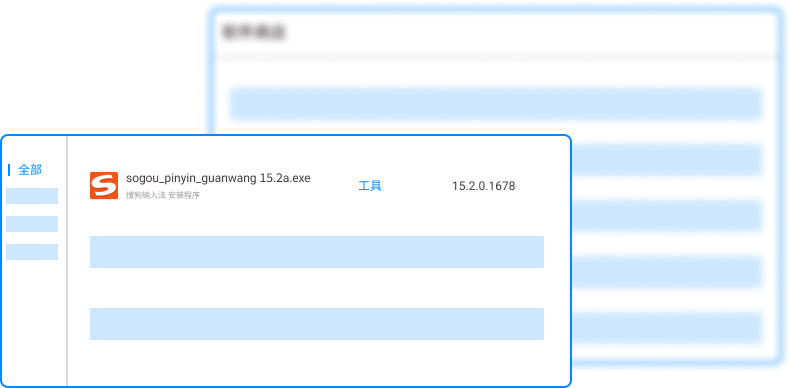
These smart people who are engaged in technology cannot be stopped by blockade alone, they must be controlled from the root. This system is not as simple as adding a lock to the drawings. It adds a layer of "invisible armor" to all drawings in the corporate intranet environment. As the deployment continues, the core advantages are reflected in these places:
Automatic encryption, no sense protection : When an employee opens a CAD drawing and saves it, the system automatically completes encryption in the background without changing operating habits, pop-ups, or lags. As long as it is circulated within the company, the file can be opened completely normally. ; Once sent out through email, QQ, or USB flash drive, the file will be a bunch of garbled characters, which directly prevents casual leakage on the physical level.
Outsourcing control, credit opening : In many cases, drawings must be sent to Party A or suppliers, which becomes the hardest hit area for leaks. This system can set the number of times the outgoing file is opened, the validity period, and even bind the other party's computer. Even if the other party sends the drawing to your competitor, the other party will not be able to open it. It is truly "I make the decision when I leave the door."
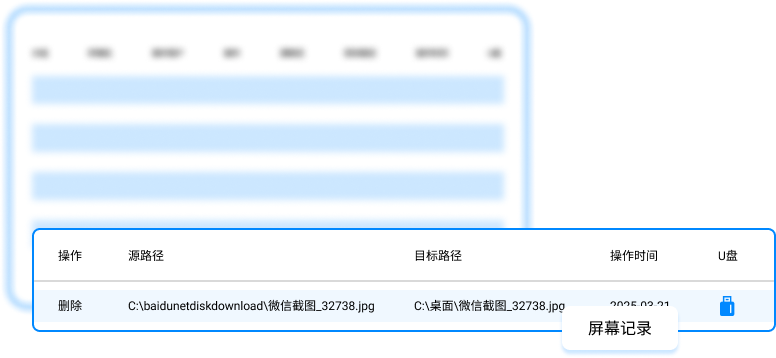
Traceability of leaks and audit traces : Regardless of whether it is a core employee or an intern, who opened what drawing and when, who printed it, and who took the screenshot, the background audit log can be clearly remembered one by one. Once an abnormal operation is discovered, such as exporting drawings in batches in the middle of the night, the system will directly alarm and intercept, and save the operation records as evidence. This is much more effective than checking and monitoring afterwards.
Permission breakdown and hierarchical management : Not everyone needs to see the full set of drawings. The R&D director can see the whole picture, ordinary design can only see part of it, and the production workshop can only see it but cannot change it. The system can accurately control everyone's access rights to files based on departments and roles, narrowing the scope of leaks from the source, and core data will always be in the hands of the core circle.
Offline strategy, don’t be afraid of being disconnected : What should I do if my device is out of the intranet environment when I am on a business trip or working from home? The system has an offline policy and authorizes the device in advance. Even if the Internet is disconnected, encrypted files can still be used, and data can be destroyed remotely if the device is lost, ensuring that even if the drawings are lost outside, the secrets will not be leaked.
2. CAD software comes with a password function
This is the most basic, but also the most overlooked method. Most CAD software itself has the function of setting a password when "save as". The advantage is that it is zero cost, simple to operate, and suitable for temporarily adding a lock to a single file.
But the shortcoming is also fatal: password management is a big pitfall. Once the password is forgotten, the drawings are basically useless. If the password is leaked, or if the employee tells the next employee the password before leaving the company, you won't even be able to find out who leaked the secret. In addition, this function cannot prevent internal personnel from directly copying the drawings.
3. Windows file system comes with encryption (EFS)

EFS, which sounds fancy, is a built-in function of Windows. Right-click the folder properties, check Encryption, and the system will encrypt the file. If only your account can be opened, it's really safe.
But bosses, please note that this function is "account bound". Once the system is reinstalled, or the user account is damaged, and there is no backup certificate, the file cannot be opened at all, and even gods cannot save it. Moreover, it has no way of spreading within the intranet. As long as the user has permission, the file will still be opened when copied to other computers, and the insider cannot be controlled.
4. Hardware encryption lock (dongle)
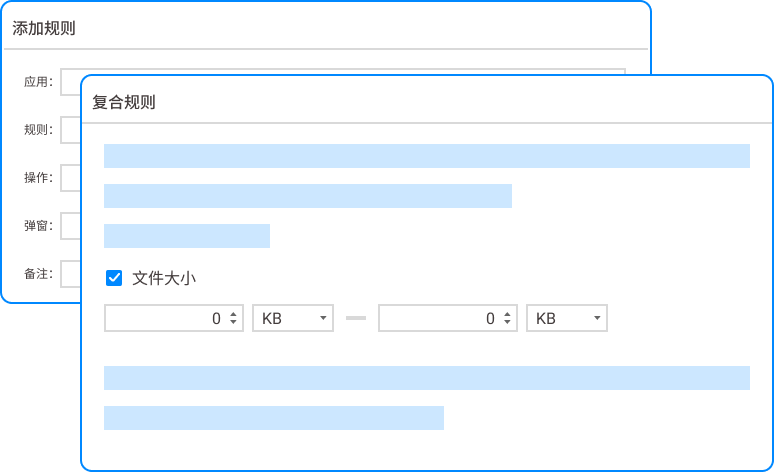
Many design companies will come with a dongle when buying genuine software. Bind the drawing to the dog so that it cannot be opened without the dog inserted. This method is suitable for core products that are deeply tied to third parties.
The cost of implementation is not low, hundreds or thousands of dollars per dog. The key is that there are physical limitations. If the dog is lost or broken, the project will have to stop. And this can only protect against the outside world. For internal employees, the drawings can still be secretly copied when the dog is stuck.
5. Convert PDF to image and add watermark

This is a compromise method of "guarding against gentlemen and not against villains". Convert DWG to PDF, add a watermark with job number or dynamic watermark, and then send it to others. Once the screenshot is leaked, the watermark can be traced back to the source.
The pain point of this method is that you can't stop the other party from taking photos, and after the CAD drawings are converted to PDF, many editable and measurable core parameters are gone, which makes it useless for links that require secondary processing.
6. Encrypt using compression software

Use WinRAR or 7-Zip to compress the drawings into an encrypted package and set a complex password. Easy to operate and suitable for temporary delivery.
The pit here is too big. Password transmission itself is not secure. As soon as WeChat or email is sent, the password will be exposed. Today's cracking tools are so powerful that simple passwords can be cracked in minutes. The most important thing is that after the other party decompresses and gets the drawings, you will be completely out of control about how they will be transferred later.
A reminder to all bosses: When drawings are leaked, it is often not due to how powerful external hackers are, but to blind spots in internal control. Of these six methods, the last five are either single-point defenses or have high management costs. To truly form a system and block leaks from the source, you have to look at the first one. Don't wait until the core drawings are submitted for bidding by competitors, and then regret not spending this small amount of money to install the system.
Source of this article: Enterprise Data Security Protection Research Center
Lead writer: Chen Guodong
Editor in charge: Zhao Min
Last updated: March 27, 2026


 Insight Eye MIT System


 Hebei Public Network Security No. 13019902001038
