
Article summary: Boss, let’s get straight to the point. I know how frightening it feels to receive a phone call in the middle of the night saying that the core code base has been copied by a young man who has just resigned, and that "twin brother" products may appear on the market tomorrow. Who doesn’t do technical management?
Boss, let’s get straight to the point. I know how frightening it feels to receive a phone call in the middle of the night saying that the core code base has been copied by a young man who has just resigned, and that "twin brother" products may appear on the market tomorrow.
Who in technical management doesn’t regard code as their lifeblood? But just by setting a password for the folder and setting permissions on the server, in front of "careful people", it is basically just a layer of window paper. Today, instead of fixing the problem, let’s talk about how to truly insure our “lifeblood”.
Are you still using a USB flash drive to copy code? It’s time to use these 3 ways to “lock” documents
1. Deploy the Insight Eye MIT system
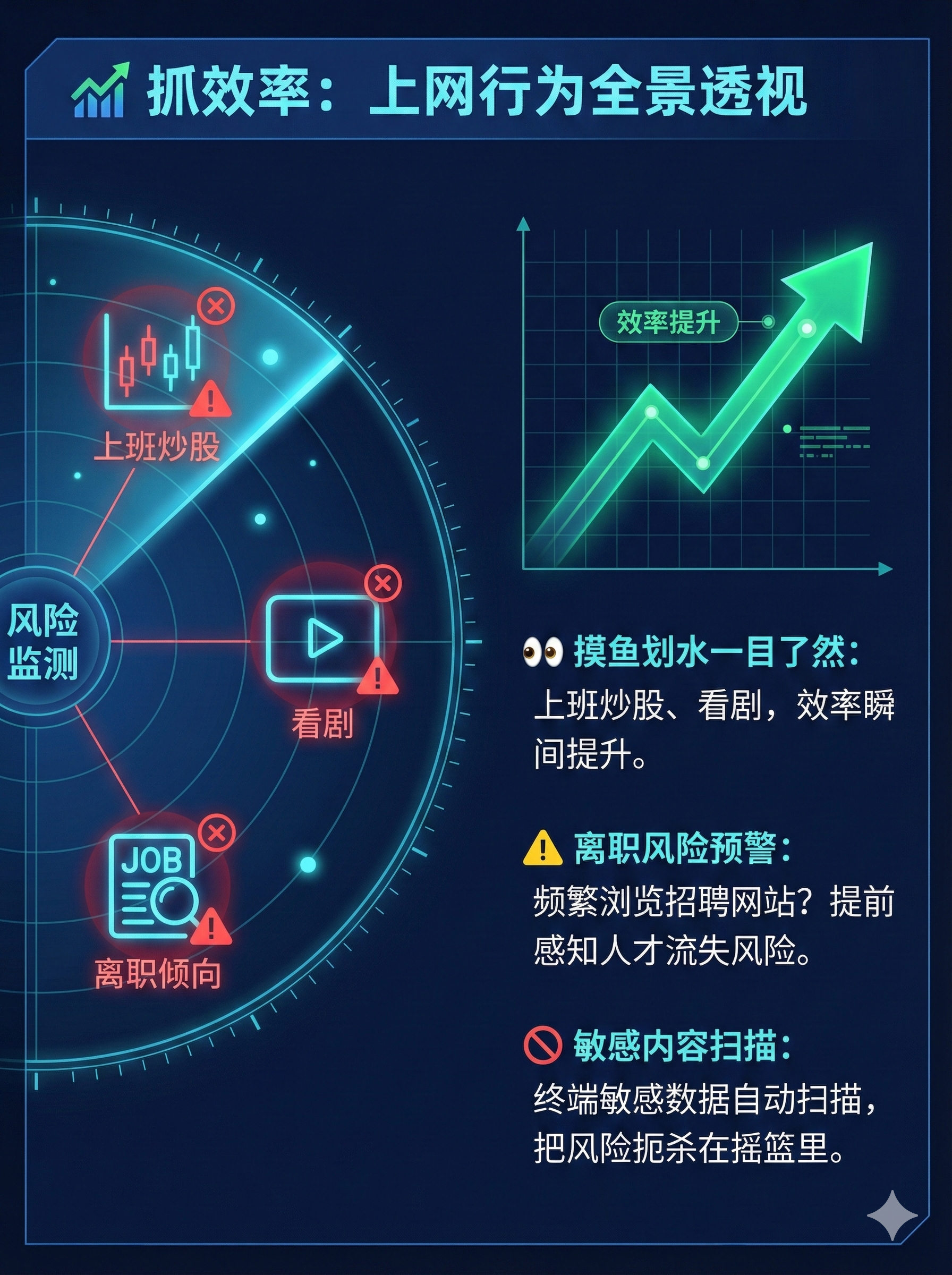
I would say that the most effective way to deal with code leaks is not to prevent employees from "taking them out", but to make the code "turn into waste paper after leaving the door." After working in this business for more than 20 years, my boss can have a good night's sleep. Insight Eye MIT System Count one. It does not play tricks, it goes directly to the bottom of the operating system, and achieves the ultimate in encryption and control.
- Transparent encryption, no sense protection: When employees open code files on their computers, everything is normal. Code can be written, compiled, and run without any hindrance. But as soon as the files leave the company environment, such as being sent out by email or copied to a USB flash drive, they immediately turn into a bunch of garbled characters. After this function is implemented, bosses no longer need to worry about "whether to give download permissions", because if permissions are given, the core assets cannot be taken away.
- Outsourcing control, secondary authorization: Sometimes code must be sent to customers or partners, what should I do? The Insight MIT system allows the creation of "outgoing files". You can set an opening password, expiration date, and even restrict it to only being opened on a specified computer. What's even more cruel is that you can also prohibit the other party from copying, taking screenshots, and printing. It's like handing over important documents to the other party, but the lock and key are still in your hands.
- Comprehensive audit and retrospective review: Don’t think that only taking it out is called leaking. Someone secretly renamed, compressed, and packaged hundreds of source code files within the company, preparing to find an opportunity to take action. The audit function of Insight Eye MIT system can record who performed what operations on what files at what time. Once there is an abnormal batch operation, the system will directly alert the administrator to nip the risk in the cradle.
- Precise permissions and minimized authorization: Many leaks are "unintentional". Testers should not have write permissions to the core algorithm library, and operation and maintenance personnel should not be able to log in to the code server. This system can control permissions on specific folders and specific processes. It is clear who should see what and who should change what. Giving too much authority means trust, giving too little means protection. At this level, it can help you get stuck.
2. Document-level “soft encryption”—Office’s built-in protection

If deploying professional systems is like "shooting mosquitoes with a cannon," then the password protection that comes with Office is like "squeezing mosquitoes with your hands." It is suitable for dealing with scattered documents that do not require frequent collaboration and have low security requirements, such as contract scans and personal work reports.
The operation method is very simple. In Word or Excel, click "File" -> "Information" -> "Protect Document" -> "Encrypt with Password". Just set a more complex password.
But this method is too limited. You have to tell the person you're collaborating with the password, right? As long as the password is spread, the protection becomes useless. And code files (.c, .java, .py) cannot be played like this. For programmers, this trick is basically useless. Not to mention, having that time to set passwords for hundreds of source code files one by one would be a waste of time.
3. Physical isolation - hardware encrypted USB flash drive

There are also some old-school managers who are superstitious about "visible and tangible" security. Hardware encrypted USB flash drives are just that. It comes with a physical keyboard or fingerprint recognition. You can copy files into it and enter a password on the USB flash drive to read it.
This thing sounds very safe, but when used in enterprise core code management, there are a lot of problems. First, it’s expensive. One person per person costs a lot. ; Second, it was troublesome. Every time I used it, I had to find it and enter the password. Employees complained. In the end, they just didn’t use it because it was too troublesome. ; Third, it essentially allows data to "break away" from the company's control. Once the USB flash drive itself is lost or maliciously taken away, the cached data inside that has not been encrypted is equally dangerous.
Therefore, this can only be regarded as a temporary emergency tool and will not become a reality.
To sum up : When it comes to preventing secrets from being leaked, I am afraid of "both wanting and wanting more". It not only requires employees to work conveniently, but also needs the core assets to be foolproof, but they are not willing to invest. Wake up, there is no such thing as good in this world. When we do management, we are trying to find a balance between risk and efficiency. Leave professional things to professional tools, like Insight Eye MIT System This way of solving problems from the underlying logic is a choice worthy of yourself and the company's future.
Source of this article: Enterprise Data Security Governance Alliance, CSO (Chief Security Officer) Summit Forum
Lead writer: Chen Zhenyu
Editor in charge: Zhao Xiaolin
Last updated: March 27, 2026


 Insight Eye MIT System


 Hebei Public Network Security No. 13019902001038
