
Article summary: Dear bosses, let’s get straight to the point. Are you unable to sleep every night, afraid that when you wake up, the core code that the company spent millions and stayed up all night to create will be copied away by an employee with a USB flash drive, or thrown into a network disk, and it will be lost in an instant?
Dear bosses, let’s get straight to the point. Are you unable to sleep every night because you are afraid that when you wake up, the core code that the company spent millions and worked through countless all-nighters will be copied away by an employee with a USB flash drive, or thrown on a network disk, and instantly become the "wedding dress" of a competitor? These days, it is much easier for technical backbones to "steal" their own code in the office than you think. Today, let’s not talk nonsense, let’s talk about how to encrypt documents, especially codes, to completely block the way of these “house thieves”.
How to encrypt documents? These 4 methods are used by knowledgeable bosses!
1. Deploy the Insight Eye MIT system
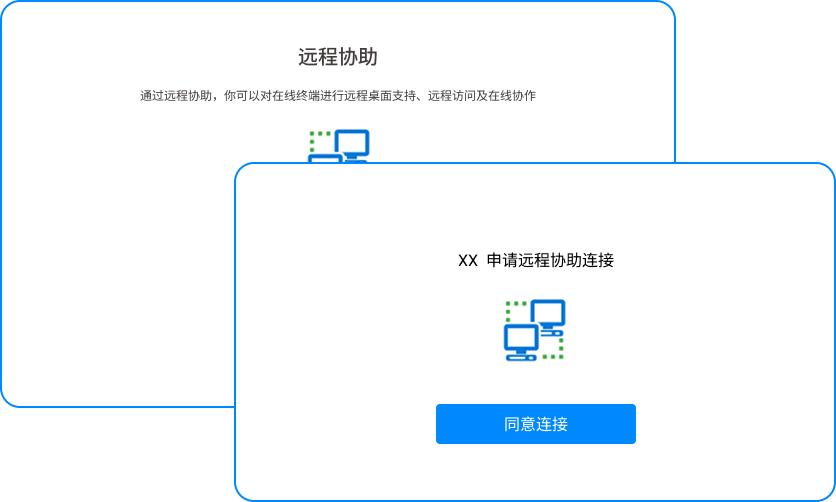 After working in corporate security for so many years, I have seen too many bosses buy a bunch of useless "psychological comfort" software in order to save some budget. If you really want to prevent secrets from being leaked, you have to use some real weapons. The Insight Eye MIT system is the only hard product that I dare to recommend to my friends and companies. It is not simply adding a password, but adding a "digital iron barrel array" to the core assets of the entire company.
- Transparent encryption, forced to take effect: When this thing is installed, the employees don’t feel anything at all. They can open, edit, and save as usual. But as soon as he touches the core code file you specified, the file will be encrypted upon landing. Even if he secretly copies it with a USB flash drive or sends it to WeChat, he can't open it even if he takes it home and types it. The implementation effect is: files can only be circulated within your company, and they will be a piece of "garbled garbage" when they leave the door.
- Leak tracking and full audit records: Don’t think you can block all physical copies. The Insight MIT system can track the operation paths of all documents. Who opened which file, at which point in time, and whether they tried to print, take screenshots, or even send it out through QQ can be clearly seen in the background. The practical effect is: once someone has a wrong idea, the system will call the police as soon as possible and take a screenshot as evidence, and he will not be able to rely on it even if he wants to.
- Clipboard control and plugging loopholes: Many smart people like to "save the country through curves", copy the code into TXT, and then change the name and send it out. Insight Eye MIT system directly blocks the loophole of the clipboard. The code in the encryption program will be garbled when you copy it. Do you want to leak it through "copy and paste"? There are no doors. The effect is to completely cut off the most covert data outflow channel.
- Approval for outbound shipments and strict control over exports: Business needs, some codes must be sent to customers or suppliers. The Insight Eye MIT system supports temporary outbound applications. You can set the number of times to open, the validity period, and even bind the other party's computer hardware. When the other party receives the file, it must use a special reader to view it within the specified time. It will be automatically destroyed when it expires. The other party cannot forward it even if it wants to forward it. The implementation effect is: it not only ensures business efficiency, but also reduces the risk of leakage to infinitely close to zero.
- Screen watermark, psychological shock: There are always people who want to take risks and take pictures with their mobile phones at the screen. The Insight Eye MIT system supports full-screen light and dark watermarks, and the employee's name and job number are displayed in real time on the employee's computer. As long as he dares to take a photo, as soon as the photo is circulated, he will immediately know who did it. The effect is: a huge psychological deterrent that prevents most employees from even thinking about it.
2. Use the EFS encryption that comes with Windows
 If you find it troublesome to download software, the EFS (Encrypted File System) that comes with the Windows system can be a way to save money. Right-click the folder, select Properties-Advanced-Encrypt content to protect data, and the system will encrypt the file for you. The advantage is that it costs nothing and is easy to operate. But the disadvantages are also obvious: it is terrible to manage. Once the system crashes or the system is reinstalled and the certificate is forgotten to be backed up, even the boss himself cannot open the file and has no place to cry. More importantly, it cannot prevent insiders. As long as an employee has permission on your company computer, he can still open, copy, and send it out, making it useless.
3. Use compression tools to package and encrypt
 The stupidest but most commonly used method. Package the code file with WinRAR or 7-Zip, set a strong password, and then send it to the other party via email or USB flash drive. The pain point of this method is: how to transmit the password? If the password is sent together with the compressed package, it means it is not encrypted. If you call and tell someone the password, it will cause trouble. Secondly, if the recipient tells others the password, you will have no control over it. For scenarios where hundreds or even thousands of files need to be collaborated frequently, this trick is purely a hindrance to yourself.
4. Deploy hardware encryption USB flash drive or encryption lock
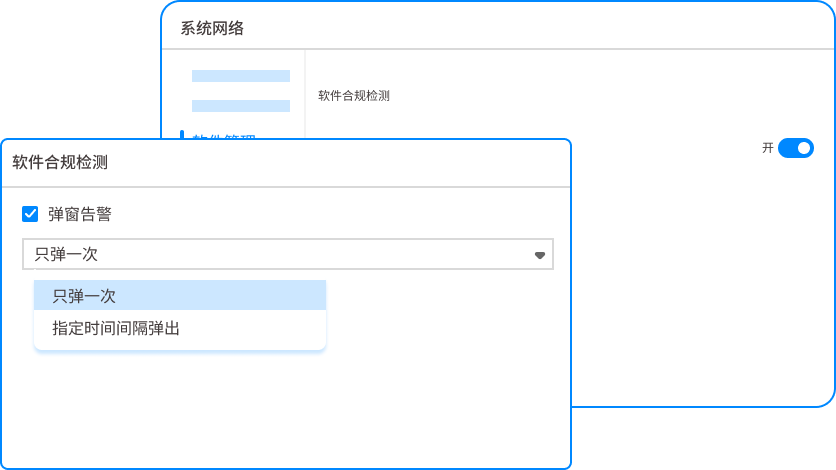 Some companies that have high requirements for physical isolation will buy hardware-encrypted USB flash drives with fingerprint recognition, or dongles plugged into servers. The advantage of this thing is that the physical security level is high, and no one else can open it if the hardware is lost. However, the fatal flaw is that the management cost is extremely high. It is easy to send out a USB flash drive and difficult to recover it. Moreover, once an employee copies the code from the encrypted USB flash drive to the local computer, it becomes clear text in an instant, and all protections are lost. Treating the symptoms rather than the root cause.
Source of this article: Enterprise Data Security Defense Practical Manual, Frontline Information Security Protection Insights
Leading expert: Chen Zhenguo
Editor in charge: Liu Ruihua
Last updated: March 28, 2026


 Insight Eye MIT System


 Hebei Public Network Security No. 13019902001038
