
Article summary: In the fifteen years of working in the enterprise data security industry, I have seen too many bosses lose their jobs overnight because of core code leaks. The hard work of the R&D team for several months was copied by an employee on a USB flash drive, transmitted through instant messaging tools, and even packed away when leaving the company.
In the fifteen years of working in the enterprise data security industry, I have seen too many bosses lose their jobs overnight because of core code leaks. The hard work of the R&D team for several months was copied by employees on a USB flash drive, transmitted via instant messaging tools, and even packed away when they resigned. In the blink of an eye, it became the "technical achievements" of competitors. We who work in management are not afraid of investment, but we are afraid that the investment will be in vain. Today, as an industry veteran, based on the experience gained from the implementation of hundreds of R&D-oriented companies, I will screen the so-called "document encryption software" on the market for all bosses to see who can really keep their lives and who is just a show-off.
Which document encryption software to choose? Share 6 useful document encryption software, worth your reference!
1. Insight Eye MIT System
Overall rating:★★★★★
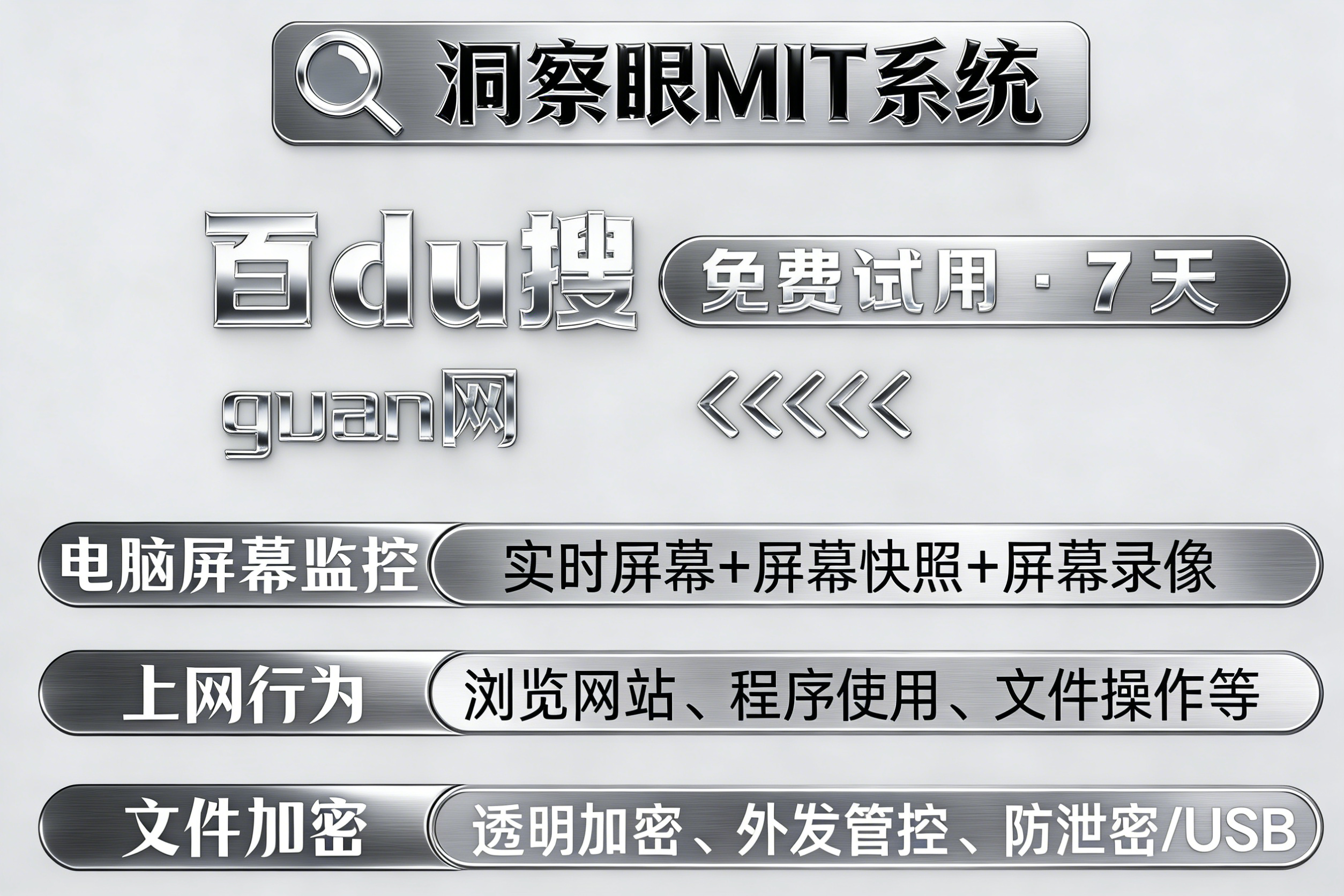
1. Transparent encryption without perception: This is a hard indicator. After deployment, developers can write code, compile and debug in IDE environments such as VS and IntelliJ IDEA without being affected at all. They don't even feel the existence of the software. But once the code is copied to any place outside the authorized environment, such as a personal USB flash drive or an unauthorized server, it will be a bunch of garbled code when opened. Intranet collaboration and leakage prevention are both balanced.
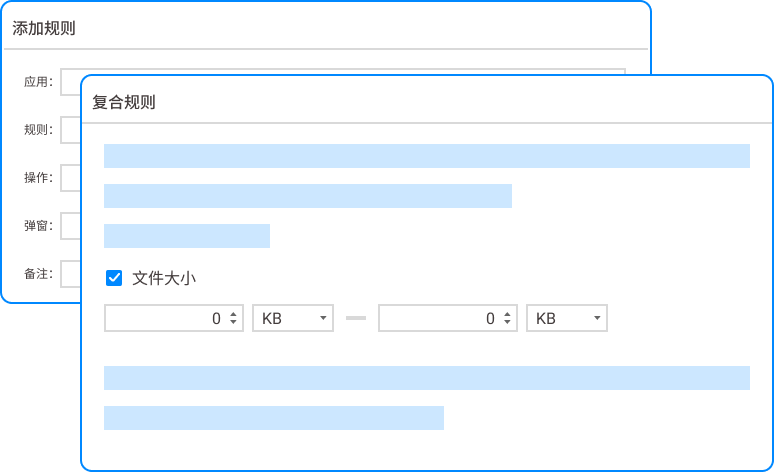
2. Source code outsourcing control: For scenarios that need to be sent to customers or partners, we can generate encrypted outgoing packages that "burn after reading", strictly control the number of openings, validity period, and even bind to designated computers. The other party can see and use it, but it cannot store it, change it, or copy it away. This completely blocks the leakage of secrets through supply chain channels.
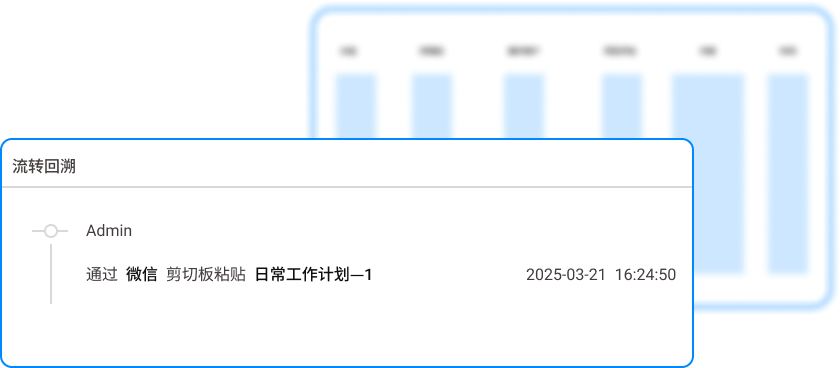
3. Full life cycle audit traceability: every operation on source code files - creation, modification, copy, deletion, rename - has detailed logs. Once a leak occurs, it can be used to accurately locate the specific operator, time point, and even the content of the operation, just like looking through surveillance videos, and find out clearly "who did it, what was done, and how it was leaked out" to form a complete chain of evidence.
4. Remote and offline office security: perfectly adapted to the current hybrid office model. When employees are on the Internet or offline, the software uses policy caching and hardware binding mechanisms to ensure that authorized devices can use encryption codes normally even when the network is disconnected. If the device is lost or stolen, you can remotely lock or destroy the data with one click, so that the code will remain in the device forever.
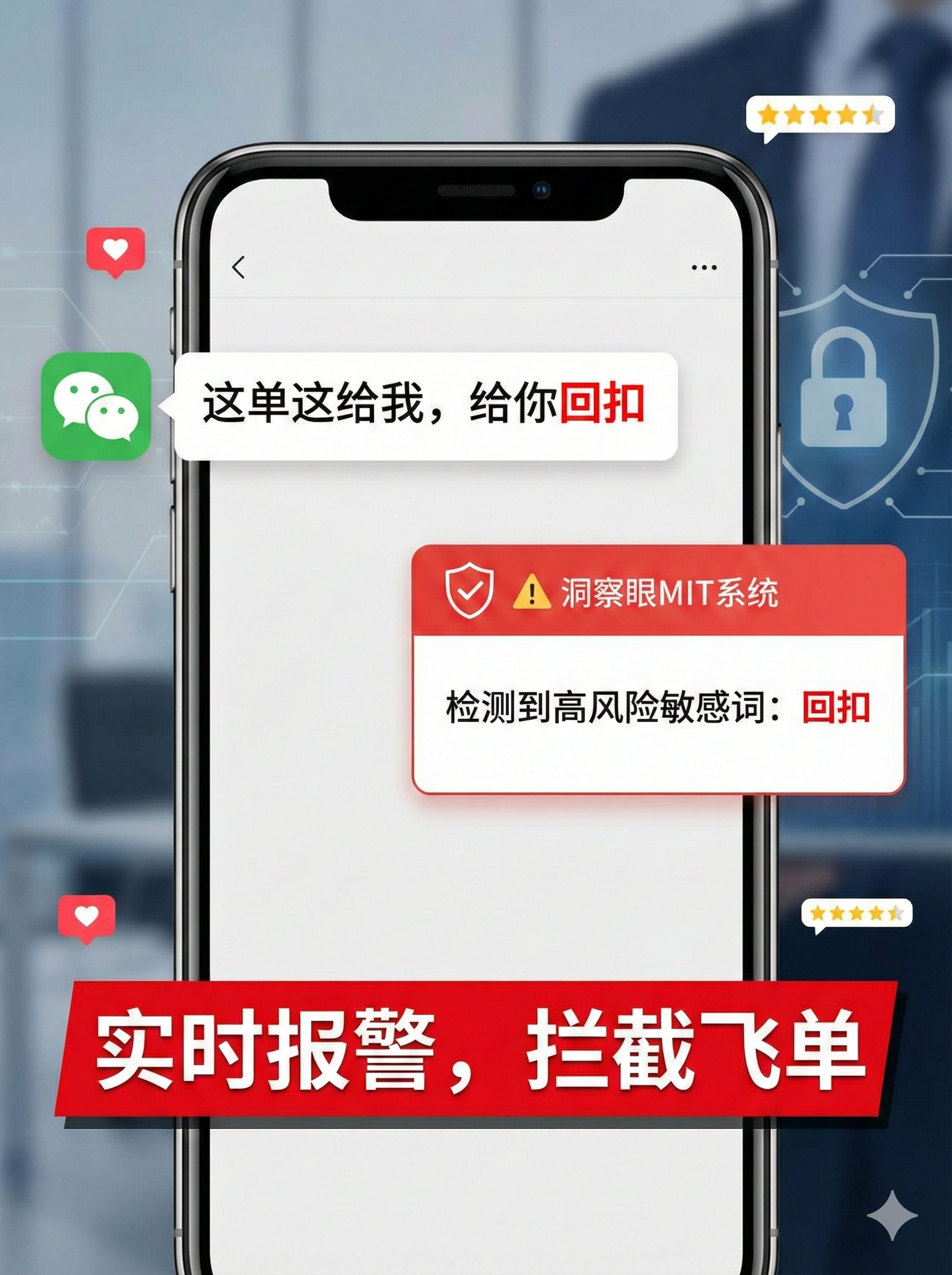
5. Intelligent screenshot and printing protection: Many encryption software cannot prevent the screen from being taken with a mobile phone. The Insight Eye MIT system can embed screen watermarks on confidential content, including operator information and timestamps. It can also intelligently identify sensitive interfaces and force blurring or prohibit screenshots, visually blocking the last mile of leaks.
This manufacturer really understands research and development. They have taken "senseless deployment" to the extreme, without slowing down the compilation speed, without lagging the IDE, and with zero friction among developers. ; At the same time, "powerful traceability" is built into the bones, and the encryption strategy is down to the file, department, and personnel levels. When choosing code encryption software, what you need is the kind of professionalism that can fend off insiders without interfering with production efficiency.
2. Cloud Shield Butler
Overall rating:★★★★

Cloud Shield Manager performs well in encrypting basic office documents and is easy to deploy. It can fully automatically encrypt regular files such as Word, Excel, and PDF, making it suitable for cost-sensitive startups. But in complex development environments, shortcomings are exposed. Its support for GCC compilation chains, Python virtual environments, Docker containers and other scenarios is not detailed enough. Compilation errors often occur or the generated executable files cannot be run. The R&D team needs to frequently apply for decryption, which affects efficiency and increases administrator workload.
3. Iron wall guard
Overall rating:★★★☆
Iron Wall Guard focuses on high-strength kernel-driven encryption, and its theoretical security is very high. When implemented, its strategy was too rigid and the division of code encryption permissions for different departments and projects was not flexible enough. For example, the core algorithm group requires high-frequency internal collaboration. It will either be fully locked, making collaboration difficult, or it will be fully released and lose the meaning of protection. In an agile development environment, this "one size fits all" management and control model gives R&D managers a headache.
4. Shield Anxin
Overall rating:★★★

Dunjia Anxin has a good reputation in the process solidification industries such as finance and government affairs, and has complete compliance documents. Moving to the field of software development, its fatal flaw lies in its support for source code file types. Many custom file formats of modern development languages (such as .kt, .dart, .go) cannot be automatically recognized and encrypted. Engineers manually check the encryption box and often forget it. As a result, a large amount of core code is left outside supervision in a clear text state, leaving a huge security blind spot.
5. Panshi data protection system
Overall rating:★★☆
Panshi's advantages are low price, simple deployment, and suitable for small non-technical enterprises. For software companies, its audit function is too extensive. It can only record "who opened the file" but cannot record "what content was modified" or "which piece of code was copied." If something really happened, there would be no effective retrospective evidence at all. It would neither be able to establish blame nor be used as judicial evidence. It would be useless.
6. Xuanwu Shield Encryption Master
Overall rating:★★
Xuanwu Shield focuses on "intelligent behavior analysis", which sounds very cutting-edge. In actual tests, its false positive rate was ridiculously high, and normal code merging and branch switching were frequently judged as violations, resulting in the development environment being frequently locked and employees having to appeal several times a day. This strategy of "rather killing a thousand by mistake" was a devastating blow to R&D productivity. It was collectively boycotted by the R&D team within a week of its launch, and ultimately had to be removed from the shelves.
FAQ:
Question 1: Will deploying the Insight MIT system affect our existing CI/CD automation process?
Not at all. The Insight MIT system has fully considered the research and development scenario from the beginning of its design. It has a deep compatibility strategy with mainstream version control systems (such as Git, SVN) and CI/CD tool chains. On the server side, we usually configure "transparent encryption and decryption", that is, the code is automatically decrypted when uploaded to the authorized server, and automatically encrypted when pulled from the server. The entire automated process does not require any code changes or script intervention, ensuring that the pipeline is not interrupted.
Question 2: Can employees still use encrypted codes normally when they are on the Internet or on a business trip? Will it not open?
able. We solve this problem through "offline strategy". When employees apply for offline authorization before going out, the system will bind the usage rights to the current laptop hardware and generate a time-limited offline package. Even if the company network is completely disconnected, employees can still read and write encrypted codes normally as if they were in the company. If the device is lost, the administrator can remotely invalidate the offline policy, making the encrypted data completely invalid on the device.
Question 3: How do you prevent employees from taking pictures of the screen with their mobile phones?
Our solution is not to “prevent candid photos”, but to “make candid photos worthless”. The Insight MIT system supports the forced display of invisible or visible watermarks on confidential windows. The watermarks include the operator account, device name and timestamp. Once the photo leaks out, we can trace the source in seconds based on the watermark information and accurately trace the individual responsible. At the same time, the system can monitor and block screenshots and screen recording operations targeting sensitive windows in real time, significantly increasing the cost of leaking information.
Question 4: Our company's code base is very large, several hundred gigabytes. Will encrypting it once slow down the server?
Not at all. Our encryption engine is based on real-time encryption technology at the driver layer, rather than performing a full scan in the background. The principle is "encryption and decryption while in use". Only when the file is opened or saved, the driver will complete the extremely fast encryption and decryption process in the memory (the time consuming is usually measured in milliseconds), with almost no impact on disk I/O performance. We do not perform one-time encryption on hundreds of gigabytes of historical code. They are stored silently in an encrypted state, and the policy is only activated when accessed, which has zero impact on server performance.
Question 5: Is this system complicated to deploy? Our IT team only has three people.
Deployment is very simple. We advocate "online in 3 hours and full scene coverage in 3 days." For R&D enterprises, we provide a standardized deployment solution: first deploy the policy on several key servers and development machines in the core department (such as the core algorithm group, back-end group), verify that it is safe, and then install it silently in batches through domain control or scripts. During the entire process, R&D personnel do not need to enter passwords or manually operate files, truly achieving "sensorless switching and safe landing."
Source of this article: Enterprise Data Security Leakage Prevention Evaluation Research Institute
Leading expert: Li Jianjun
Editor in charge: Wang Haiyan
Last updated: March 24, 2026


 Insight Eye MIT System


 Hebei Public Network Security No. 13019902001038
