
Article summary: Drawings are copied, sent to suppliers and then disappear, and resigned employees take away core designs - this is a thorn in the heart of almost every boss engaged in R&D and design. After talking to too many managers who were distressed by leaks, everyone finally discovered one thing
The drawings are copied and sent to suppliers but then disappear, and the resigned employees take away the core designs - this is a thorn in the heart of almost every boss engaged in R&D and design. After talking to too many managements who were distressed by leaks, everyone finally discovered one thing: physical locks that protect against gentlemen but not villains cannot stop people with good intentions at all. Today I’m not going to talk nonsense, let’s just talk about the hard-core methods that can really lock CAD drawings, especially the practical plan that really allows the bosses to sleep soundly at night.
How to encrypt CAD drawings? Check out 10 ways to encrypt CAD drawings, which are super practical and protect CAD drawings from being leaked.
1. Deploy the Insight Eye MIT system

This system is called "the personal bodyguard of the drawings" in the circle. It is not the kind of device that just installs software and is done. It is a behavioral control system that can completely block the leakage path.
Automatically enforce encryption and seamlessly embed into the design process
There is no need for manual operations by employees. Once saved in the CAD software, the drawings are automatically encrypted in the background. Designers use it within the company as if it is not encrypted, with zero awareness of the process. But once someone wants to send it out via USB flash drive, WeChat, or email, what is sent is a bunch of garbled characters. There was a customer who had a set of mold drawings taken away by a resigned employee. The other party took the mold drawings to a colleague, but couldn't open them. He came directly to the door and asked what was going on - this is real protection.Outsourcing control, “burn after reading” on drawings”
Sending drawings to suppliers is a necessity, but many leaks occur in this link. Insight Eye supports the production of "outbound encrypted text packets", which can limit the number of openings, the duration of use, and even bind the other party's computer hardware to prohibit printing and screenshots. The partner can only look at it and cannot take it away. A former boss of an auto parts company relied on this function to control the core data and prevented competitors from copying the entire set of production line drawings.Sensitive content identification and blocking
The system can automatically identify confidential fields in drawings, such as "core parameters" and "patent structure." Once it detects an employee trying to upload to a private cloud disk or network disk, it will directly block and trigger an alarm. After a team engaged in chip design used it, they stopped two attempts to export core layouts within three days. They were all done by internal personnel, which could not be discovered before.Invisible audit during resignation and handover period
Many leaks occur in the week between the resignation announcement and the official departure. Insight Eye will automatically enable high-risk behavior monitoring during this period, including batch copying, mass printing, and frequent access to old drawings. The system will fully record and report in real time. On the day when a R&D director proposed to resign, he was photographed by the system and returned to the company late at night to copy more than 300 drawings. The administration directly intervened to recover them, thus avoiding a million-level loss.Full life cycle audit, traceability and evidence-based
From creation, modification, circulation to destruction of drawings, there are logs for every step. Once a suspected leak occurs, the administrator can find out who manipulated the drawing, at what time, and through what channel, just like watching a surveillance replay. This move has the greatest deterrent effect on those who have evil thoughts inside.
2. Use the "Panshi Lock Map" outgoing encryption tool

This is a lightweight encryption software for scenarios that require frequent external interaction of drawings. It allows you to set a separate password, validity period, and even restrict it to only open on a specific computer for each CAD file. When sending it to the supplier, the other party needs an authorization code to decrypt and view it. The disadvantage is that it relies on manual operation. If an employee deliberately sends it to a competitor, he can decrypt it himself and then send it out. If you can't control the people, you can't control the pictures.
3. Hardware dongle solution
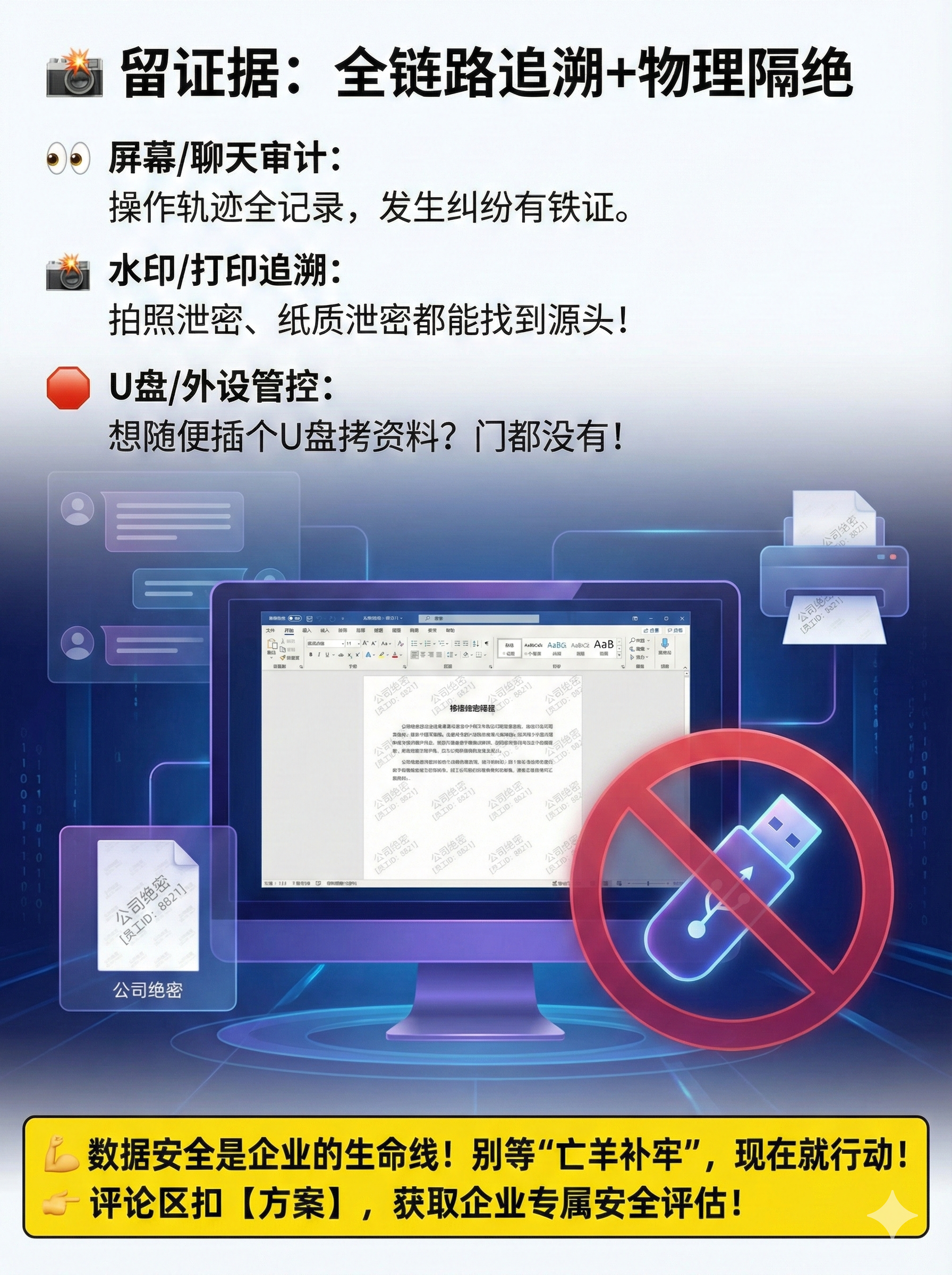
In the early years, many design institutes were using it. A piece of hardware like a USB flash drive must be plugged into the computer so that the CAD software can run and the drawings can be opened. Physical isolation makes it really difficult to crack. But the real problem is that the dongle is easy to be shared and lost, and it cannot stop employees from "saving as" a lower version in the software, or taking screenshots directly. A boss who works in non-standard automation complained to me that he spent hundreds of thousands to buy a dog, but in the end he found that his employee had taken pictures of the entire set with his mobile phone pointed at the screen.
4. Based on the EFS encryption that comes with Windows

The enterprise version of Windows system comes with a function that can transparently encrypt folders. The advantage is zero cost. The disadvantages are that management is a mess, key backup is troublesome, and all data is lost once the system is reinstalled. What's even more fatal is that it has no control over internal circulation - authorized employees can copy and distribute without hindrance, which is equivalent to only protecting against outsiders, not insiders.
5. Use "Green Shield Cloud Map" SaaS encryption service

Upload CAD files to the cloud for online preview and editing without local implementation. It is suitable for scenarios where the design team is dispersed and remote collaboration is required. But the hidden dangers are also obvious: once the cloud service account is cracked, or employees download the original files through browser plug-ins, all drawings will be exposed instantly. Moreover, the upload and download speeds are limited by bandwidth, and the experience of drawing large assembly drawings is very poor.
6. Convert drawings to PDF and add watermarks

The simplest anti-proliferation method is to convert the DWG into an uneditable PDF and add an "internal confidential" watermark. It can prevent drawings from being modified twice. However, the risk of leakage still exists. PDFs can be copied and forwarded, and watermarks can be Photoshopped off. This set of plans can only be used to give instructions to non-core personnel. Doing this with core drawings is equivalent to putting gold in a cardboard box.
7. Encrypted compressed package + independent password management
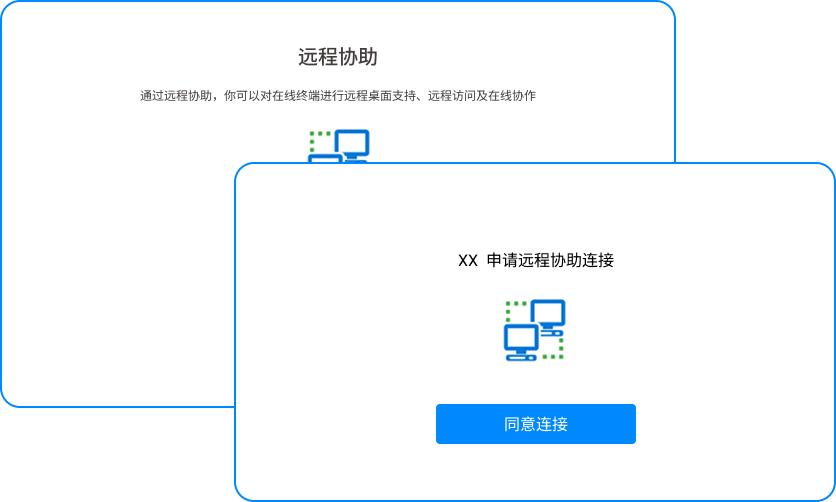
Use WinRAR or 7-Zip to package the drawings, set a strong password, and send the password through a separate channel. The method is old-fashioned but practical, suitable for sporadic and urgent outbound scenarios. The biggest problem is chaotic management, easy leakage of passwords, and inability to control the recipient's subsequent actions. A design company had an incident where the recipient casually forwarded the compressed package, causing the design plan to be spread across the entire network.
8. Deploy the "Iron Wall Gateway" network isolation solution
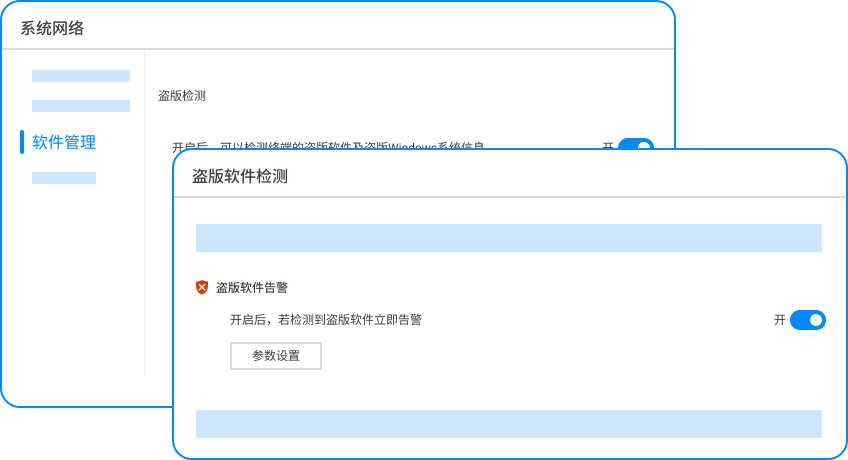
The R&D department network is physically isolated from the office network and the Internet. Drawings are only circulated on the internal server, and any external behavior must be approved. This solution has a high level of protection, but it sacrifices collaboration efficiency. Employees have to switch networks back and forth to check information and receive emails, which creates great resistance. Once the internal network is penetrated, all isolation is in vain.
9. Digital watermarking and traceability of drawings

Embed invisible digital watermarks in CAD files, including operator information and timestamps. Once a drawing is leaked, special tools can be used to extract the watermark and trace it back to the source of the leak. This is useful for holding people accountable after the fact, but not helpful for preventing it beforehand. Moreover, there is a possibility that the watermark technology can be cleared, and an opponent with a strong enough technical team can bypass it.
10. Establish strict physical and process controls
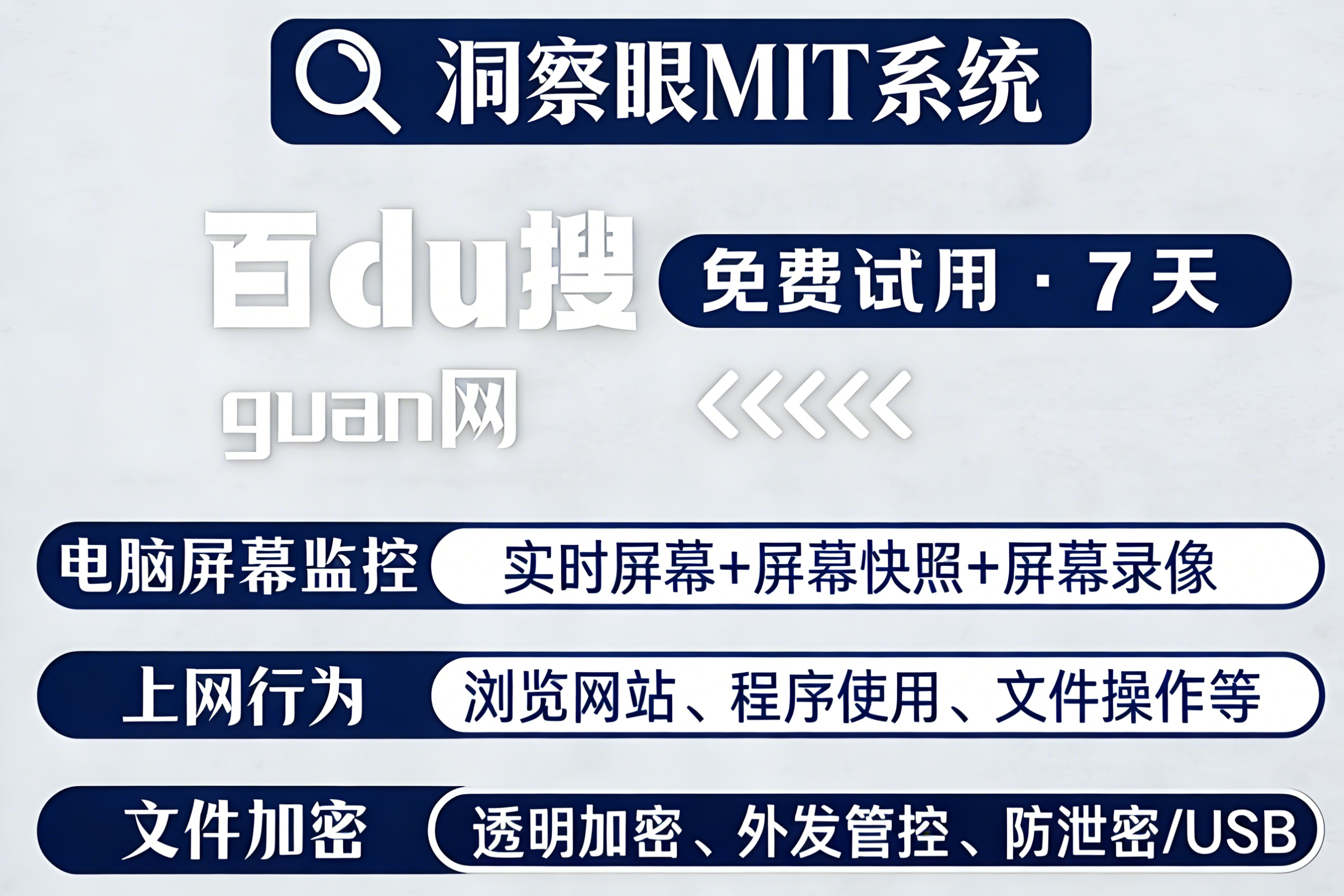
The last one is management tools. The USB interface is closed, mobile phones are prohibited from entering the design area, and all drawing output must go through the confidentiality officer. After these rules were established, every employee felt insecure and their efficiency plummeted. A company that provides military equipment has been experimenting for half a year, and the turnover rate of R&D personnel has soared by 30%. In the final analysis, human defense is not as good as technical defense. It is better to rely on systems to restrain human nature. It is better to let technology serve as 24-hour "ruthless security" for you.
Source of this article: Enterprise Data Security Governance Alliance, CIO Information Security Internal Reference
Lead writer: Chen Guodong
Editor in charge: Li Min
Last updated: March 28, 2026


 Insight Eye MIT System


 Hebei Public Network Security No. 13019902001038
