
Article summary: Boss, let me tell you the truth from the bottom of my heart. In the eyes of many people, the core CAD drawings of our company are just a bunch of money. The designer has been working hard for several months, and the salesman has been working on the order with the customer for half a year. In the end, it may be because of one thing.
Boss, let me tell you the truth from the bottom of my heart. In the eyes of many people, the core CAD drawings of our company are just a bunch of money. The designer has worked hard for several months, and the salesman and the customer have spent half a year working on the order. In the end, it may be that a drawing was taken away and sent out, and he returned to the pre-liberation period overnight. I have seen this matter too much. I have been in the industry for more than 20 years, and I have seen too many companies being either taken advantage of by competitors or blackmailed by employees because of the leakage of core drawings. The feeling is worse than eating a fly. Let’s not talk about those empty concepts today, but let’s talk about how to lock the CAD drawings and keep this vitality in mind.
How to encrypt CAD drawings? Summarize 7 ways to encrypt CAD drawings to protect the company’s core assets from leakage
1. Deploy the Insight Eye MIT system
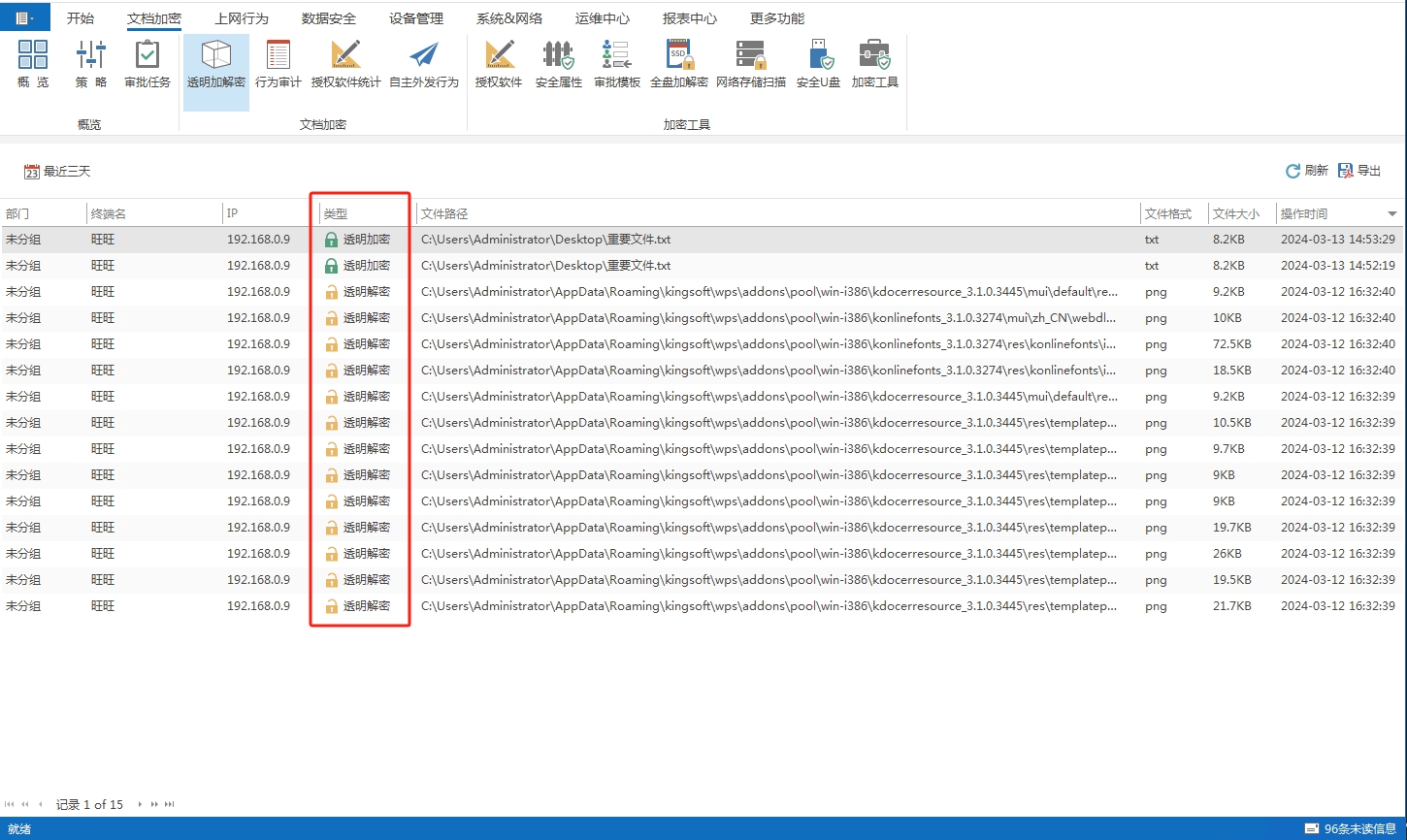
This is the solution I recommend to my clients the most in the past few years, and it is also the solution with the most immediate results. It is not as simple as giving you a password on a drawing, but fundamentally "covering" the entire design environment. Many bosses are worried about the cost of buying a system, but I have done some calculations and found that the cost of a system is not even a fraction of the loss caused by a leak of a core project. Let me break down the core gameplay of this system for you:
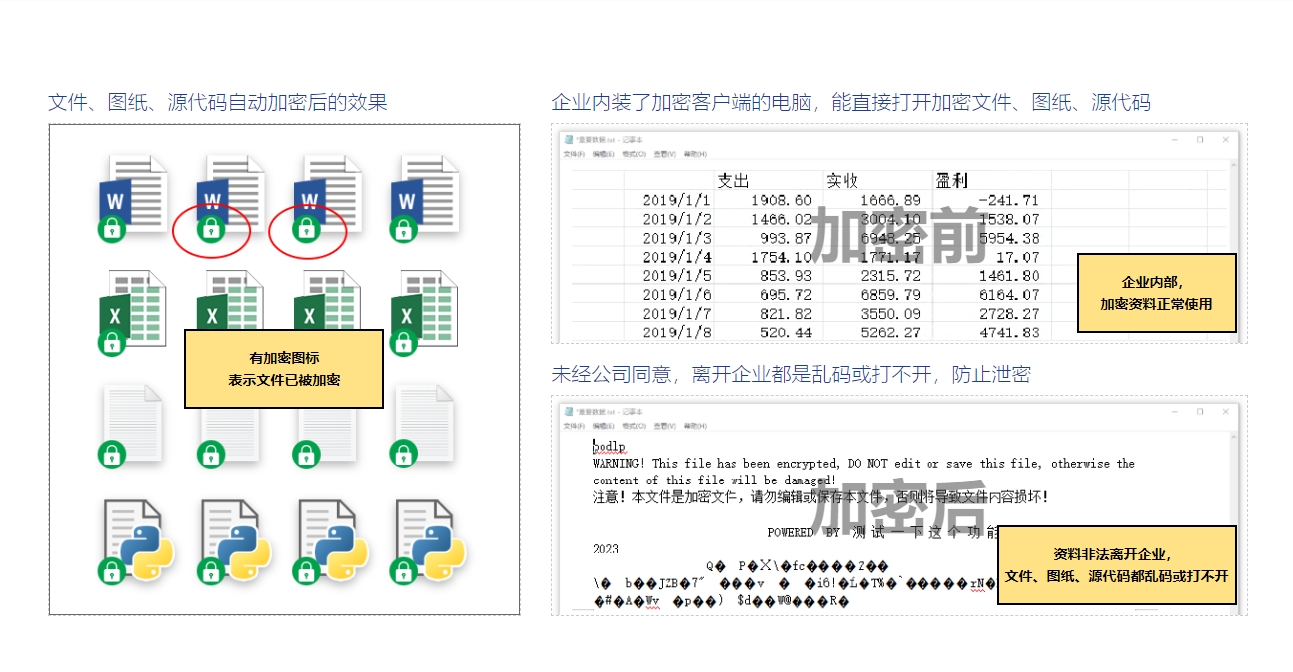
Drawings are automatically encrypted, leaving no dead ends : Don’t expect employees to be self-conscious. Once the system is deployed in the background, all CAD, SolidWorks, and PDF drawings are automatically encrypted as soon as they are saved. Within the company, everyone doesn’t feel comfortable using it, just like usual. But once someone wants to send the drawings through WeChat, USB flash drive, or email, they will be all garbled and cannot be opened. This is called "the internal network is smooth and the external network is blind", which perfectly solves the hidden danger of employees taking away the drawings "conveniently".
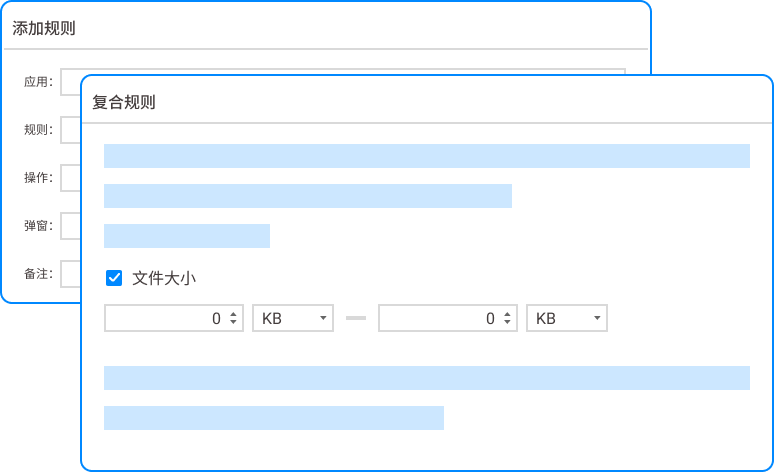
Outsourcing the approval process to block the back door : Sometimes you really need to send drawings to customers or suppliers, this is unavoidable. Insight Eye MIT system has an outbound control function. If employees want to outsource documents, they must submit an application. As the boss or technical person in charge, you can directly approve it in the background. Not only can you set who can see this file, how long it should be seen, and whether it can be printed, but you can even limit it to only being opened on a specific computer. Only the recipient can use it after authorization is given. ; If you don't give it, I won't be able to open it even if I come.
Print watermarks to trace their origins and deter insiders : Many people think that copying is not allowed, so I can take photos and print them at the head office, right? This trick will also block you. The system supports automatically adding watermarks to printed drawings, with the printer's name, job number, and printing time printed on them. It’s clear who printed it. Think about it, which employee dares to take the risk of being directly "named" and pass out drawings with his or her ID number? This is psychological shock.
Comprehensive behavioral audit and accountability afterwards : Don’t wait until something happens to check the surveillance video. That’s too inefficient. This system can record who was at what time, which drawing was opened, what operations were attempted, and whether any attempts were made to copy and paste into other software. Once an abnormal operation is detected, the system will directly alarm and you will receive a notification on your mobile phone. This is like installing a 24-hour "invisible camera" behind each workstation to keep an eye on the drawings.
2. Manually set the CAD drawing password

This is the most basic method, which comes with Autodesk series software. When saving the drawing, click "Security Options" and set an opening password. But this trick only protects against gentlemen, not villains. Once the password is cracked by the software, or the employee tells others the password, or even directly sends the encrypted drawing with the password to outsiders, your layer of protection will be in vain. Moreover, password management itself is also a big trouble. If the passwords are mixed up on dozens of drawings, the project will have to be stopped.
3. Hardware dongle binding
This is a traditional method. A dongle like a USB flash drive is inserted into each design computer. The software can only open the drawings after the dongle is inserted. The advantage is physical isolation, and stealing the blueprints is useless without a dog. The disadvantages are also obvious, the cost is high, each dog costs hundreds or even thousands of dollars. ; If the dog is broken or lost, the designer will have to stare blankly ; If an employee takes the dog away with the drawings, this method will immediately fail.
4. Folder encryption and permission control
Many companies use the permissions that come with Windows, or create a shared folder and set "read-only" permissions. But this thing is too laborious to manage. New employees need to be assigned permissions when they join, and permissions need to be deleted when they leave. In a slightly larger company, with hundreds of folders, the IT department would be exhausted from processing permission applications every day. The most important thing is that permissions can only control whether you can "view" it, but not whether "you can copy it to the local while viewing it." Once the file is opened and the other party wants to copy and paste, you can't stop it.
5. Use a dedicated document security sandbox
Some companies will create a "security sandbox" environment and install all design software in a controlled virtual environment. Drawings can only be opened and edited in this "box". Any copying or screenshot operations outside the "box" will be prohibited. This method is very thorough, but it has high hardware requirements, and the computer configuration will become stuck if it is slightly different, affecting the designer's mood and efficiency. And once the "box" itself is breached, its contents are exposed.
6. Cloud desktop or VDI virtualization solution

The idea is to put all data on the server. The designer only has a monitor in front of him, and the drawings are never transferred to the local computer. Theoretically, it is very safe, but the cost is ridiculously high. One set of servers, networks, and software licensing is enough to buy several Mercedes-Benz. Moreover, it is extremely dependent on the network. Once the network is disconnected, all employees will stop working. For design teams that value efficiency, the experience is often not very user-friendly.
7. Physically isolated network
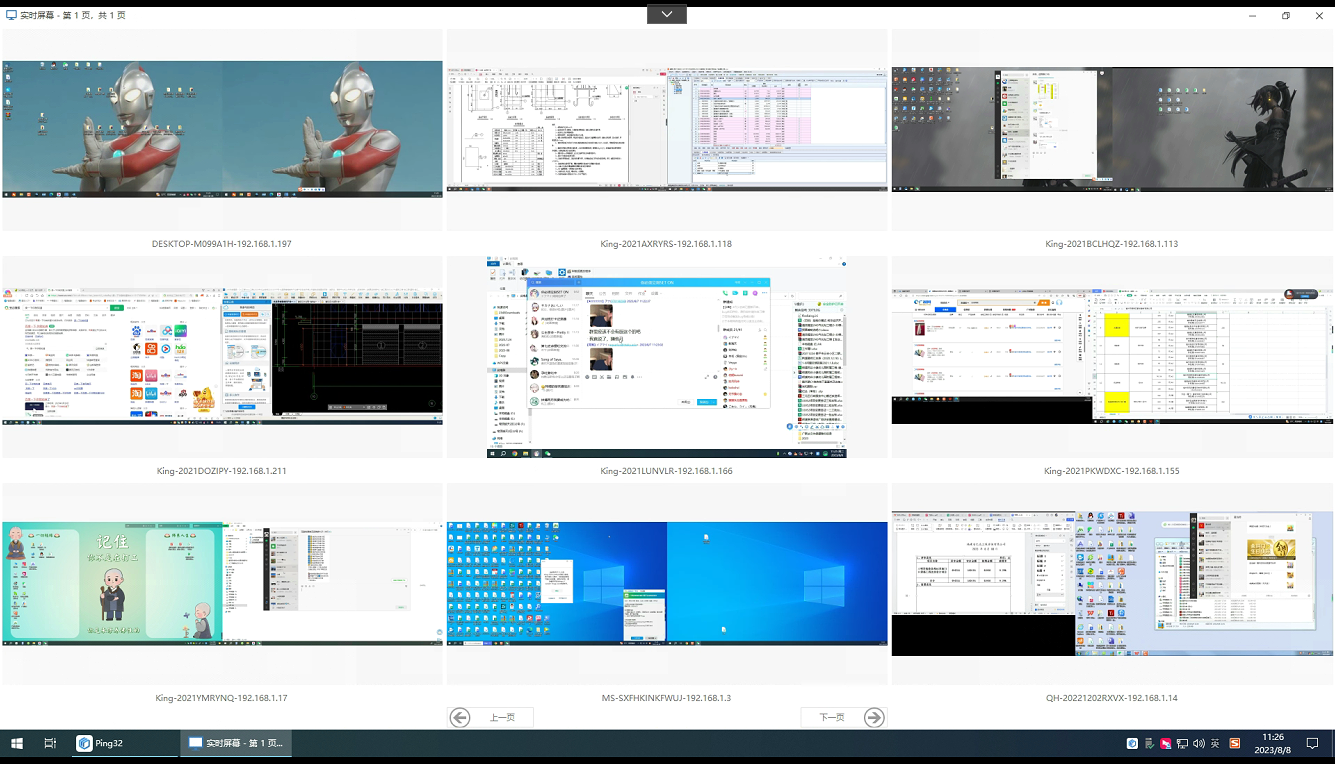
The most "simple and crude" method. All core blueprint computers disconnected from the Internet, closed USB ports, and even locked the chassis. This method is safe, but the price is that it also locks up the company's collaboration efficiency. If the designer wants to check some information, he has to go to a public computer to check it. ; If a customer sends a modification opinion, it must be conveyed through an intermediary. In today's era of agile development, this kind of "jail-like" work style cannot retain people.
Looking at it, you will find that the following six methods either have high management costs, affect efficiency, or have insufficient security levels. To truly control risks from the source without affecting daily office efficiency, something like Insight Eye MIT System This is a transparent encryption solution that integrates document encryption, permission control, and behavior auditing. It not only solves technical problems, but also changes the risk of leakage from "accountability after the fact" to "prevention beforehand" and "blocking during the incident."
To put it bluntly, protecting the drawings is protecting the life of the company. Don’t wait until your competitors take your design and steal the order at half the cost of yours before you think of making amends. At that time, the hole could not be filled with money from a system.
Source of this article: Enterprise Information Security Alliance, CAD Industry Technical Internal Reference
Lead writer: Chen Guodong
Editor in charge: Liu Zhiyuan
Last updated: March 25, 2026


 Insight Eye MIT System


 Hebei Public Network Security No. 13019902001038
