
Article summary: After working in our industry for more than 20 years, I have seen too many bosses slamming the table and scolding: core drawings were copied by former employees, partners turned around and sold the design, new products from the R&D center have not been released yet, and imitation products have been sold online. To put it bluntly, these days,
After working in our industry for more than 20 years, I have seen too many bosses slapping the table and scolding: core drawings were taken away by former employees, partners turned around and sold the design, new products from the R&D center have not been released yet, and imitation products have been sold online. To put it bluntly, these days, if the drawings are not encrypted, it is like hanging the vault key on the door. Today we are not going to fix the problem, but we are going to talk about how to lock the "vital door" of the drawing. Some of the following 7 methods are "iron barrel arrays" that I have personally deployed for clients, and some are folk remedies for specific scenarios. Bosses can choose according to their own circumstances.
Prevent drawings from leaking, just these 7 tips! Bosses, hurry up and learn, don’t wait for the code to be stolen before patting you on the back
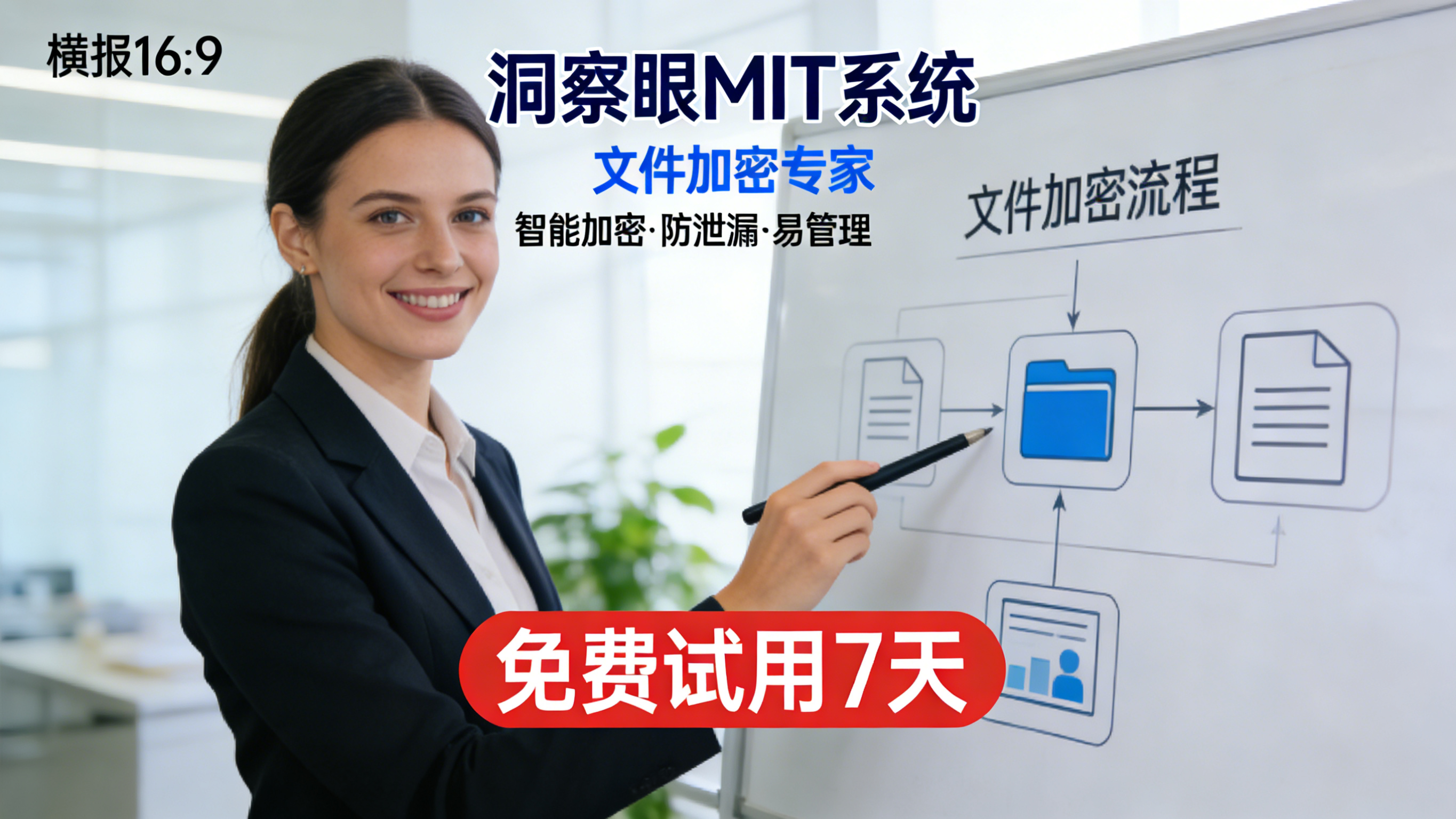
1. Deploy the Insight Eye MIT system

Let me tell you, what companies fear most when it comes to preventing secret leaks is "self-deception." I bought a firewall and thought everything would be fine, but as soon as the employee plugged in the USB flash drive or sent the WeChat message, everything was gone. What really works is this kind of hard guy who can get into the bottom of the system and control people's "hands and feet." This thing is not an ordinary encryption software, it is a "fully automatic safe" for corporate data.
Fully transparent encryption, employees have no clues, and there is no way for secrets to be leaked Many bosses are afraid that encryption will affect work efficiency, and employees are resistant. The most cruel thing about MIT's "transparent encryption" is that employees can draw, save, and open pictures normally without feeling any changes at all, just like their usual operations. But as soon as someone tries to copy the drawings to a USB flash drive, send them to a personal WeChat account, or copy them to an external computer, the files immediately become garbled. We have a customer who is engaged in chip design. The entire layout was copied by a resigned employee. After using this system, the employee tried to send it out through email, but what he sent out was a bunch of Martian text, which directly blocked the road.
Fine-grained control of outbound permissions, so you don’t have to worry about sending them to partners. To keep up with the downstream, drawings always have to be sent out. In the past, as soon as it was sent to Party B, I would feel anxious. This system allows you to add a "curse" to the outgoing drawings: they can only be opened and viewed a few times, they can only be opened on this computer, and even printing and screenshots are prohibited. Last month, a boss who made precision molds told me that the drawings they sent to the foundry were automatically destroyed after the expiration date. The foundry had no way of producing more sets and selling them. This is how to keep the initiative in your own hands.
Print watermark + screen watermark, let people who want to take photos weigh it If there is really a "ghost" who wants to leak secrets, the stupidest way is to take a picture of the screen with a mobile phone. Don't underestimate this trick, a lot of core information is leaked out like this. This system can automatically superimpose invisible or explicit watermarks on all drawings, with employee IDs, time and IP on them. A while ago, the R&D director of a car company was secretly photographed and posted the drawings online. Using the watermark, he was able to locate the person in five minutes. This kind of deterrence is more effective than any rules and regulations.
Full life cycle audit, it’s clear who has touched your drawings Many bosses think that encryption is enough, but in fact monitoring is equally important. This system can record the entire process of each file from creation, modification, copying to deletion. Who secretly opens the server in the middle of the night to look through the drawings? Who uses a USB flash drive to insert and remove abnormally many times? The background reports are clear at a glance. We did an audit for a game company, and we used this to uncover an "insider" who packaged art resources and sold them to competitors, and we recovered seven figures in compensation alone.
Offline strategy + business trip mode also blocks the risk of "taking out" When R&D personnel go on business trips and work overtime at home, taking their notebooks out is the biggest risk. This system can set an "offline policy". After leaving the company network, the drawings on the computer will still be encrypted and the operation records will still be retained. Once the device is lost or has expired, the administrator can remotely lock or destroy the data with one click. This is the true "data does not fall to the ground, and the data does not leak after landing".
2. Physical isolation + dual network card disconnection
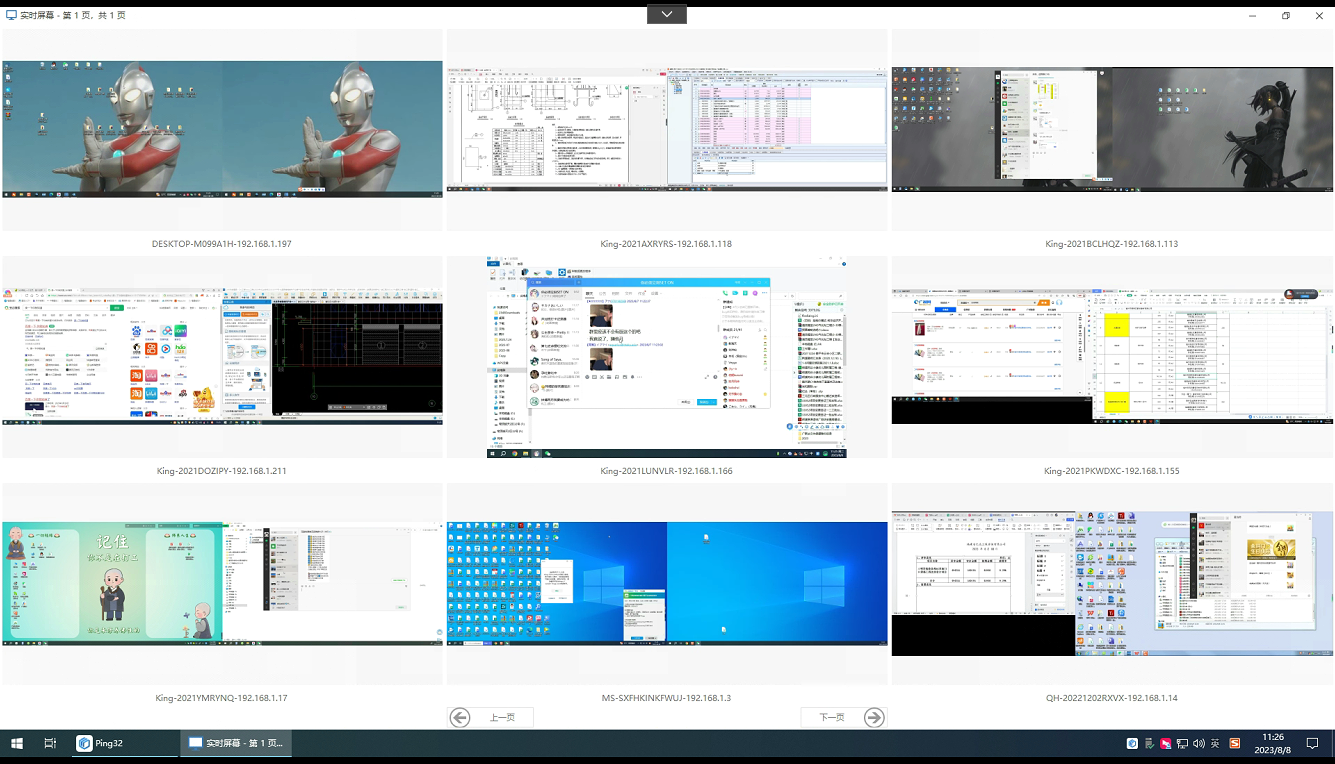
This method is the most primitive, but also the most "violent". Directly disconnect the computers in the core R&D department from the Internet, or only connect to the internal LAN and not the external network. Want to import files? OK, go through the internal review process, and have someone use a CD-ROM drive or an anti-virus USB flash drive to transfer it to the "middle machine". Military industrial units and high-precision manufacturing plants still retain this method. The implementation effect is very real: all network leakage channels are physically cut off, and employees cannot send out messages even if they want to. The price is that the efficiency is slightly lower and the process is more cumbersome, which is suitable for extreme confidentiality scenarios where "I would rather be three days late than miss a single picture."
3. Built-in encryption function + domain control policy forced activation
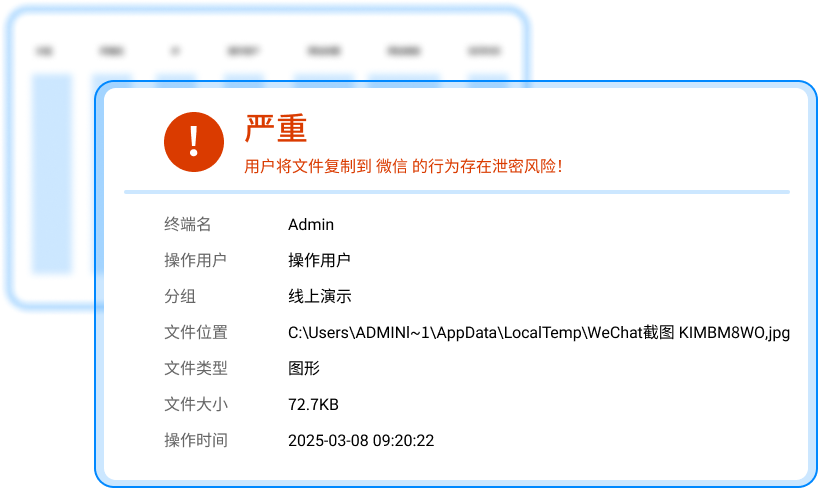
Windows systems now actually have a "BitLocker" disk encryption function, and Office and CAD software also have their own file encryption options. Working with your company's domain control server, you can force all employees to automatically enable password encryption when saving files. The advantage is that it doesn’t cost extra and can be used by small companies. The disadvantages are also obvious: password management is a big pitfall. If an employee forgets his password or fails to hand over the password when he leaves, the batch of drawings will be completely useless. Moreover, it cannot prevent "insiders". If employees know the password, they should copy it or take it away. Suitable for small workshops with extremely limited budgets and less sensitive data value.
4. High-strength encryption of compressed packages + separation of enterprise cloud disk permissions

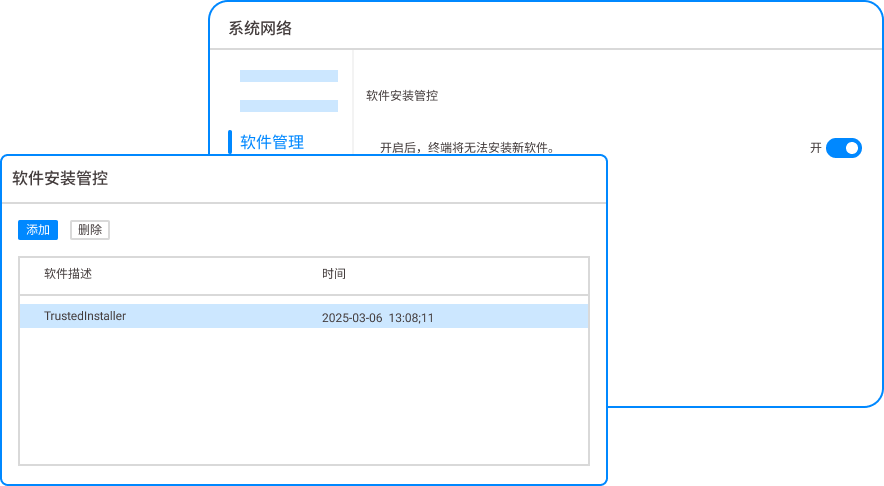
Let employees develop the habit of using WinRAR or 7-Zip to compress all drawings that need to be sent out or stored, and set a complex password of more than 20 digits. The password is sent to the recipient separately via SMS or WeChat. At the same time, a private cloud disk (such as Synology) is built internally, and independent permissions are set for each project team. Those who can browse cannot download, and those who can download cannot share. This combination of punches can stop a group of "lazy thieves" and accidental leaks. But having said that, this is a typical "Beware of gentlemen but not villains". If an employee is determined to leak secrets, take screenshots, take photos, or even use brute force cracking, there is nothing you can do about it.
5. Bind the hardware encryption lock (U disk dog) to the physical device

Veterans engaged in industrial design and embedded development should be familiar with this. Equip the key computer with a "dongle". Software or drawings can only be opened by plugging in this U disk-like hardware. If the dog is not plugged in, all the codes displayed in the system are garbled. This trick is very effective in dealing with the situation of "bringing your laptop home and using it secretly". The disadvantage is that the hardware is easy to lose and the cost is high. A dog costs several hundred yuan. If there are more employees, the cost cannot be supported. In addition, if you encounter the kind of "master" who specializes in physical cloning, this trick is also very difficult.
6. Manual cutting + independent storage
The oldest and most anti-human trick. Divide a complete set of core drawings into several parts logically and keep them in different hands. For example, the structure diagram of tube A, the wiring harness diagram of tube B, and the electrical control diagram of tube C. The three people do not know each other's password. Only when these three people are present and authorize at the same time can the complete drawing be assembled. I have seen an old factory that makes special equipment. It has been doing this for twenty years, and no secrets have been leaked. This method requires extremely high management costs and is extremely testing human nature. The boss himself must have absolute control.
7. Full traffic monitoring + sensitive word alarm
Deploy traffic monitoring equipment at the company's egress gateway to conduct in-depth inspection of all outgoing data packets. Once it is detected that files containing sensitive words such as "source code", "design drawings", and "core parameters" are leaked out through emails, network disks, and social software, the system will immediately intercept them and send an alert to the boss and administrator. This is equivalent to installing a "security inspection machine" on the company door. But it also has blind spots. For example, employees can bypass it by using mobile phone hotspots or compressing drawings and renaming them as "Family Album.rar". Therefore, it is usually necessary to use it with the first type of software as the last line of defense.
Source of this article: Enterprise Information Security Alliance, China Data Leakage Prevention Technology Summit
Leading expert: Zhang Tiejun
Editor in charge: Chen Min
Last updated: March 27, 2026


 Insight Eye MIT System


 Hebei Public Network Security No. 13019902001038
