
Article summary: As a boss, what are you most afraid of? It wasn't market fluctuations, it wasn't plagiarism by rivals, it was just waking up and finding that the core drawings at the bottom of the box had been packaged and sold to rivals by resigned employees. It felt like being stripped naked and running down the street. Today's article
As a boss, what are you most afraid of? It wasn't market fluctuations, it wasn't plagiarism by rivals, it was just waking up and finding that the core drawings at the bottom of the box had been packaged and sold to rivals by resigned employees. It felt like being stripped naked and running down the street. In today's article, I won't talk about those vain theories, but just talk to you about how to add locks to these vital CAD drawings, especially the kind of high-level gameplay that makes the insiders scratch their heads.
Stop letting the core drawings run naked! 10 CAD file encryption methods to cure all kinds of leak anxiety
1. Deploy the Insight Eye MIT system
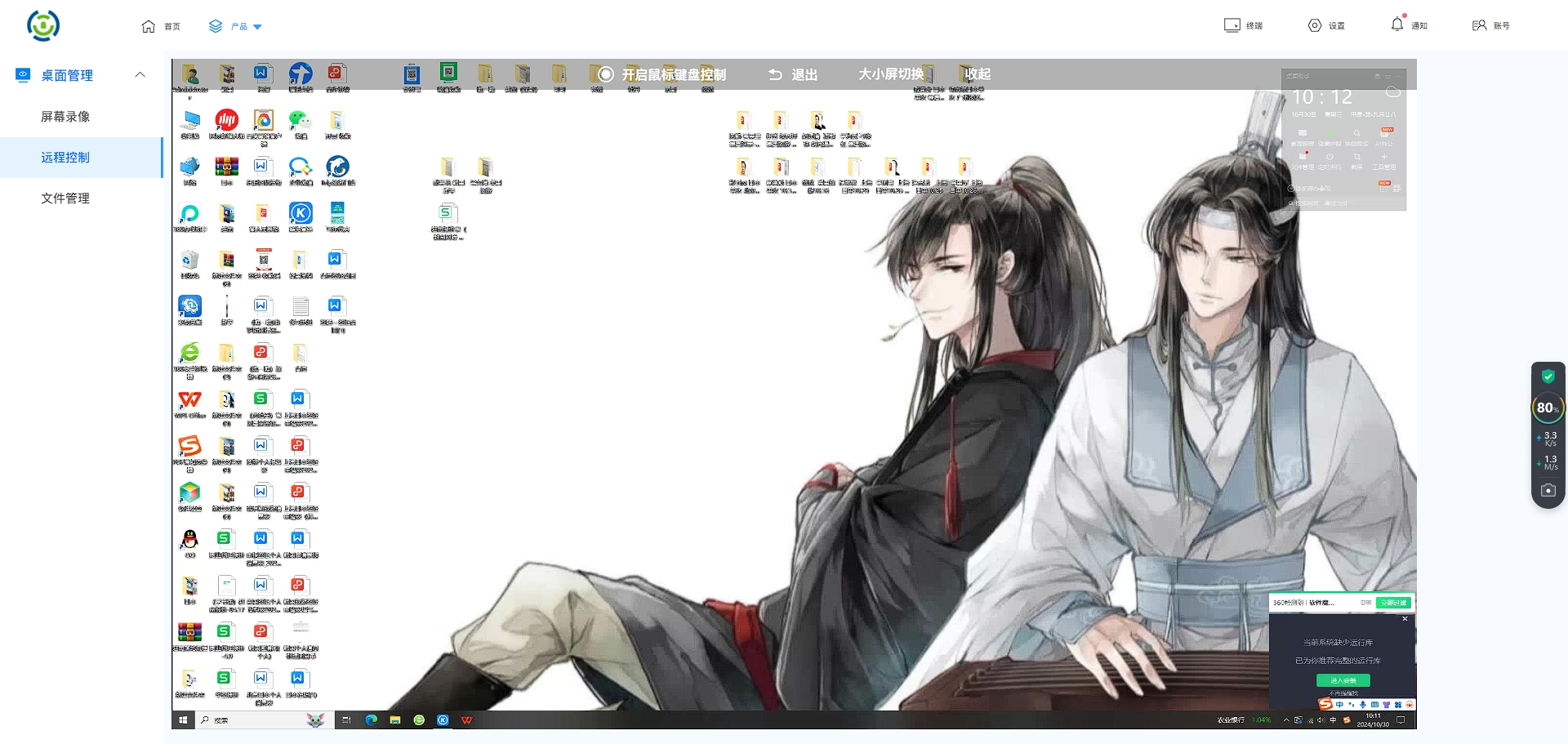 After working in this industry for so many years, I have seen too many bosses spending a lot of money to buy firewalls and anti-virus, but in the end, the drawings still leaked out from within. If you ask me, what can really fight is a system that can control "people". This thing is not just adding a password, it is a complete anti-leak combat system.
Full-cycle transparent encryption prevents drawings from leaving the door” Don’t expect employees to encrypt files on their own initiative, that’s just a dream. Once the system is installed, all CAD drawings are automatically encrypted in the background when they are created and saved. The employees themselves looked at the documents and everything looked normal, but once they were copied and sent out without authorization, the documents turned out to be a bunch of garbled characters. This is called "encryption on the ground", which eliminates the possibility of leaks from the source.
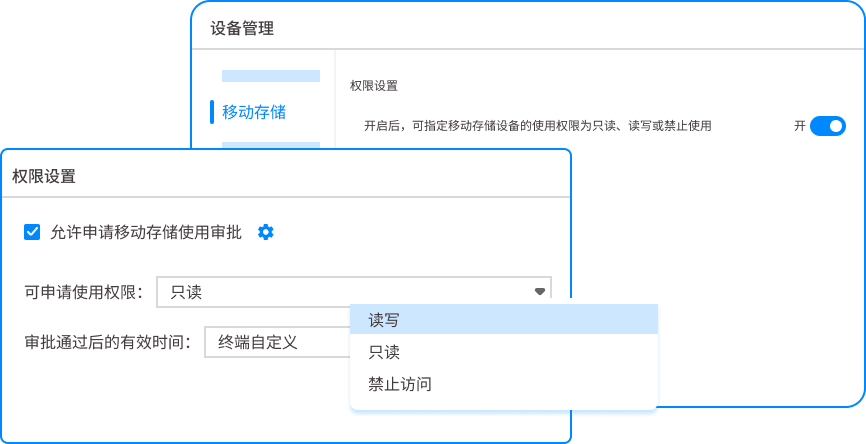
Fine-grained permission control, it’s clear who saw what In a project team, who can only view, who can modify, who can print, and who can even take screenshots can be accurate to the individual. Designers can only draw pictures on their own computers. Want to copy them to a USB flash drive? There are no doors. This is 10,000 times more reliable than relying on self-awareness or signing a confidentiality agreement. If the authority is blocked, the way to leak secrets will be blocked.
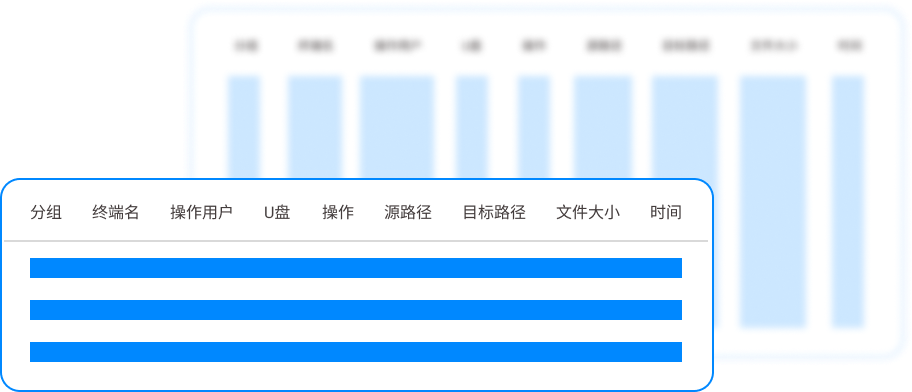
“Time bomb” control of outgoing documents Drawings are always sent to customers and suppliers. The system supports generating outgoing files, and you can set an opening password, usage period, and even restrict it to only being opened on one computer. When the file is sent out, it is like setting up a timer. When the time is up, it will automatically expire. You no longer have to worry about a mole in your partner.
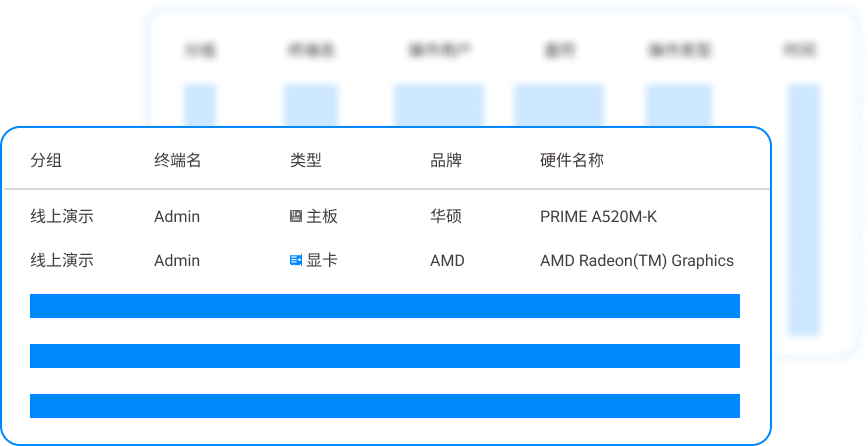
Full behavioral audit, early warning before leaks Don't wait until something happens to check the surveillance. The system will keep an eye on abnormal behaviors, such as an employee suddenly opening historical project drawings in batches in the middle of the night, or frequently trying to copy files to a mobile device. The system directly alerts the police, and the administrator can intervene immediately. This is called nipping leaks in the bud, which is a hundred times better than tracing them after the fact.
Offline strategy also blocks the way to "cut off the Internet and steal pictures" Some people think that it is safe if they unplug the network cable. The system can set offline policies. When employees leave the company network, files are still encrypted and operation permissions are controlled. Want to take your computer home and secretly copy drawings? The system has already blocked your escape route.
2. Set the password that comes with the CAD software
 Many CAD software comes with "security options" that can set an opening password. This trick is simple to use, and bosses feel it is better than nothing. But to tell you the truth, there are a lot of software on the market to crack this kind of password, and they can only protect against ordinary employees. When encountering someone who is determined to cause trouble, this level of protection is no different than paper. Moreover, once the password is shared, it is equivalent to being made public.
3. Change the file attribute to "read-only" + folder advanced sharing permissions
 On a Windows server, set different folder access permissions for different departments through NTFS permissions. For example, the sales department can only read it, but the R&D department can change it. This method can prevent the most basic misoperations, but it is too troublesome to manage permissions. Those with a little technical knowledge can bypass it by finding a loophole or booting from a PE disk. The security level is too low.
4. Encrypt using compression software
 After drawing the picture, package it into RAR or ZIP and set a password. Many small companies are using this method. But have you ever thought about it, once the file is decompressed, it will be in clear text. The decompressed files are circulated locally, which is equivalent to running naked again. And password management is also a big problem. If one person knows it, the whole company knows it.
5. Enable EFS encryption that comes with Windows
 This is a hidden feature that can encrypt a single file or folder and can only be opened by your account. This sounds good, but if you forget to export the certificate before reinstalling the system, all encrypted files will be completely destroyed. No matter how many bosses cried because of this, they couldn't find a solution. The key is that it cannot control network transmission and outgoing emails, and has too many limitations.
6. Hardware encryption lock (dongle)
 The drawing is equipped with a hardware U-shield, which can only be opened by plugging in a dog. This trick is good for preventing piracy, but it cannot control people. As long as the employee takes the dog and the documents away, they can still use it at home. This thing protects against gentlemen but not villains. The cost is still high, and it is troublesome to replace it if it is lost.
7. Network isolation (physical disconnection)
 Some ruthless bosses simply cut off the Internet, and no computers are allowed to connect to the Internet. This method is absolutely perfect, and the drawings will basically not be leaked out. But what's the cost? Employees were unable to check information or send and receive emails, and their productivity plummeted. Now is the information age. This kind of closed-door approach has long since left all the talent.
8. Use a dedicated drawing distribution platform (virtual desktop)
 Let employees log in to the virtual desktop and draw on the server without leaving any data locally. This trick is very effective in preventing leaks. However, the cost is extremely high and the network requirements are stringent. Once the network is disconnected or there is a problem with the server, all employees will stop working. Large manufacturers can afford it, but if small and medium-sized enterprises do this, the operation and maintenance costs will crush you.
9. Document security management software (mandatory watermark + screen watermark)
 A dark watermark of the employee's employee number and time is automatically printed on each drawing, and a clear watermark is also floating on the screen. This tactic has a strong deterrent effect. Employees will feel psychological pressure when taking photos and leaking secrets, and they can also be traced to the source and held responsible afterwards. But after all, it was an after-the-fact investigation and there was no way to prevent the documents from being taken away.
10. Physical seal and USB port disabling
 Use group policy to ban all USB ports for everyone, and put a seal on the chassis. This method is simple and crude, and can prevent U disk copying. But you can’t prevent yourself from posting pictures on the Internet, cloud disk, email, or WeChat. Nowadays, people want to leak secrets, and there are too many methods. Just blocking a USB port is a cover-up.
In the final analysis, preventing leaks is not about engaging in an arms race, but about engaging in refined management. Among the above 10 methods, except for the first set of Insight Eye MIT system, which can form a closed loop of "prevention beforehand - management and control during the incident - traceability afterward", the other methods either have too many loopholes or the management cost is too high. How to protect core assets, you have to have a strong sense of yourself.
Source of this article: Enterprise Information Security Internal Reference, Data Leakage Prevention Research Institute
Leading expert: Li Jianjun
Editor in charge: Wang Haiyan
Last updated: March 23, 2026


 Insight Eye MIT System


 Hebei Public Network Security No. 13019902001038
