
Article summary: In a digital office environment, employees' online behavior not only affects work efficiency, but may also bring data leakage and network security risks - such as watching short videos during work hours, visiting bad websites, or mistakenly clicking on phishing links, leading to corporate network attacks.
In a digital office environment, employees' online behavior not only affects work efficiency, but may also bring about data leakage and network security risks - such as watching short videos during work hours, visiting bad websites, or mistakenly clicking on phishing links, leading to corporate network attacks.
In order to help enterprises scientifically manage employees' online behavior, this selection has selected seven online monitoring software with good market reputation and practical functions over the past 25 years, covering the needs of enterprises of different sizes. From basic behavior recording to full-dimensional risk prevention and control, there is always one that can adapt to your management scenarios!

1. Insight MIT system: an “all-rounder” for enterprise-level online behavior management”
Core functions
Internet traceability: not only records the URL, time and length of stay of employees' access to webpages, but also saves dynamic screenshots of webpages, so that even if employees delete their browsing history, they can be traced back. At the same time, it can capture search engine keywords, online document editing content and cloud disk operation logs. In addition, it can also monitor the chat content of mainstream chat software such as WeChat, QQ, and DingTalk. ;
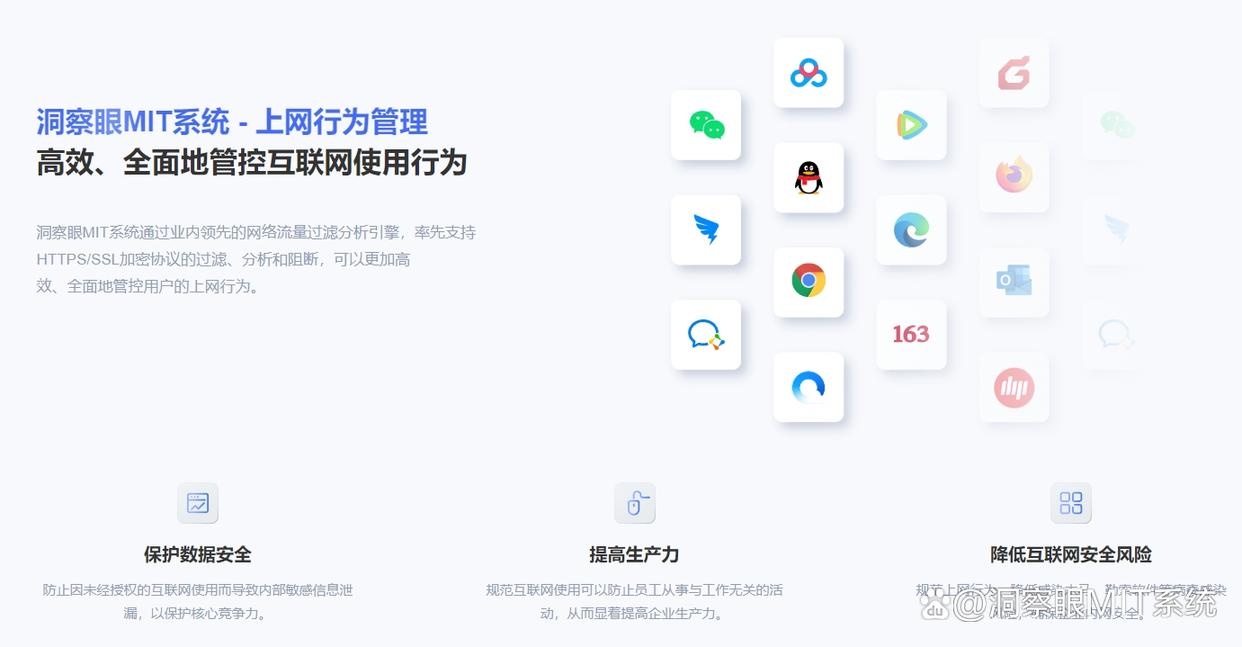
Instant messaging monitoring: Chat records of mainstream instant messaging software such as WeChat, QQ, and DingTalk can be monitored by the system. The system records key information such as chat content, files sent and received, and chat time in detail, allowing managers to have a clear understanding of employees’ instant messaging communications. ;
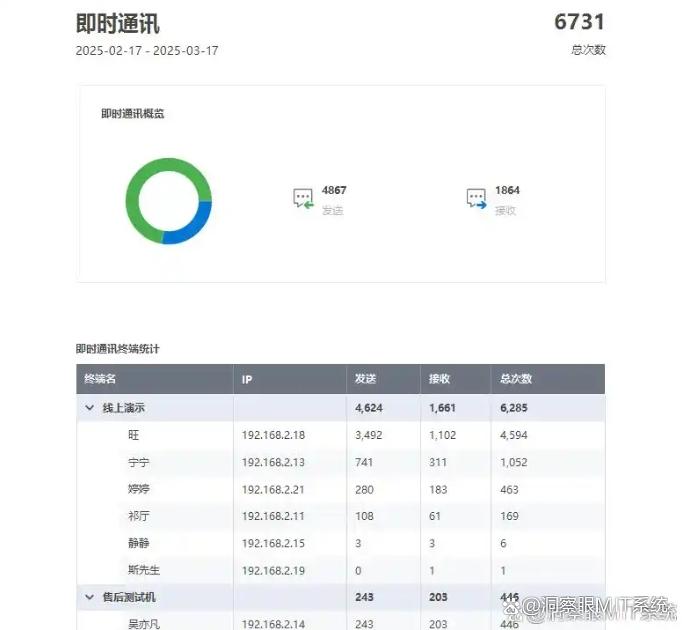
Application monitoring: Able to monitor all applications run by end users and record in detail the application startup, shutdown time and usage duration;
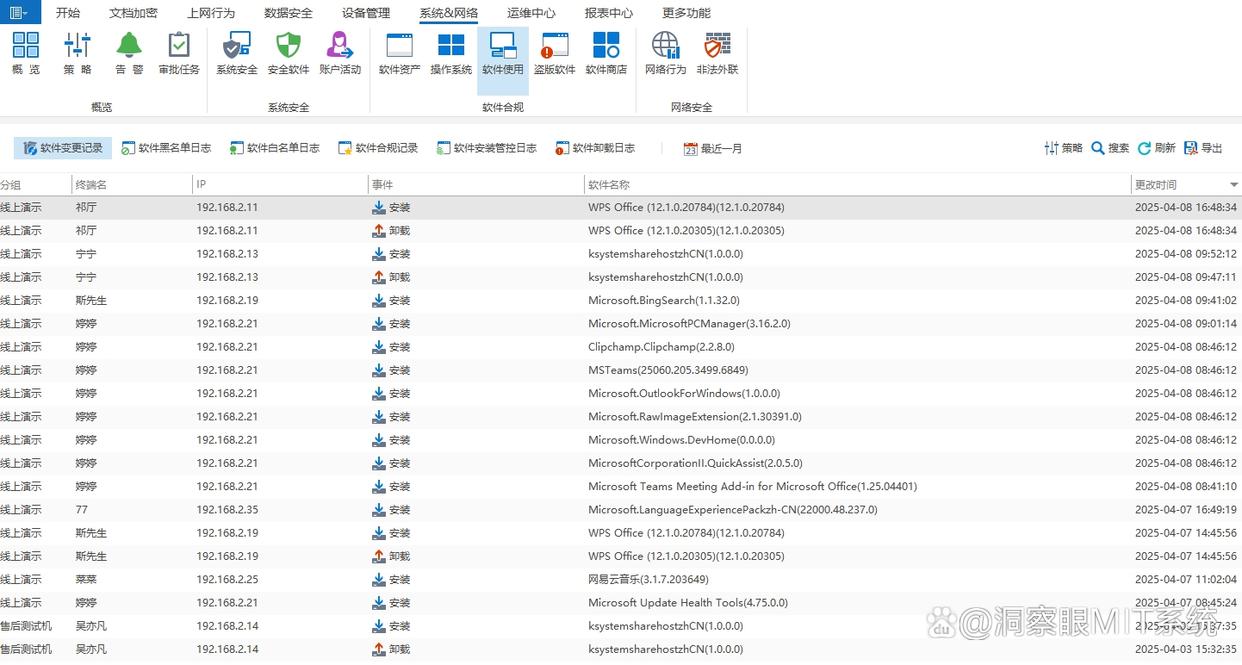
Website access control: Administrators can flexibly set a list of prohibited websites. The inclusion of non-work-related websites such as entertainment, shopping, and social networking can effectively limit employee distractions during working hours, greatly improve employee work efficiency, and at the same time reduce network security risks caused by accessing undesirable websites.
Application scenarios
It is especially suitable for medium and large enterprises with more than 10 employees, and is particularly suitable for scenarios that require large-scale control and prevention of data leakage, such as e-commerce teams monitoring customer service online behavior, technology companies protecting R&D data, and group companies uniformly managing multi-department online regulations.
2. WorkExaminer: “Intelligent Control Expert on Internet Behavior of Small and Medium-Sized Enterprises””
Core functions
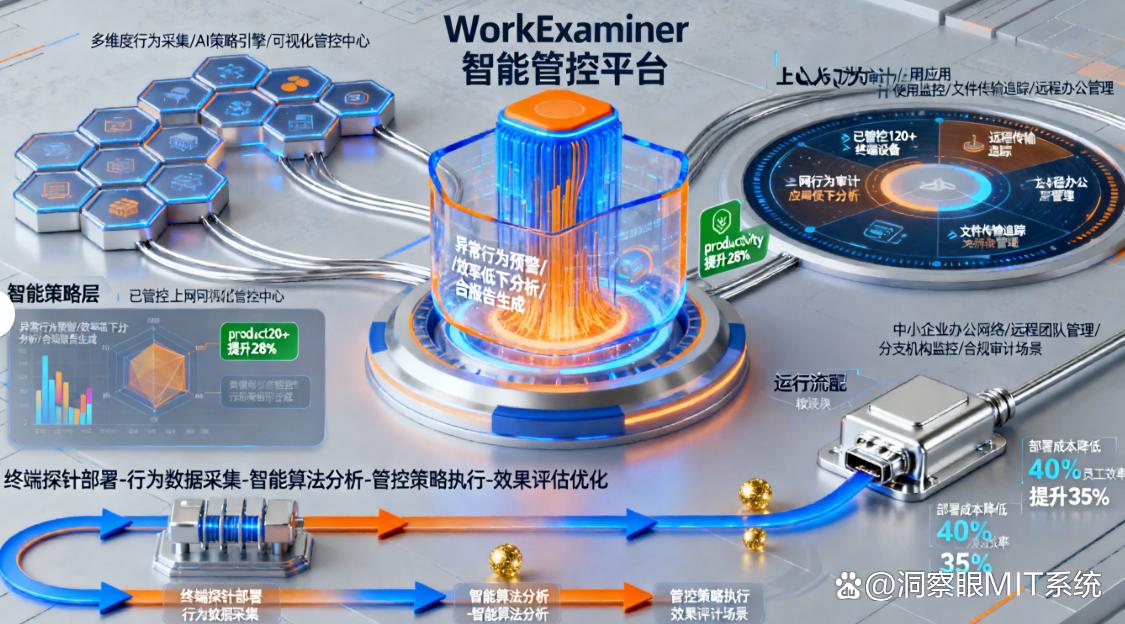
Focusing on "lightweight intelligent management and control": automatically records employee web page access (including access time, length of stay), file transfer (distinguish between local transfer and network transfer), software usage track, supports setting monitoring rules according to "working hours" (for example, only monitor from 9:00-18:00 on working days, automatically pause during lunch break, taking into account employee privacy);
Equipped with "screenshot + behavior log" dual backup, the frequency of screenshots can be customized from 1 to 60 minutes, and key operations (such as sending emails, downloading large files) automatically trigger high-definition screenshots for easy follow-up.;
Can intelligently analyze the proportion of non-work activities and generate visual reports (such as pie charts showing the proportion of work/entertainment Internet time, and bar charts showing daily Internet surfing patterns);
Supports remote shutdown of employees' non-work software (such as video players, game clients), and sends pop-up reminders to promptly correct violations and retain reminder records for future reference.
Application scenarios
It is suitable for small and medium-sized enterprises or start-up teams with 5-50 people, and is suitable for scenarios with limited budgets that require both "monitoring and control". For example, a small design studio prevents employees from browsing design entertainment websites during work, and a sales team controls employees from visiting shopping platforms during working hours.
3. Cymphonix: Multi-branch Internet collaboration "control manager"”
Core functions
Focus on "multi-regional collaborative management": Support the headquarters to view the online behavior of employees in remote branches in real time (with a delay of less than 1 second to ensure data synchronization), and simultaneously push unified monitoring policies (for example, all branches are prohibited from accessing illegal platforms, and the policy can be turned on/off with one click, without the need to set it up one by one);
Equipped with the "cross-regional traffic statistics" function, it can analyze the Internet traffic consumption and work correlation of each branch (such as distinguishing between "business system access traffic" and "entertainment video traffic"), and generate regional traffic comparison reports.;
Monitoring rules for different regions can be customized (for example, access to industry platforms is allowed in region A and prohibited in region B. Rule settings support precise matching based on IP segments and device models) to adapt to differences in network environments in various regions.;
Supports docking with enterprise VPN systems. After remote office employees connect through VPN, their online behavior is automatically included in the monitoring scope, and monitoring data is encrypted and transmitted to prevent information leakage.
Application scenarios
Enterprises with more than three remote branches, such as chain retail brands, control the Internet access behavior of backend computers in each store, and cross-city service enterprises uniformly manage the Internet access regulations of employees in each branch.
4. SolarWinds NetFlow Traffic Analyzer: Internet traffic and behavior "linkage monitoring tool"”
Core functions
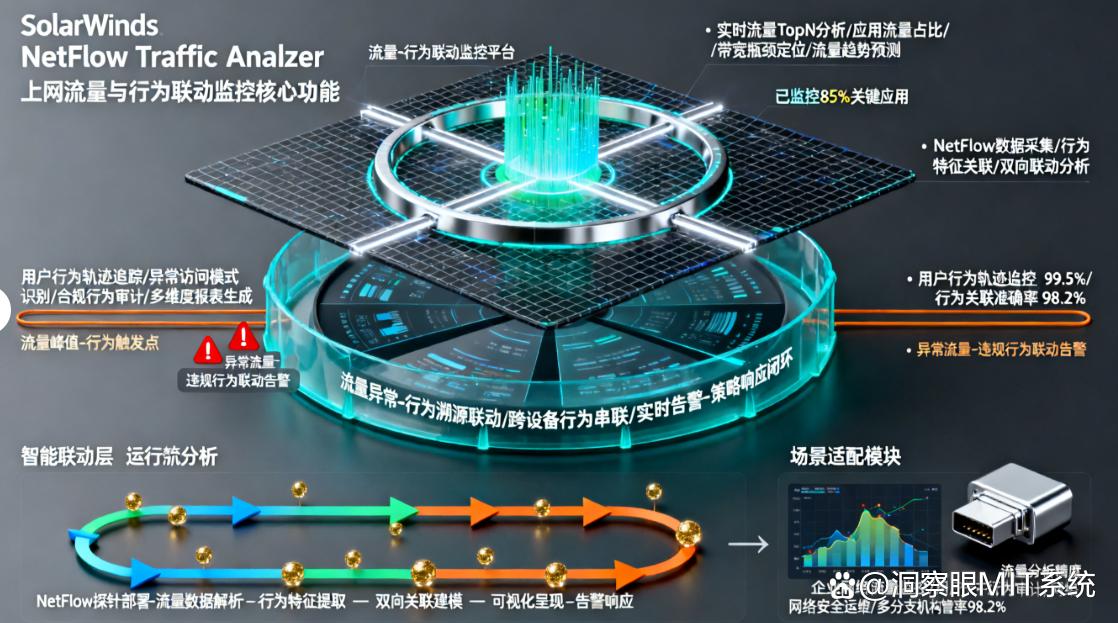
Features "traffic + behavior linkage analysis": real-time monitoring of employee Internet traffic (upload/download speed, total volume, statistics by minute/hour supported), identification of abnormal traffic (such as sudden surge in video download traffic, high frequency of overseas website access traffic), and automatic marking of abnormal device IPs;
Synchronously record the Internet behavior corresponding to the traffic (such as downloaded file types, visited website domain names, access duration), combined with the enterprise's preset "work traffic signature library", to intelligently determine whether the traffic is used for work (for example, the design team's downloading of design materials is classified as work traffic, and downloading game installation packages is classified as non-work traffic);
Set traffic threshold alarms (supports setting traffic caps on a daily/monthly basis), and automatically restrict non-work Internet access when the limit is exceeded (such as only allowing access to work websites, prohibiting video and download functions);
Generate a "traffic-behavior correlation report". You can directly click on the abnormal traffic entry in the report to jump to view the corresponding online behavior details, helping the IT department to quickly locate the source of network lag and non-working traffic, and shorten the time for troubleshooting.
Application scenarios
Enterprises that focus on network resource management, such as Internet companies whose IT departments need to maintain network smoothness and employee behavior control at the same time, live broadcast operation teams that rely on high-speed networks, and film and television production companies that have large file transfer requirements.
5. ActivTrak: a “lightweight analysis tool” for small and micro enterprises’ online behavior”
Core functions
The main focus is "easy to use + basic analysis": no complicated deployment is required. After the client is installed on the employee's computer (the client supports silent installation and does not affect the normal work of employees), employees' web browsing (including deleted browsing records can also be retained) and software usage records (distinguish between foreground and background running time) can be recorded.;
Automatically count the daily effective online time (deducting non-work browsing time, you can customize the work website list to accurately calculate the effective time), and generate a simple behavior report (the report includes "Daily Internet Efficiency Rating" to visually display employees' work concentration);
Supports "abnormal behavior reminder". For example, when employees suddenly frequently visit unfamiliar websites or send a large number of emails in a short period of time, push notifications will be sent through the mobile APP, and managers can view the details in real time.;
The data is stored in the cloud (using bank-level encryption technology to ensure data security). Managers can view monitoring results at any time through mobile phones and computers. It supports quick filtering of data by employee name and date, and can understand employees' online status anytime and anywhere.
Application scenarios
Micro-enterprises or individual businesses with less than 5 people are suitable for scenarios that do not have high requirements for monitoring functions and pursue "low cost + convenience", such as a personal studio monitoring the online behavior of part-time employees, and a small consulting company controlling the online efficiency of employees during working hours.
6. Symantec Data Loss Prevention (DLP): Internet risk interception expert for highly sensitive industries”
Core functions
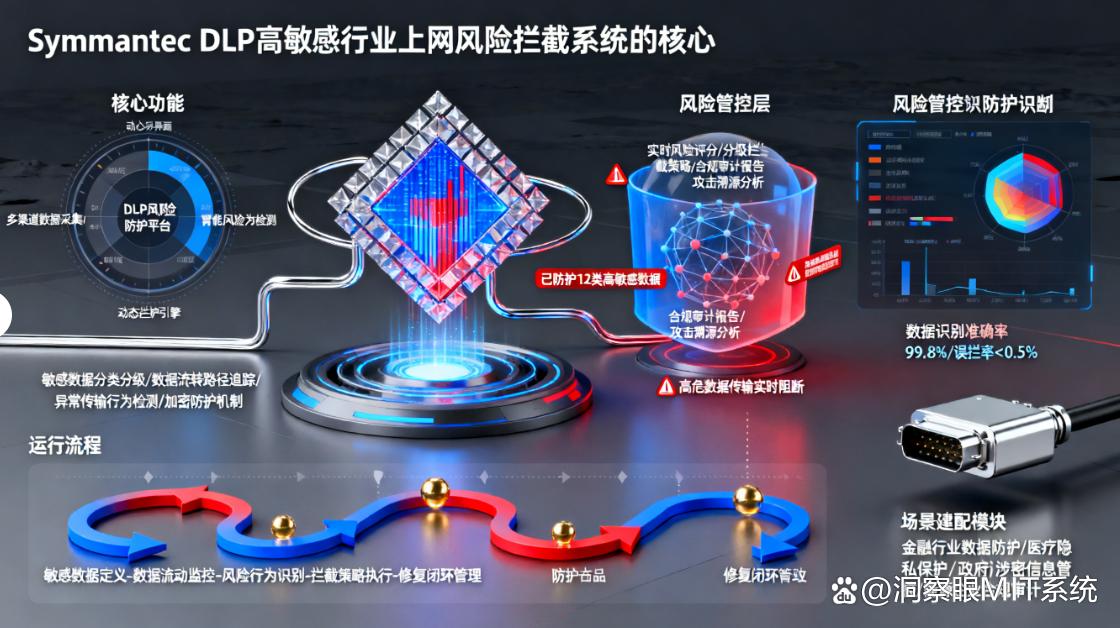
Focus on "sensitive data protection + deep risk interception": intelligently identify sensitive information in online behavior (such as bank card numbers, business confidential documents, customer privacy data, support custom sensitive information rules, such as adding company-specific contract number formats), when employees try to submit through web form submission, email sending, chat transmission, etc., the operation will be automatically blocked and a compliance reminder will pop up, while interception records (including operator, time, and content fragments) will be retained.;
Intercept phishing websites and malware links in real time (relying on the Symantec global threat database to update the risk link library in real time) to prevent network attacks and data theft caused by employee delays.;
Supports "compliance audit" and automatically retains all online behavior and data transmission records (the retention period can be set according to industry regulatory requirements, with a maximum support of 3 years), and the audit report can be directly used to respond to industry compliance inspections;
You can customize the sensitive information database (such as importing enterprise customer lists and core technical document keywords) to adapt to enterprise-specific data protection needs. It also supports docking with enterprise OA and CRM systems to monitor online transmission behavior after data is exported from these systems.
Application scenarios
Industries with extremely high data security requirements, such as banks/insurance and other financial institutions, monitor the data transmission behavior of employees when they go online, hospitals control the protection of medical record information when medical staff go online, and law firms prevent case data from being leaked through the Internet.
7. SoftActivity Monitor: a "real-time management and control tool for small teams in LAN to access the Internet"”
Core functions
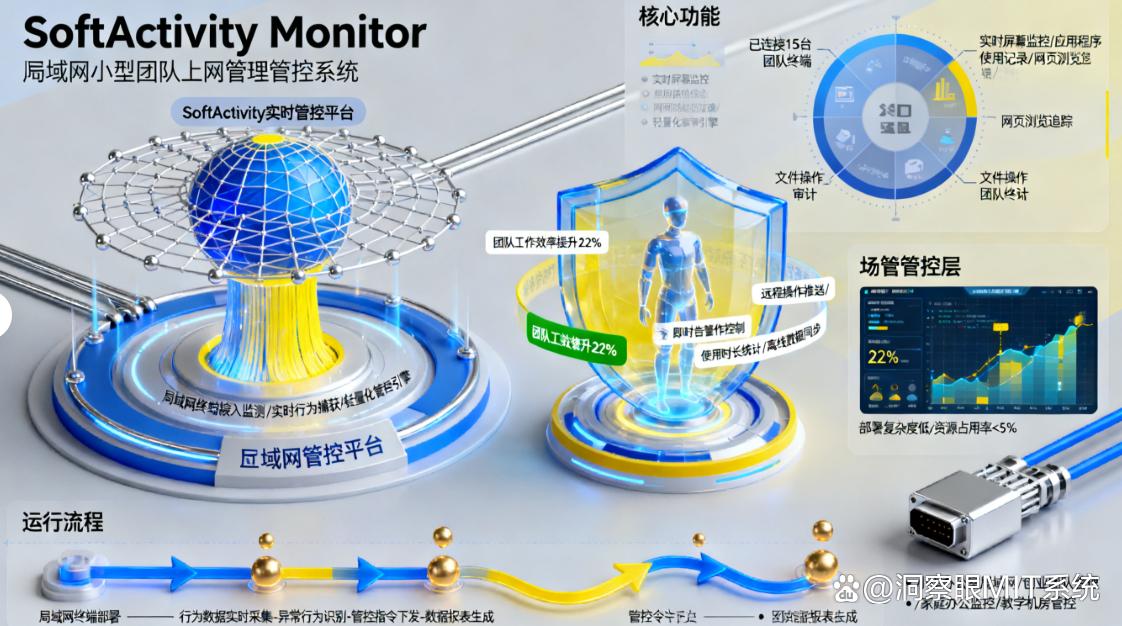
Focus on "accurate monitoring within the LAN": No need for Internet dependence, it can only be run within the enterprise LAN (monitoring equipment is identified through the LAN IP segment, no online registration is required), and records employee web browsing (including the title of the web page visited, URL link, access time), file operations (such as creating, deleting, and copying files, and supports tracking file storage paths), and chat content (covering mainstream chat software such as QQ, WeChat, and DingTalk, and the text content can be completely retained);
Supports "real-time screen viewing". Administrators can switch to view the screen of any device in the LAN at any time in the background (the screen refresh rate reaches 15 frames/second, clear and smooth). They can also turn on "multi-screen split-screen viewing" to monitor the screens of 4 devices at the same time to keep track of Internet trends.;
It has a "software restriction" function that can prohibit devices in the LAN from opening games, videos, and shopping software (supports precise interception by software name and process name, and can also add banned software lists in batches);
It is small in size (only 3MB, does not occupy device memory), and does not require professional skills. The administrator's computer can install the main control terminal with one click, and the employee's computer can push and install the client through the LAN, and the entire team can be deployed within 10 minutes.
Application scenarios
A LAN office team of less than 10 people, such as a traditional processing factory monitoring the online behavior of office computers in the workshop, a small educational institution controlling the use of teachers’ computers for lesson preparation, and a community service center uniformly managing the Internet access regulations of staff.
Proper use of Internet monitoring software can not only improve employee work efficiency, but also protect corporate network security and data compliance, making digital office more secure!


 Insight Eye MIT System


 Hebei Public Network Security No. 13019902001038
