
Article summary: Remote working and remote collaboration are becoming more and more common, and "remote real-time monitoring of computer screens" has become an urgent need for many people! It may be that the company wants to keep an eye on the team's work progress, parents want to protect their children's online safety, or it may be that technicians are troubleshooting equipment failures in remote locations.
Remote working and remote collaboration are becoming more and more common, and "remote real-time monitoring of computer screens" has become an urgent need for many people! It may be that the company wants to keep an eye on the team's work progress, parents want to protect their children's online safety, or it may be that technicians are troubleshooting equipment failures in remote locations.
But choosing the right method is efficient. Trying blindly can easily lead to pitfalls. Today I have compiled five practical methods, covering different scenarios such as enterprises, individuals, and Apple users. There are professional systems and lightweight tools. The functions and applicable groups are also marked.
Whether you are a manager, parent or technician, you can find an adaptation solution. Take a look below and remember to save it for later use!

Method 1: Deploy the Insight Eye MIT system, the first choice for enterprise-level full-dimensional monitoring
Core functions
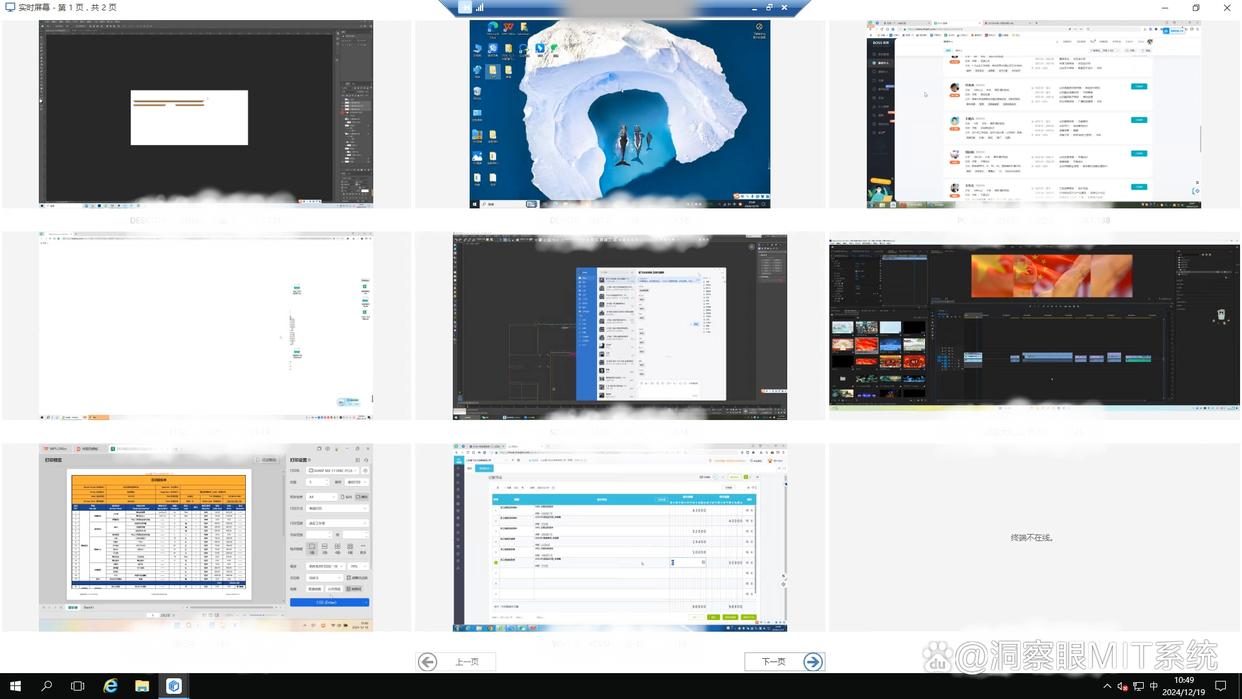
Multi-terminal real-time monitoring: Supports multi-grid screen wall modes such as single-screen amplification, 16-grid or 32-grid, etc. It can monitor multiple terminals at the same time and quickly switch between different screens to adapt to the batch control needs of multiple branches.
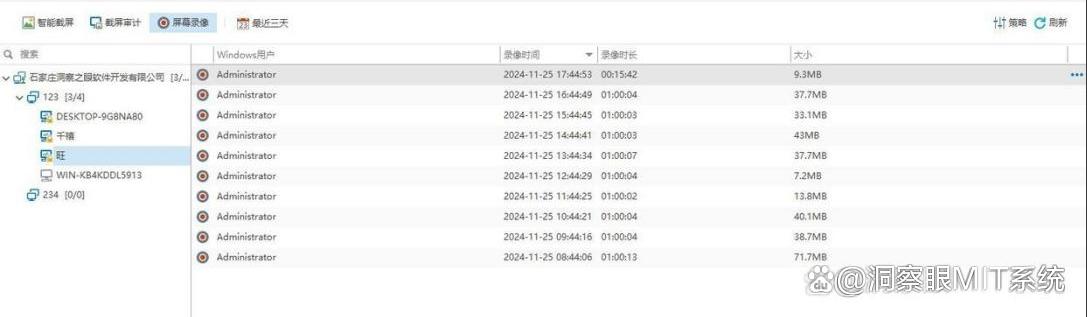
Screen recording: supports automatic recording at startup, recording according to working days or specific time periods, and can also be set to automatically record when specific keywords and operating behaviors are triggered.
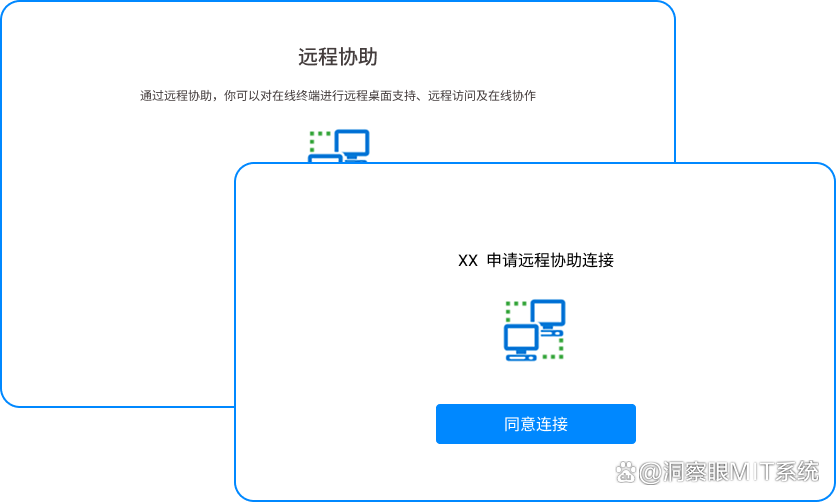
Remote operation: Administrators can remotely take over controlled computers and perform software installation, system setting modifications, troubleshooting and other operations. They can also issue remote shutdown, restart, logout and other commands in batches, significantly reducing IT operation and maintenance costs.
Full link traceability of file operations: Accurately record file creation, editing, deletion, copying, renaming and other operations, while monitoring USB device plugging and unplugging and file copying behaviors.

Application crowd
It is especially suitable for enterprise teams with more than 10 people and managers of small and medium-sized enterprises, such as Internet companies, e-commerce teams, financial departments, etc., which require large-scale monitoring of employee work status and prevention of data leakage.
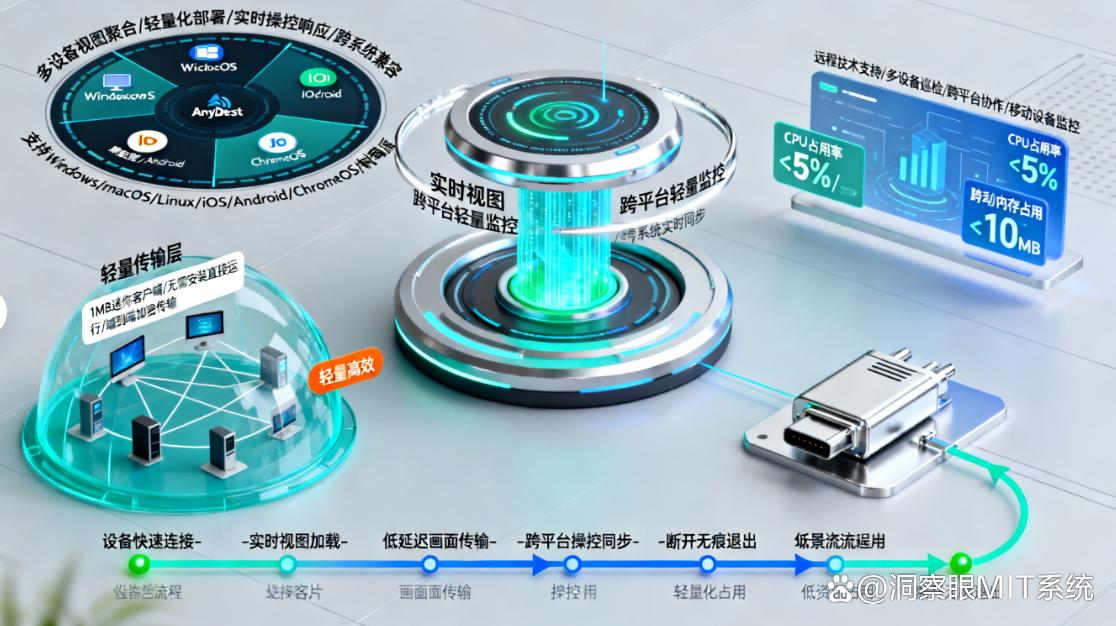
Method 2: Use AnyDesk “Real-time View” function for cross-platform lightweight monitoring
Core functions
It focuses on "cross-platform compatibility" and supports Windows, macOS, Android, iOS and other systems. The monitoring terminal can also view the computer screen in real time using mobile phones and tablets.; Screen transmission adopts encryption protocol to ensure data security; The operation is simple. The monitored terminal generates a temporary connection code and the monitoring terminal enters it to connect. There is no need to register an account. ; It supports image scaling, image quality adjustment (SD/HD), and can also enable "silent monitoring" to not disturb the operations of the monitored end.
Application crowd
It is suitable for individual users (such as monitoring home computers) and small studios that require cross-device monitoring and pursue operational convenience, such as freelancers monitoring remote office equipment, or designers checking the file progress of collaborative computers.
Method 3: Use Mac’s built-in “screen sharing” to monitor Apple’s ecosystem exclusively
Core functions
You only need to turn on the "Screen Sharing" function on your Mac device (go to "System Settings - General - Sharing" to check), and the monitoring terminal enters the IP address of the monitored Mac through "Finder - Go - Connect to Server" to view the screen in real time.; Supports "view only" and "controllable" modes to meet different monitoring needs ; There is no need to download third-party software. It relies on the Apple ecosystem to achieve low-latency transmission, smooth picture synchronization, and can also monitor and communicate through the built-in "message" function.
Application crowd
For Apple device users (MacBook, iMac users), it is suitable for monitoring children's use of Mac at home, or for internal device management of Apple's ecological studio, such as Mac device monitoring for design companies and new media teams.
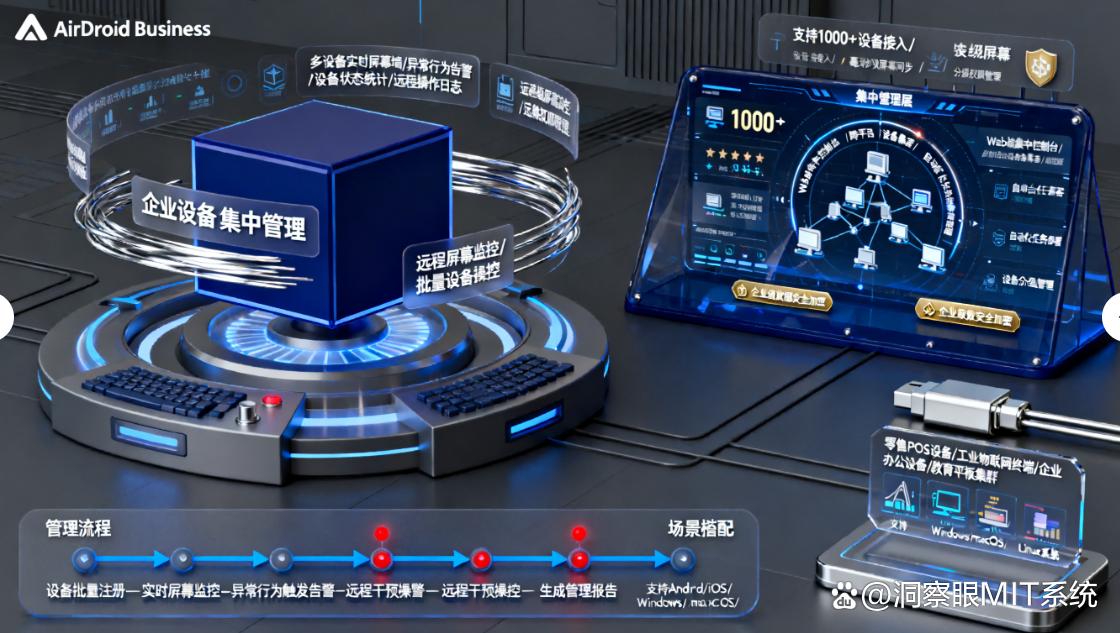
Method 4: Use AirDroid Business “remote screen monitoring” to centrally manage enterprise devices
Core functions
Not only supports computer screen monitoring, but also unified management of mobile devices such as mobile phones and tablets.; It has the functions of "real-time screen viewing", "operation log statistics" and "device status monitoring" (such as power, network) ; "Monitoring alarms" can be set up. When the monitored computer performs abnormal operations (such as deleting important files), real-time push notifications are sent to the administrator. ; Supports batch deployment of clients, suitable for centralized management of multiple enterprise devices, and can also remotely assist in repairing device faults.
Application crowd
Medium and large enterprises (especially industries involving multi-terminal equipment management), such as cash register computer monitoring in chain stores, teaching computer management in educational institutions, and unified monitoring of employee equipment by corporate IT departments, are suitable for scenarios that require batch management of equipment and real-time alarms.
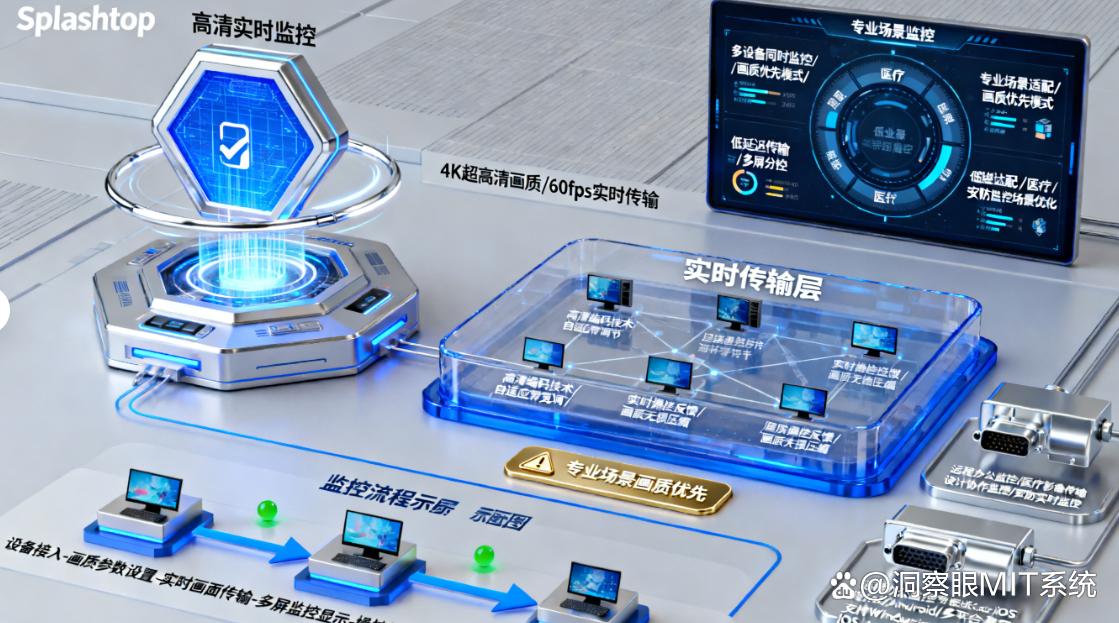
Method 5: Use Splashtop “HD real-time monitoring”, giving priority to professional scene image quality
Core functions
Focusing on "high-definition image quality", it supports 4K ultra-high-definition screen transmission and can clearly present design details, code interfaces, and video images, making it suitable for scenes with high image quality requirements.; Equipped with "multi-screen monitoring" function, the monitoring terminal can view the screens of 3 devices at the same time ; Supports "remote printing" and "file transfer", and can directly obtain files from the monitored computer during the monitoring process ; End-to-end encryption technology is used to ensure the security of monitoring data, and "monitoring time periods" can be set to enable monitoring on demand.
Application crowd
Professional technicians (such as operation and maintenance engineers, programmers), design teams, and video production companies are suitable for scenarios that require high-definition image quality monitoring, such as operation and maintenance personnel troubleshooting server computer failures, designers monitoring the design progress of collaborative computers, or video teams checking the working status of remote rendering computers.


 Insight Eye MIT System


 Hebei Public Network Security No. 13019902001038
