
Article summary: In 2025, where information is flowing like a torrent, online behavior monitoring has become a necessity in many scenarios! Enterprises want to improve employee efficiency and prevent core data from "slipping away"” ; Parents look forward to creating a green and healthy Internet environment for their children. Can face all kinds of products on the market
In 2025, when there is a flood of information, online behavior monitoring has become a necessity in many scenarios! Enterprises want to improve employee efficiency and prevent core data from "slipping away"” ; Parents look forward to creating a green and healthy Internet environment for their children.
Faced with the dazzling array of monitoring software on the market, which one should you choose?
Don't worry! I carefully searched the entire Internet, combined with the latest reviews and user feedback, and compiled 7 treasure-level Internet monitoring software for everyone. They have different functions and are full of highlights. Whether it is enterprise-level applications or home scenes, you can find suitable ones. Come and take a look!

1. Insight Eye MIT System: "AI Smart Shield for Enterprises to Prevent Secret Leakage"”
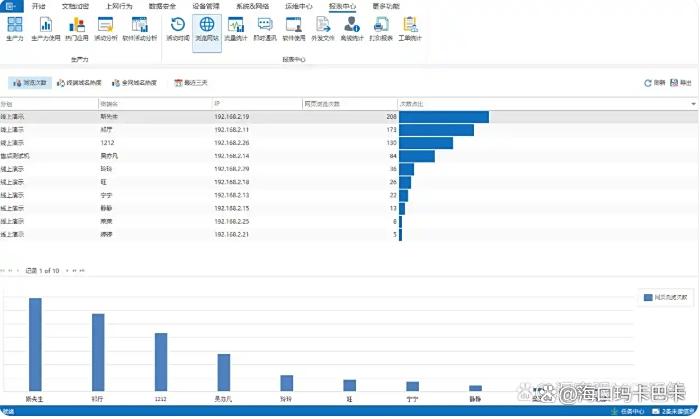
Web browsing monitoring: It can record in detail the website URLs visited by employees, browsing time, frequency of visits and other information. It can also capture search engine keywords and analyze the reasons for employee distraction, so as to formulate reasonable Internet strategies.
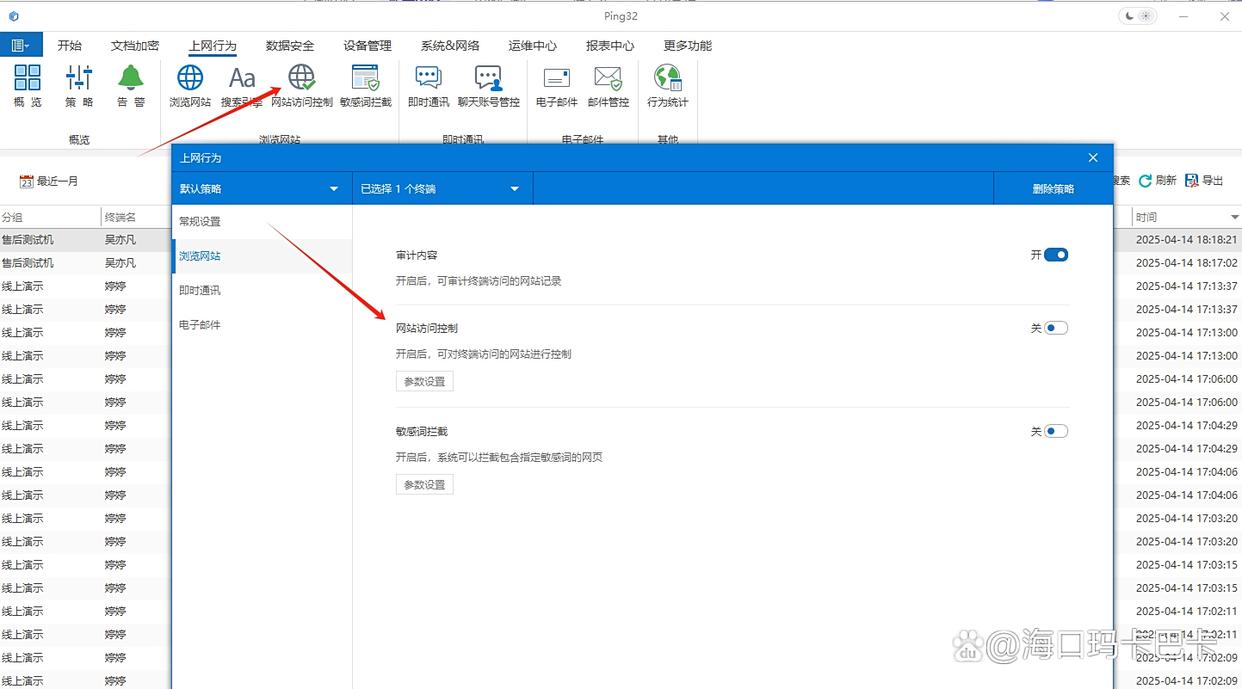
Website access control: Detailed website access black and white lists can be set up. Managers can accurately restrict employees from accessing web pages that are not work-related or pose security risks. Customized black and white lists are also supported to reduce employee distraction and improve work efficiency.
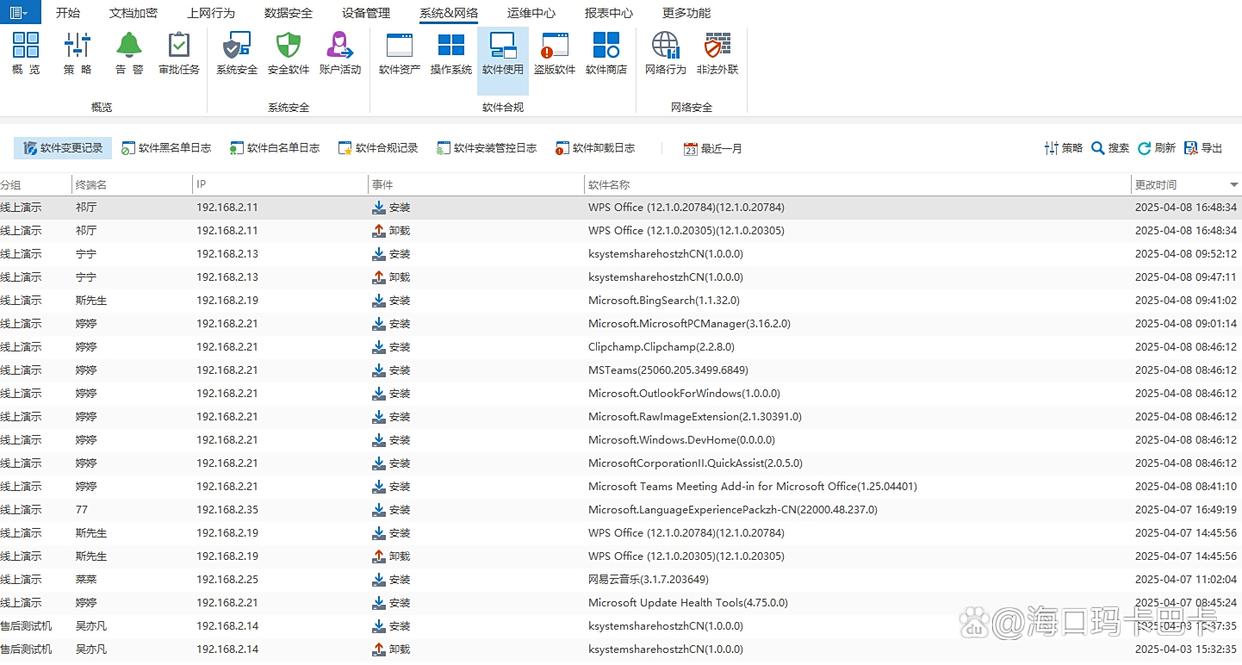
Application monitoring: Record the name, version, and usage time of applications launched by employees, and identify software unrelated to work, such as games, video players, etc.
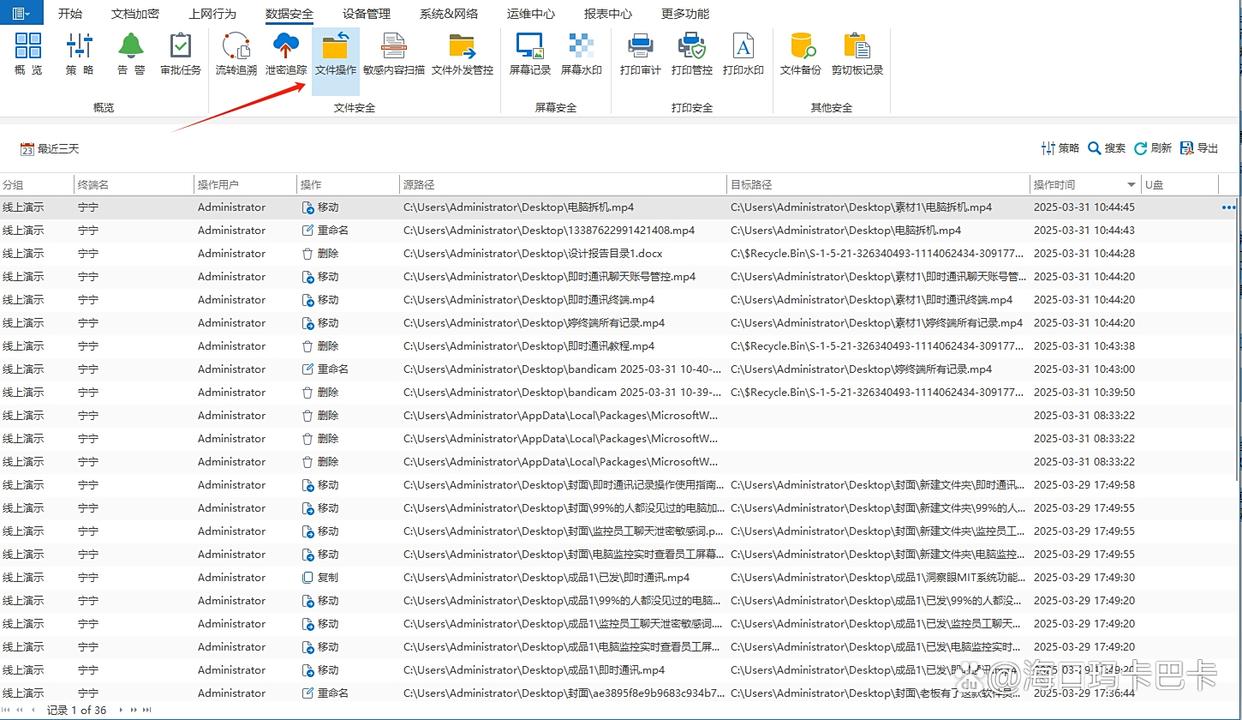
File operation monitoring: Record employees' operations on files such as creation, modification, deletion, rename, copy, cut, and move, especially the key marking of files copied to external storage devices or uploaded to network disks.
Intelligent sensitive information identification: When employees mention keywords such as "confidential information" and "competitive product information" in chats, emails, or documents, the system will immediately trigger an alarm and automatically block the sending of relevant messages, building a solid line of defense for corporate data security!
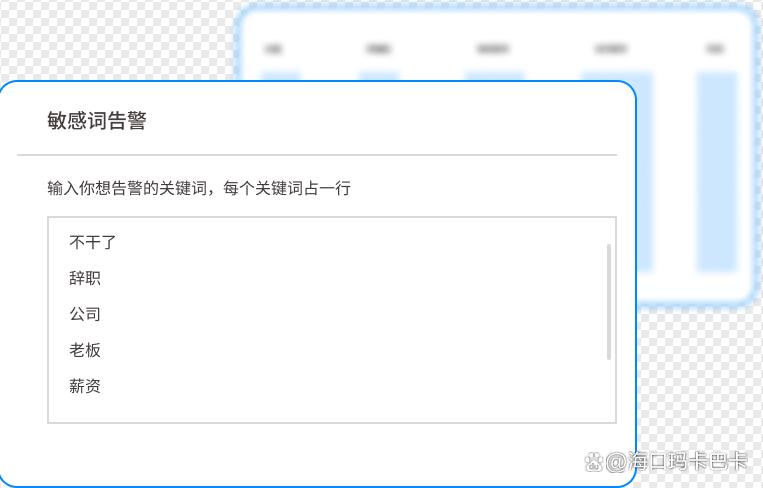
Applicable scenarios: Companies such as finance, R&D, and manufacturing that have extremely high data security requirements.
User rating: “Since using the Insight Eye MIT system, our company's data leakage risk has been greatly reduced, and the boss no longer has to worry about core secrets being leaked!
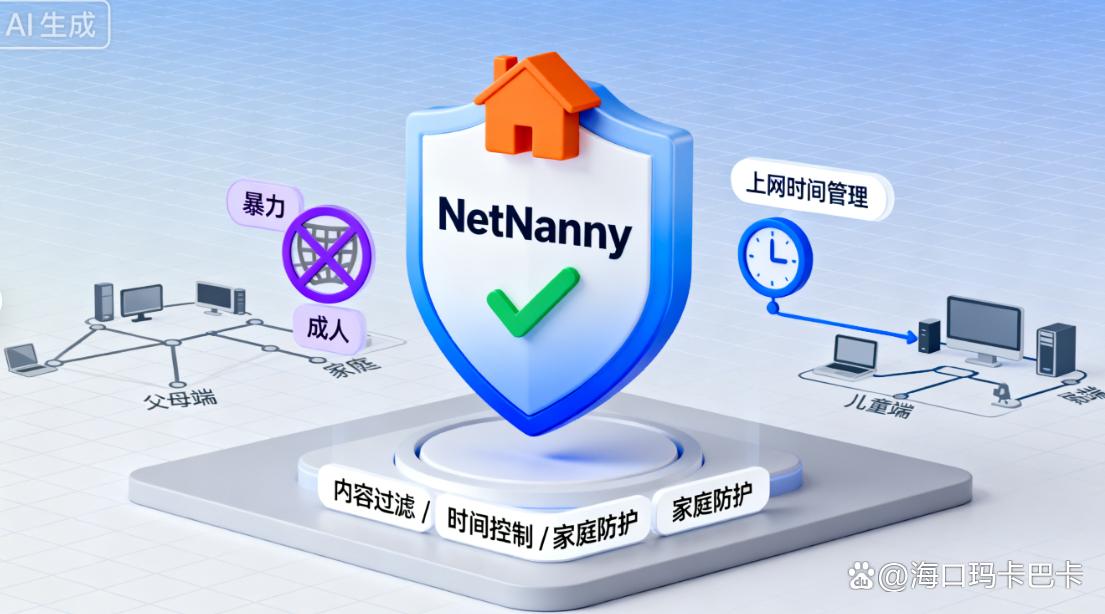
2. NetNanny: the “security guard” for home Internet access”
If you are a parent who cares about your children's online safety, NetNanny is definitely your best choice!
It has a powerful website filtering function that can automatically block pornographic, violent, gambling and other bad websites based on the age and needs of children, creating a green and healthy Internet environment for children.
At the same time, it can also monitor your child's social media activities, allowing you to keep abreast of your child's dynamics in the online world and prevent your child from being affected by cyberbullying or bad information.
Highlight features:
Time management: You can set the amount of time your children spend online every day to prevent them from being addicted to the Internet.
Keyword Alerts: Parents receive real-time notifications when their children search for or mention sensitive keywords
Applicable scenarios: Families with children, especially parents who need to control their children's online behavior.
3. Forcepoint Websense: the “smart housekeeper” for cloud security”
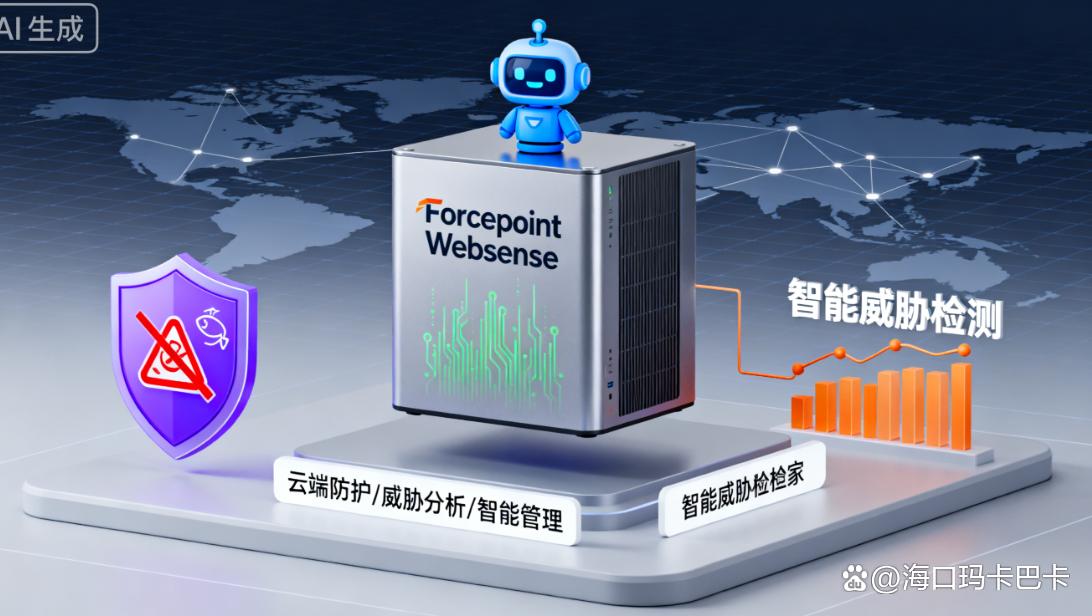
For enterprises with multiple branches or remote office teams, Forcepoint Websense is the "patron saint" of cloud security!
As a cloud-native security solution, it does not require the deployment of complex hardware devices within the enterprise, and can achieve unified management and monitoring of all terminal devices through the cloud.
It can dynamically adjust access rights based on an employee's identity, device status and access location, ensuring only authorized personnel can access sensitive data.
The data speaks for itself: After deployment by a multinational company, cyber attacks were reduced by 90% and remote working efficiency increased by 50%!
Applicable scenarios:Large enterprises undergoing rapid digital transformation and pursuing high performance, as well as teams that frequently work remotely.
4. StaffCop: “In-depth Analyst of Employee Behavior””
StaffCop is known for its powerful employee behavior analysis capabilities! It can not only record employees' keyboard input, chat content, screenshots and other operations, but also analyze employees' working habits and efficiency through advanced algorithms.
For example, it can generate employee working time portraits, telling you how much time employees spend on "high-value work" and "distracted behaviors" every day, helping managers accurately optimize team work processes and improve overall work efficiency.
Applicable scenarios: Companies that need to strictly control sensitive positions (such as finance, R&D), and managers who have high requirements for employee work efficiency.
5. Time Doctor: an “efficiency accelerator” for small teams”
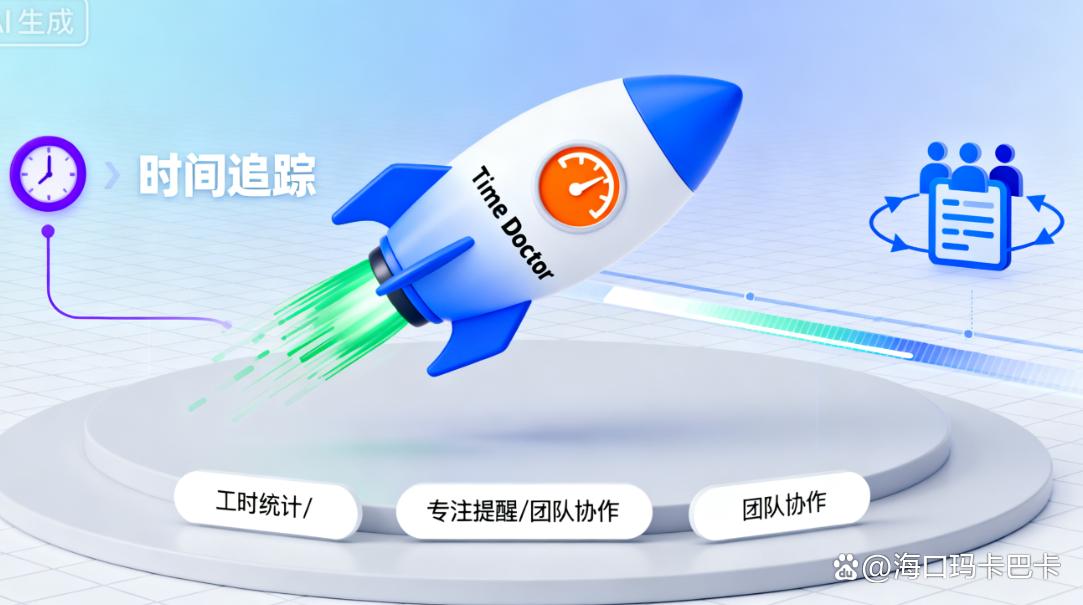
Startups or small teams, check it out! Time Doctor is a powerful and easy-to-use Internet monitoring software. It mainly offers a free basic version and its interface is so simple that it can be operated "fool-like".
It tracks employee working hours in real time and automatically generates detailed work reports, including time spent across various apps and websites.
Managers can use these data to understand the working status of employees, reasonably allocate work tasks, and increase team efficiency!
User case: After a design company used it, the project delivery cycle was shortened by 30%, and employee satisfaction increased by 20%!
6. OpenDNS: “Smart Filters at the Network Layer””
OpenDNS protects enterprise network security from the DNS layer! It has a huge database of malicious domain names and can prevent employees from accessing risky websites such as phishing websites and malware download links in real time.
Whether employees are in the office or working remotely, OpenDNS can provide comprehensive protection as long as they use the corporate network.
Moreover, it also supports custom filtering rules. Companies can block non-work-related websites, such as games, shopping, etc., according to their own needs, to improve employees' work concentration.
Advantages: Global threat intelligence is powerful and easy to deploy, making it suitable for businesses of all sizes.
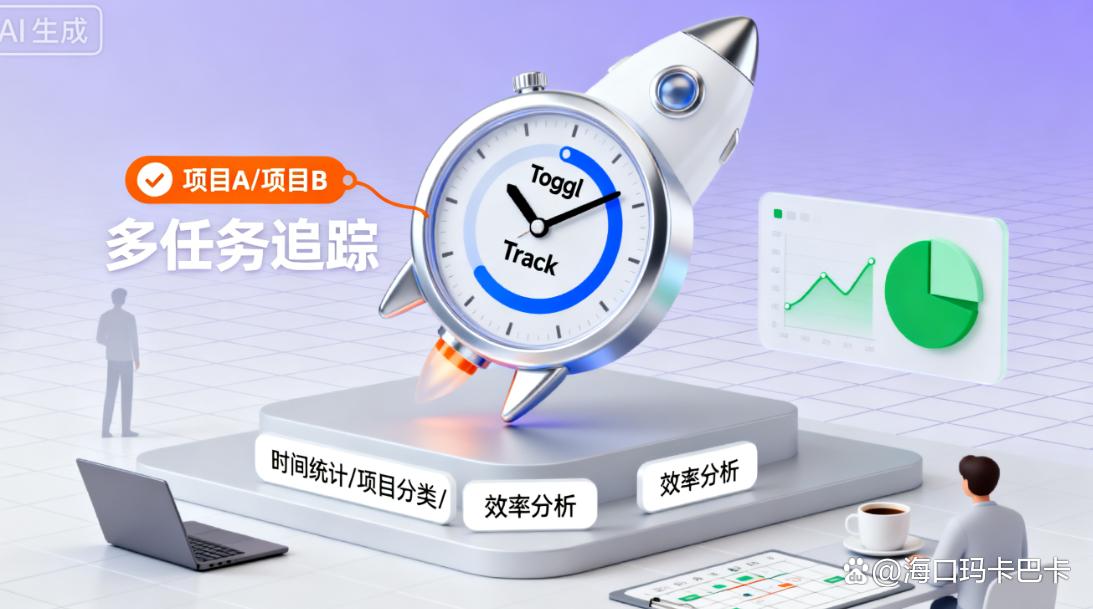
7. Toggl Track: A “time management tool for freelancers””
If you are a freelancer or have a remote outsourcing team, Toggl Track can help you manage time and project progress easily!
It combines time tracking and project management functions. Employees can record the time they spend on each project, and managers can view project progress and employee work efficiency in real time.
Even better, it supports integration with a variety of project management tools, such as Trello, Asana, etc., making project management more convenient and efficient.
Applicable scenarios: Outsourcing companies, freelancers, distributed teams, and individuals with high requirements on time management.
A must read before choosing software!
Compliance: Make sure the software complies with relevant laws and regulations and avoid monitoring non-work-related private content
Transparent communication: inform employees in advance of the scope and purpose of monitoring and sign an authorization agreement
Choose according to your needs: small teams choose the free version (such as Time Doctor), large enterprises choose cloud deployment (such as Forcepoint Websense)
OK! That’s it for today’s sharing ~ Remember, monitoring is not for “surveillance”, but to improve efficiency and ensure safety!


 Insight Eye MIT System


 Hebei Public Network Security No. 13019902001038
