
Article summary: In a company office, the local area network is like the invisible but crucial "behind-the-scenes butler" that connects various departments and equipment, making work communication and data transmission smooth. But if you ignore it, trouble may ensue, such as employees
In a company office, the local area network is like the invisible but crucial "behind-the-scenes butler" that connects various departments and equipment, making work communication and data transmission smooth.
But if you ignore it, troubles may ensue, such as employees surfing videos at work, visiting unsafe websites at will, or even important corporate data being quietly leaked, which is a headache to think about!
Don’t panic~ I’m going to share 6 super practical real-time LAN monitoring methods. Whether you want to fully grasp network dynamics or accurately locate potential problems, they can be easily done and keep the company’s LAN running stably!

1. Deploy the Insight Eye MIT system: a comprehensive monitoring tool
Real-time screen monitoring and review: It has real-time screen monitoring function, which can monitor multiple terminal screens at the same time and present it in the form of a screen wall. Managers are like having "clairvoyance" and can see clearly at a glance what employees are doing, whether they are working seriously or secretly watching TV shows.
It also supports the saving of scheduled screenshots, making it easier for managers to review employees' work progress during a specific period of time, such as checking the progress of employees working on important projects, or confirming whether employees have completed tasks within the specified time.

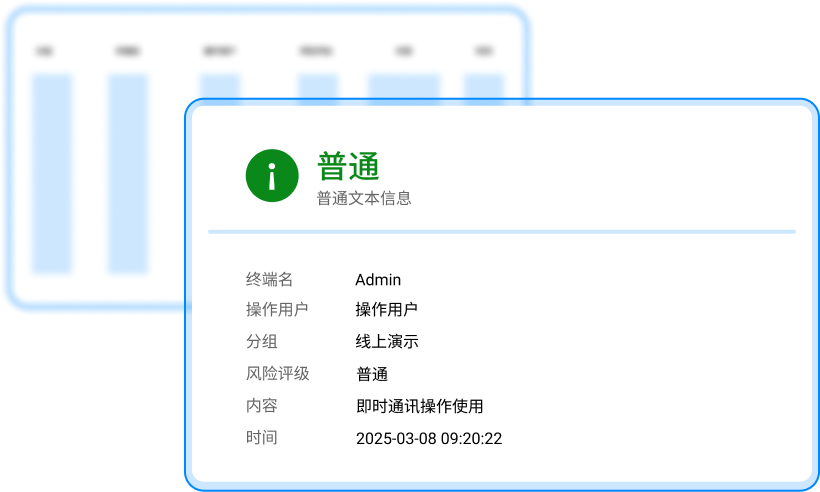
Full-process audit of file operations: Track the creation, modification, copying, deletion, movement, and sharing of files within the LAN, and record key information such as operation time, user account, and file path. Operation reminders can be set for sensitive files. Once abnormal operations occur, the administrator will be notified immediately to prevent core data leakage.
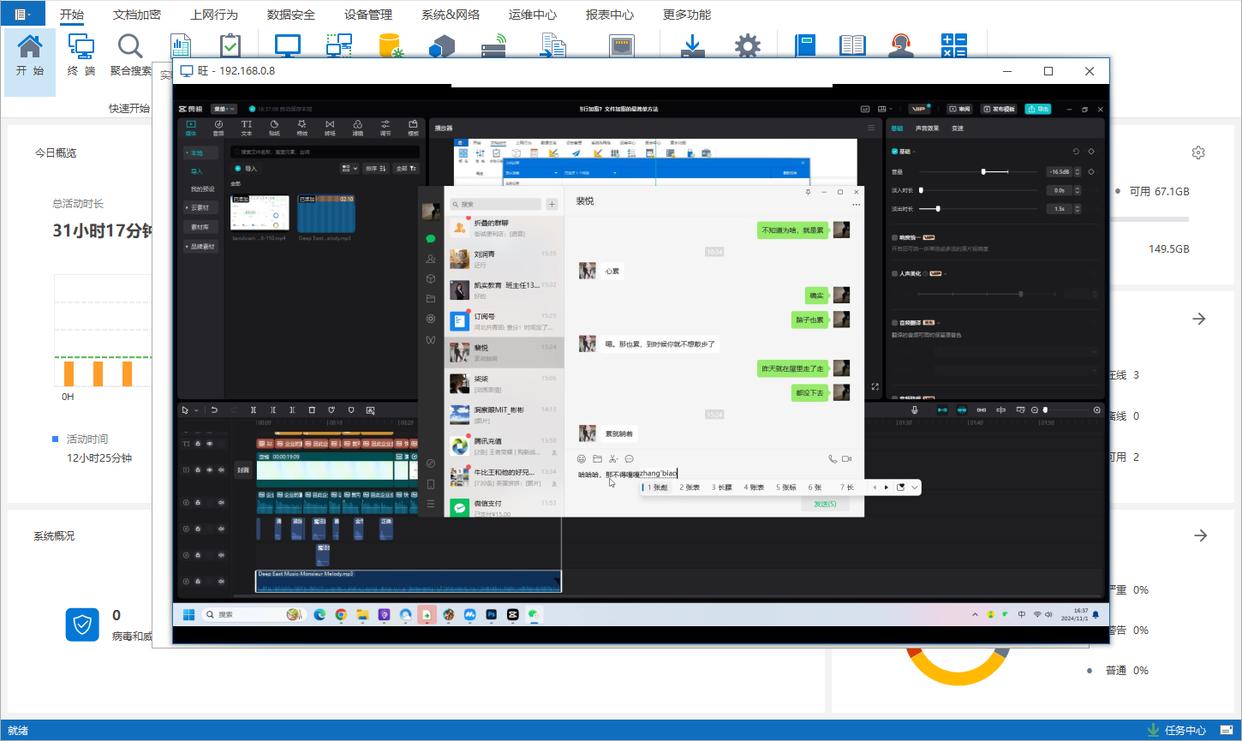
Communication monitoring: The monitoring of mainstream instant messaging tools is very powerful. The chat content is completely recorded. Whether it is text, voice or video call, it can be viewed in all directions. It can also filter and search based on keywords to facilitate managers to quickly locate important information. For example, when an enterprise needs to understand the communication situation between employees and customers, this function can easily obtain relevant chat records and evaluate the service quality of employees.
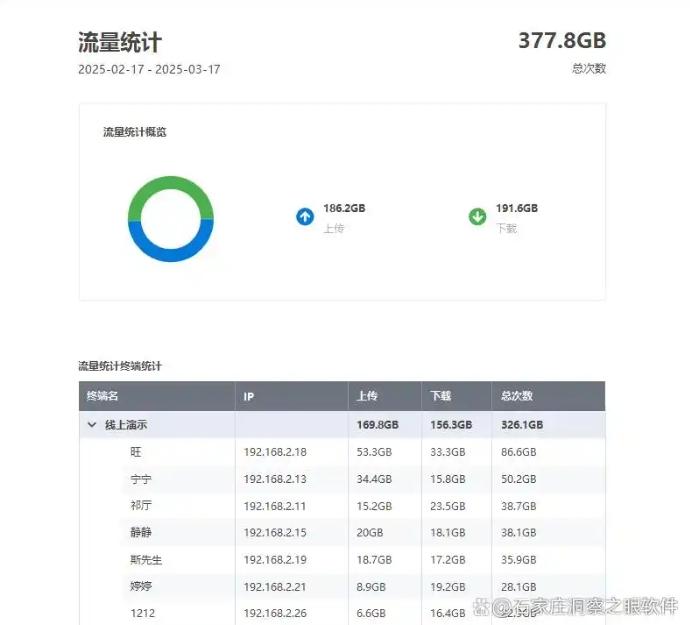
Traffic monitoring and distribution: Real-time statistics of upload and download traffic of each terminal, and intuitive display of traffic trends in the form of charts. You can set the traffic limit for a single device or specific application, and limit the speed of bandwidth-consuming behaviors such as P2P downloads to prevent network resources from being abused and ensure the smoothness of the core business network.
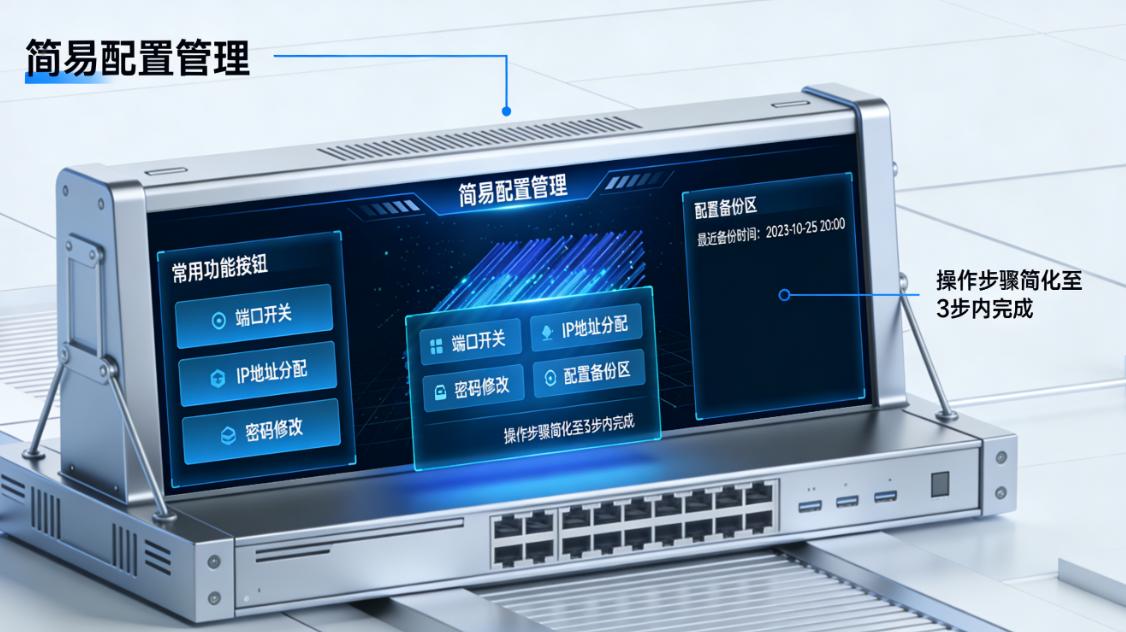
2. Utilize the built-in monitoring function of network equipment: basic and practical
Nowadays, many network devices such as routers and switches have built-in monitoring functions, which is like installing a "basic surveillance camera" on the local area network.
The device status is clear at a glance: By logging in to the management interface of the network device, we can check the operating status of the device, such as CPU usage, memory usage, etc. When the CPU usage is too high, it may mean that the device is overloaded and needs to be optimized or upgraded in time to avoid device failures that affect the normal operation of the network.
Real-time control of traffic information: You can also understand network traffic information in real time, and know which devices occupy a lot of bandwidth, whether someone is downloading large files, or whether the network is under attack. For example, if it is discovered that an employee's device generates an abnormally large amount of traffic in a short period of time, it may be that the employee is downloading large video files or the device is infected with a virus. Administrators can take timely measures, such as limiting the bandwidth of the device or performing virus scanning.
3. Install network traffic monitoring software: accurately control traffic direction
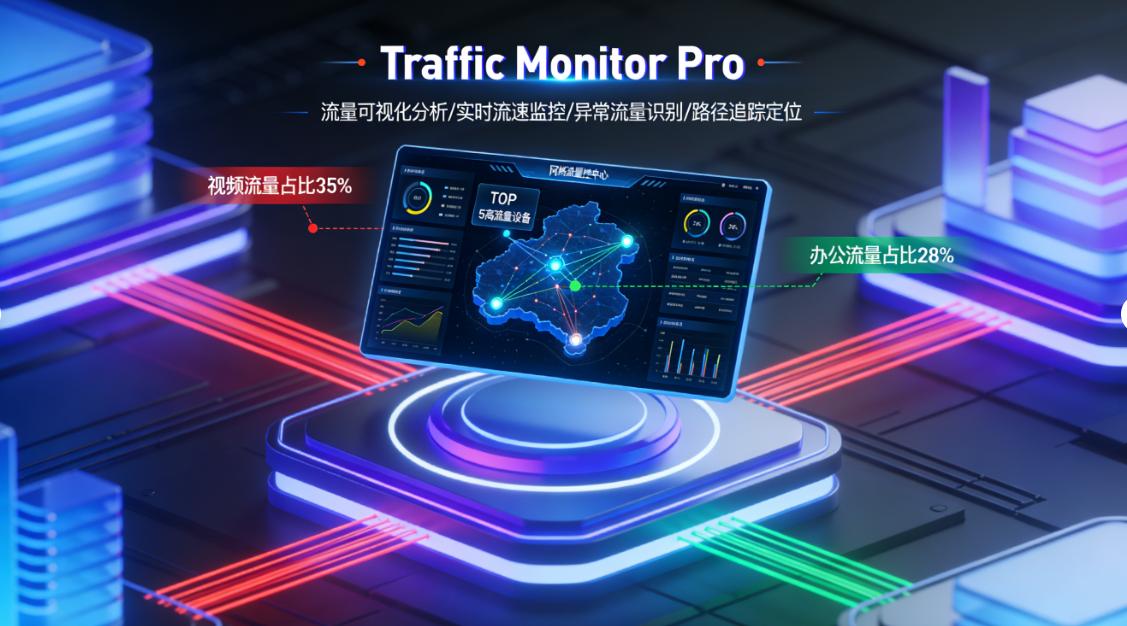
Network traffic is like the "blood flow" of a local area network. Installing professional network traffic monitoring software can accurately control the flow of traffic.
Real-time traffic display: This type of software can display the traffic conditions of each network interface in real time, including upload and download speeds, total traffic volume, etc. Managers can understand the real-time load of the network at any time and reasonably allocate network resources based on traffic volume. For example, during peak business periods, if it is found that the traffic of a certain department is too large and affects the normal use of other departments, the traffic of this department can be restricted or optimized.
Traffic classification statistics: It can also classify traffic, such as distinguishing video traffic, game traffic, work application traffic, etc. By analyzing this data, we can discover abnormal traffic, such as an employee downloading a large number of videos during work hours, or the network suffering a DDoS attack. For abnormal traffic, the software will send out alarms in time to remind managers to take measures to ensure the normal operation of the network.
4. Turn on the built-in monitoring tools of Windows system: a good low-cost choice
Windows systems come with some useful monitoring tools, which are a good low-cost option for companies that don’t want to spend extra money on software.
Task Manager resource insight: "Task Manager" can check the CPU, memory, disk and other resource usage of each process, helping us find programs that take up too many resources and close or optimize them in time. For example, when you find that your computer is running slowly, you can use the Task Manager to check which program is taking up a lot of CPU or memory resources, and then end the program's process or optimize it to increase the computer's running speed.
Detailed analysis of performance monitor: "Performance Monitor" can provide more detailed system performance data, such as disk read and write speed, network connection status, etc. Administrators can perform performance tuning of the system based on this data. For example, when they find that the disk read and write speed is too slow, they can consider replacing the hard disk or optimizing the disk partition. ; When the network connection status is unstable, you can check whether the network line or network device is normal.
5. Use log audit tools: trace traces of network behavior
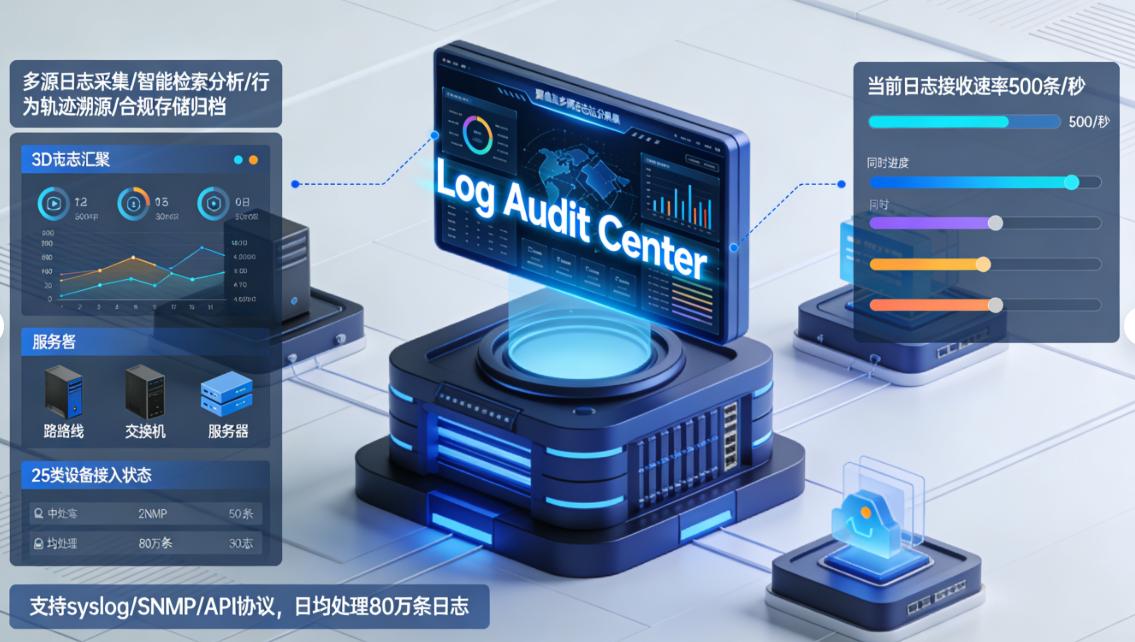
The log audit tool is like a "black box" of the local area network, which can record various operating behaviors of network equipment and users.
Comprehensive retention of operation records: It can record the user's login time, login location, accessed resources and other information, and can also record configuration changes of network equipment. Whether employees log in to internal systems, access file servers, or network administrators make configuration changes to routers and switches, all operations will be recorded in detail.
Accurate problem tracing and positioning: When a security problem or abnormal operation occurs, we can trace the log back to the specific operator and operation time to find out the root cause of the problem and take appropriate measures. For example, if it is discovered that an important file of the enterprise has been illegally accessed, the log audit tool can be used to check who accessed the file when, and then hold the relevant personnel accountable. This is very important to ensure the information security and compliance of enterprises.
6. Deploy behavior management software: regulate employees’ online behavior
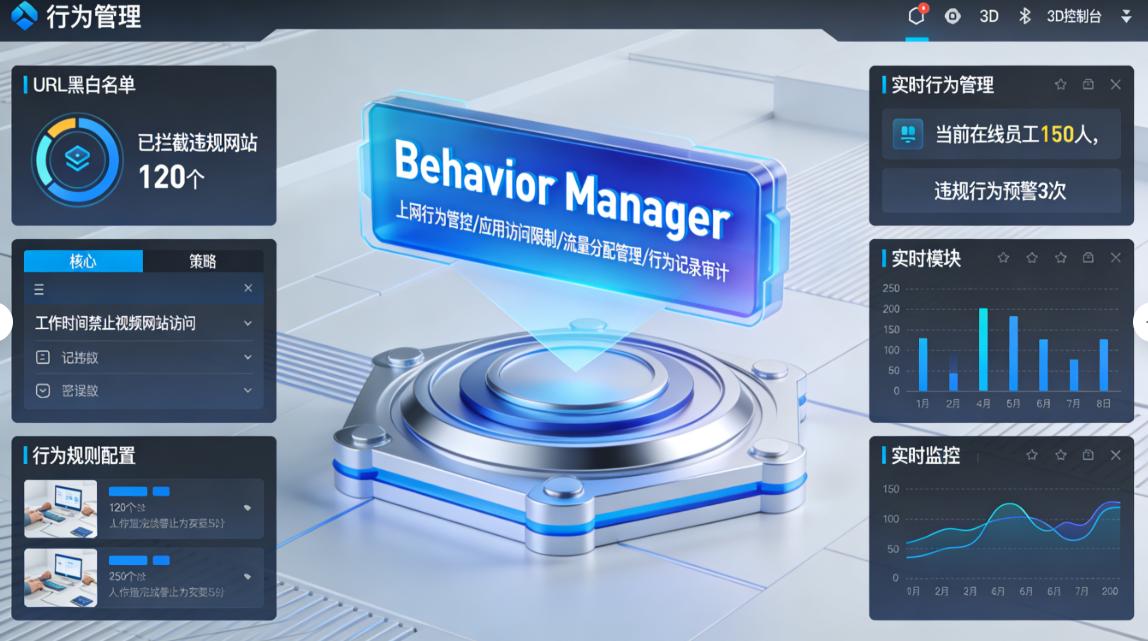
Employees' online behavior in the local area network directly affects the company's network environment and work efficiency.
Flexible setting of Internet restrictions: Deploying this software can regulate employees' Internet behavior, such as restricting employees from accessing certain undesirable websites, prohibiting playing games and chatting during working hours, etc. Managers can flexibly set Internet access restriction rules based on the company's rules and regulations and actual needs. For example, you can set it to prohibit employees from accessing entertainment websites, video websites, etc. during working hours, and only allow access to work-related websites.
Scientific management of Internet time: It can also manage employees' Internet time, such as setting the Internet for a certain period of time every day, or prohibiting Internet access during certain specific time periods. This can prevent employees from being overly addicted to the Internet and improve employee work efficiency. For example, you can set employees to be able to access the Internet freely during lunch breaks, but can only perform work-related network operations during working hours.
The above six methods of real-time monitoring of the company's local area network each have their own characteristics and advantages. You can choose a method that suits you or use a combination according to the company's size, budget and actual needs, so that the company's local area network is always safe, stable and efficient.


 Insight Eye MIT System


 Hebei Public Network Security No. 13019902001038
