
Article summary: Boss, let’s sit down, make a cup of tea, and talk about some heart-wrenching things. Have you ever woken up in the middle of the night? A scene plays over and over in my mind: the core designer suddenly resigned, and the next day, a competing company launched an upgrade plan that was exactly the same as yours.
Boss, let's sit down, make a cup of tea, and talk about some heart-wrenching things.
Have you ever woken up in the middle of the night? A scene plays over and over in my mind: the core designer suddenly resigned, and the next day, a competing company launched an upgrade plan that was exactly the same as yours. Or, when the technical backbone that you worked hard to cultivate for three years was poached, the most profitable set of CAD drawings in the server was also packaged and taken away?
Don't think this is a joke. After decades of hard work in this industry, let me tell you, this is called "daily life". If the drawings are not encrypted, they will send ammunition to the opponent and dig graves for yourself. Today, let’s not talk about the fictitious, but let’s talk about how to use 10 methods to weld this vital CAD drawing into a safe.
10 ways to lock CAD drawings: Don’t wait until your home is ransacked before you think of it
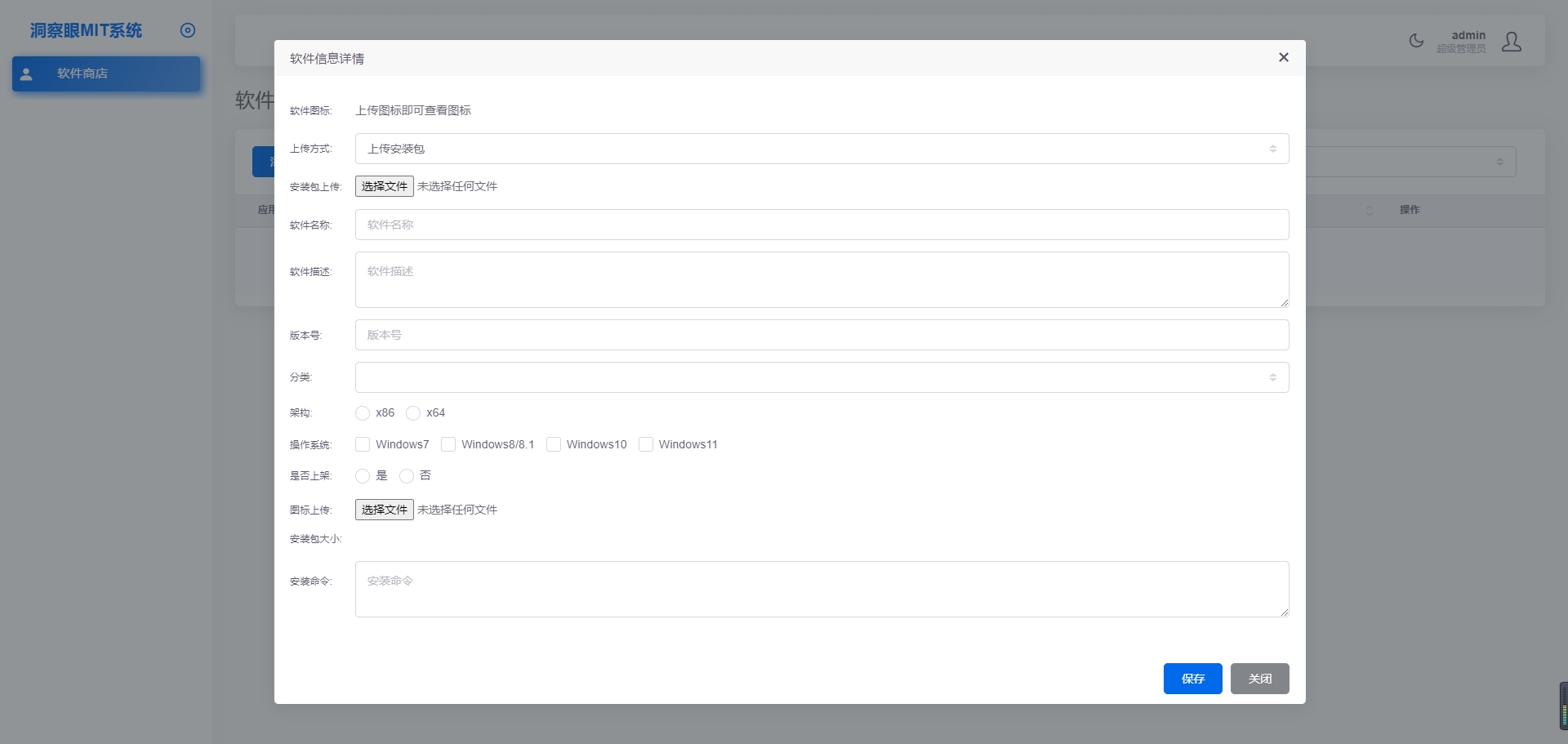
1. Deploy the Insight Eye MIT system

Don't talk to me about psychological counseling, and don't expect to rely on "professional ethics" to prevent the temptation of millions of benefits. When it comes to preventing leaks, technology is the most reliable security. Why did I put "Insight Eye MIT System" first? After working for so many years, I know very well that what can really be implemented and allow the boss to sleep peacefully must be an enterprise-level management and control plan that can be deeply rooted in the bones. It is not as simple as adding a password on the drawing, it puts a "tightening spell" on the entire design environment.
Intelligent and transparent encryption, no sense protection throughout the process Implementation effect: The designer opens CAD drawings and saves them as usual, without feeling any changes in operations at all. But once someone tries to send the drawings through WeChat or QQ, or copy them to a USB flash drive, the files will be a bunch of garbled characters on the external computer. Employee workflow will not be affected, but drawings will become invalid as soon as they dare to leave the "home". This cuts off the possibility of leaks from the source.
Strictly control outgoing permissions and accurately authorize Implementation effect: What should I do if the customer is eager for a solution and must outsource it? The system allows you to set the validity period of "outbound files" (such as automatic destruction after 7 days), limit the number of times they can be opened, and even prohibit the other party from printing and taking screenshots. He can only read the drawings sent to Party A, but cannot take them away, pass them on, or change them. Don't be afraid of trouble, this little bit of authority management will result in the security of the entire supply chain.
Clipboard and screenshot control to block “photography parties”” Implementation effect: Many bosses think that as long as USB and network are protected, it will be enough. So naive! What is the most subtle way to leak information now? It’s a screenshot, it’s a cellphone photo. The Insight Eye MIT system can be deeply embedded in the CAD software process. Once a screenshot operation is detected, it will be blocked directly. It can even record who attempted to take a screenshot and at what time. With the screen watermark function, the job number and name are floating on the screen. Who dares to hold their phone against the screen to take a picture? You take a picture and I can follow the watermark to find you.
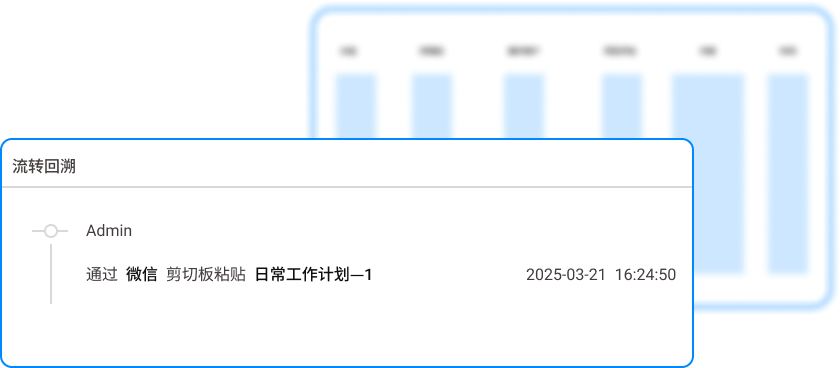
Full life cycle audit, traceability without leaving any dead ends Implementation effect: What are you most afraid of after the leak? There is nothing to check. This system can record all operations performed by each user on each CAD drawing: who opened it, which folder it was in, how many times it was copied, and what external actions were attempted. If something goes wrong, this audit log is irrefutable evidence. If you slap it on the table, no one can rely on it. This not only prevents secrets from leaking, but also puts psychological shackles on the insider.
Offline policy and device management and control Implementation effect: What should employees do if their laptops are taken home to work overtime, or if their laptops are stolen? The system supports offline policies. When leaving the company's network environment, drawings are still encrypted. You can even directly lock the device to prohibit offline opening of core drawings. Only special equipment with safety approval can be used for limited operations. Lock down the risk of leakage from the physical level.
2. Disable USB storage devices and optical drives
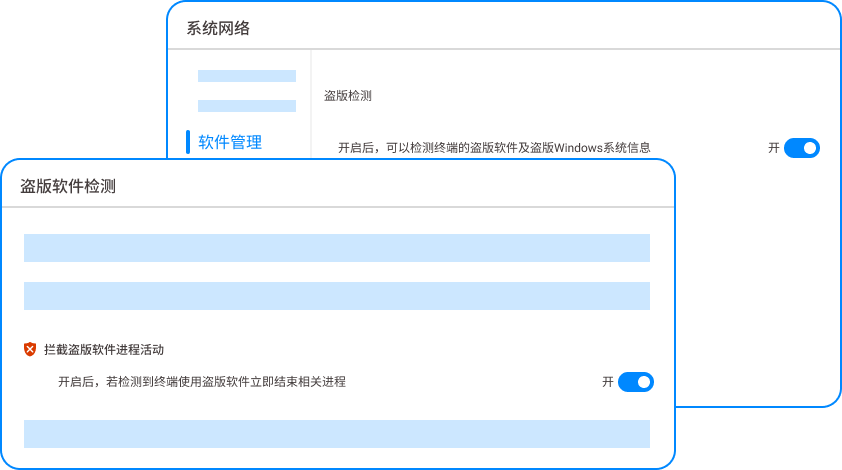
The most primitive, but also the most direct method. Disable all USB storage devices and CD-ROM drives directly in the BIOS or through group policy. Implementation effect: Regardless of whether it is a U disk or a mobile hard disk, it will be "unrecognized" when plugged in, physically blocking the copy path. But this method has side effects. The designer has to report to you for repair if he wants to change the wireless mouse. The daily office experience is extremely poor, and it cannot prevent network outgoing and taking pictures.
3. Set the “digital signature” and read-only permissions that come with the CAD software

Take advantage of the capabilities of the CAD software itself. Add a digital signature to a file. Once modified, the signature will become invalid. At the same time, set the final drawing to "read-only" or "view-only" mode. Implementation effect: Prevent insiders from making unintentional changes to the final file, but cannot prevent premeditated copying and saving as. To put it bluntly, beware of gentlemen rather than villains.
4. Physical isolation and dual network card strategy

The core design department is made into a "physical local area network". All computers are not allowed to connect to the Internet, only to internal servers. Implementation effect: The drawing cannot be transmitted physically. But this is equivalent to locking designers into an information island. It is extremely inconvenient to check information and receive emails. It is easy to force employees to find ways to set up WiFi and use mobile phone hotspots, which in turn increases management blind spots.
5. Purchase “lightweight encryption software” with hardware encryption lock”
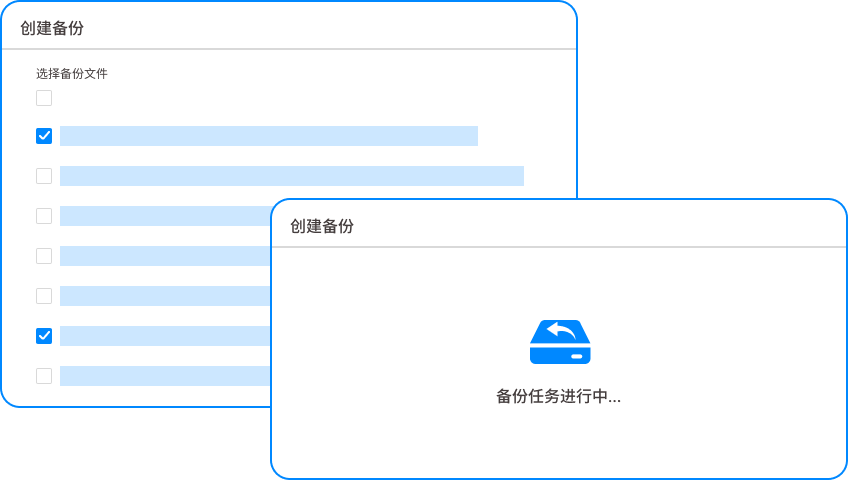
There are some software on the market that work with a hardware dongle (something like a USB flash drive). The CAD file can be opened only by plugging in the dongle. The landing effect: the dog is used by the person, and the dog stops when the person is gone. But for people who often need to work on the move, it is easy to lose, and once it is copied along with the file, it can still be opened as long as the corresponding driver is installed on the other party's computer.
6. Compressed package plus strong password + two-step verification
This is the stupidest but most commonly used method. Package the drawings into RAR or ZIP, set a complex password of more than 20 digits, and send the password to the recipient through another channel (such as SMS, WeChat). Landing effect: Greatly increases the threshold for easy opening after leakage. However, the management cost is extremely high, passwords are easy to forget, and the files sent out are in a "streaking" state, and the recipient can dispose of them at will after receiving them.
7. Document watermark and screen watermark system
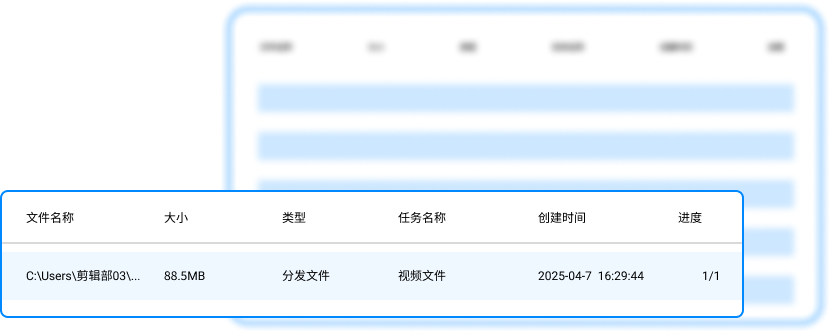
Deploy a lightweight document watermark system. Whether it is printed or displayed on the screen, it will carry watermarks such as company name, employee number, date and time, etc. Implementation effect: The cost of taking photos to leak secrets is greatly increased. However, the watermark itself cannot prevent leaks, but can only serve as a deterrent and accountability afterwards.
8. Restrict printing permissions
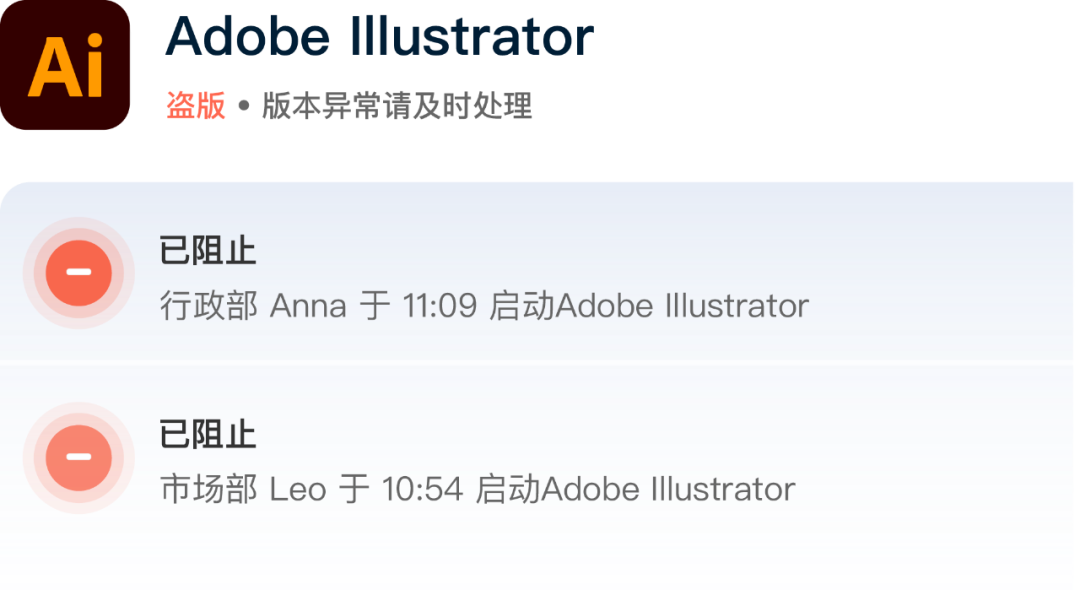
Through domain control or print management software, strictly limit who can print drawings, at what time, and on which computer. Landing effect: Prevent drawings from being "smoothly" shipped out in bundles. But there is no way to prevent screenshots, photos and network transmission.
9. Deploy an independent drawing server and turn off SMB sharing

Build an independent NAS server. All drawings can only be viewed online through specific client software and are prohibited from being downloaded locally. Implementation effect: It is equivalent to the drawings only being displayed without being implemented, which physically eliminates the risk of local files being copied. However, it is extremely dependent on the network. Once the server goes down, the entire department stops working.
10. Regularly conduct leak drills and audits for all employees
Randomly check employees' computer operation records every week, and even find third parties to simulate attacks to test employees' awareness of leak risks. Implementation effect: Increase the vigilance of all employees and create an atmosphere of "eyes are watching you". But this is an auxiliary means and cannot solve the leakage loopholes at the technical level.
Having said all this, have you noticed? From disabling USB to locking, to physical isolation, most methods are either difficult to manage for a while, or too costly and too tiring to manage. Only solutions like the "Insight Eye MIT System" that form a closed loop from data source, circulation process, terminal behavior, and post-event audit are the basis for truly holding the drawings safely in your hands.
After decades of working in this industry, I have seen too many bosses crying and asking for access to the system after the incident. But there is no "regret medicine" for data breaches. Drawings are your life, don't leave your life to luck.
Source of this article: Enterprise Information Security and Leakage Prevention Alliance, Frontier IT Governance Research Institute
Leading expert: Chen Weidong
Editor in charge: Zhang Min
Last updated: March 28, 2026


 Insight Eye MIT System


 Hebei Public Network Security No. 13019902001038
